
There are tons of solution for backing up your data. However, rarely you will find a reliable software solution like EaseUS Todo Backup Free that is easy to use and that can easily help you in cloning a hard drive that you can get back to at any time after you decide. On top of that you can move whole operating system to a hard drive. The best thing is that EaseUS also works with the latest version of Windows, so you can cloning software for windows easily with it.
The software is light and easy to install. All you need to do is download it from any reputable website and you will have a great back up software solution that can do multiple things. It was highly rated by tons of tech media giants (most notable cNet) and with over 6 million users it is one of the most used backup software in the world. Let’s see why.
Features
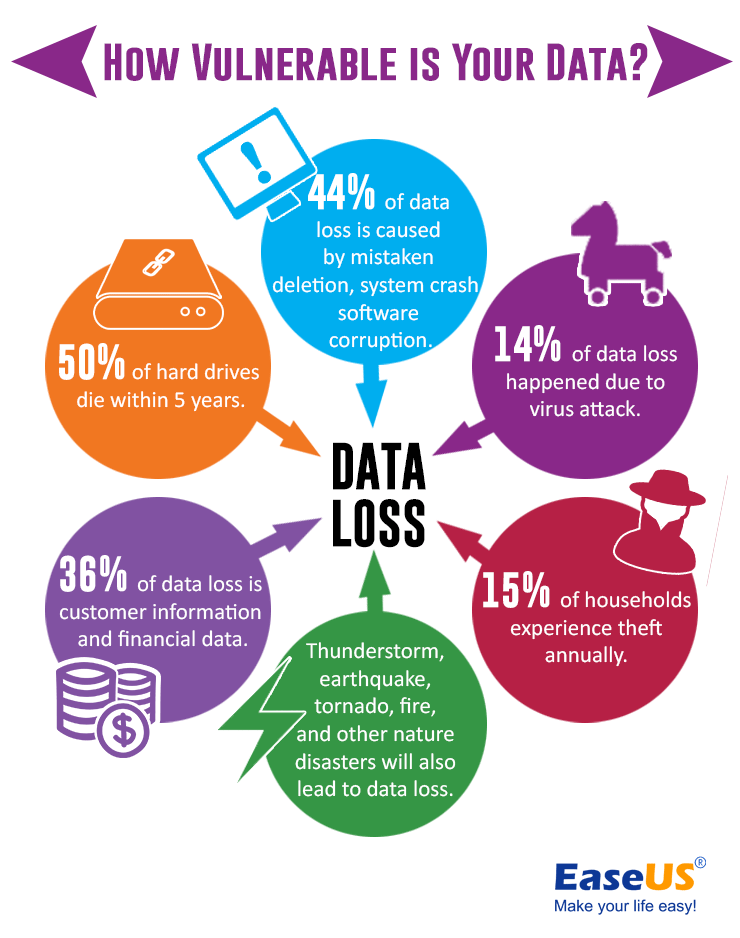
It can do full system back up in few simple steps. That means that it can restore your operating system to the state before the deletion or virus or any other problem that destroyed it. Besides this it can do various different types of back up. Of course the file back up is the core of the software. Every folder or specific files will be backed up. But you can also integrate it with Microsoft Volume Shadow and back up any file that is in use and perform open files back up. It is a great solution for full backup, it backs up anything you may or may not need.
Also it does the backup smartly, and it backs up the disks or volumes. Most importantly it does the backup quietly and fast because when changes occur in the large files, it backs up only the changes and not the whole large files. This is due the block-level disk imaging.
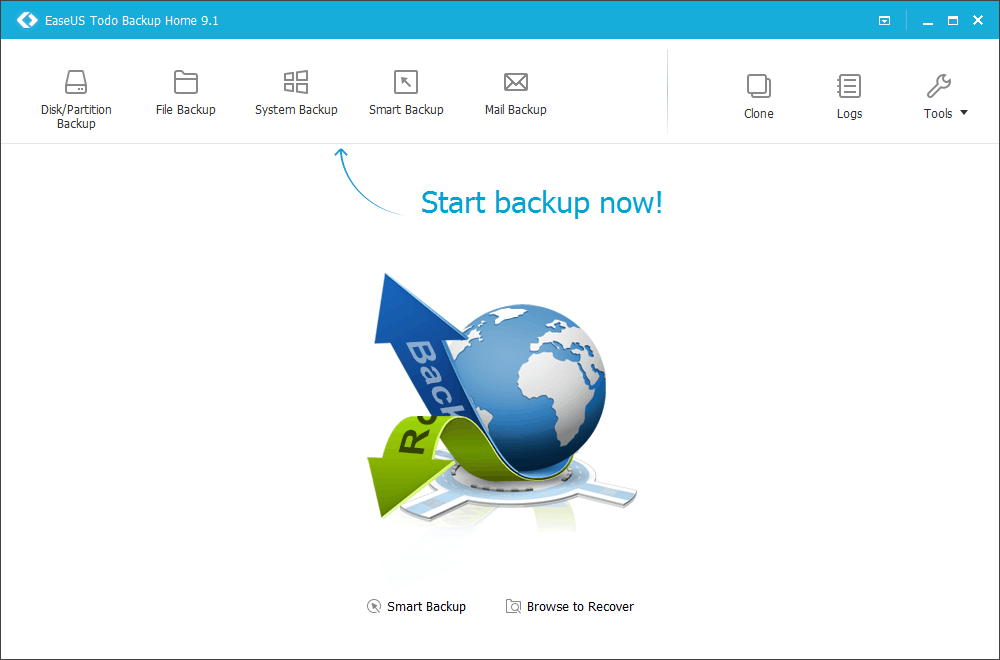
Of course, you can easily recover your files, volumes, folders and the whole operating system with EaseUS. But, there are tons of recovery options, besides the basic one. You can perform flexible, selective and pre-os environment restore. But, what makes EaseUS to stand out is also the system migration. You can migrate the system to a SSD without going through the same installation of Windows again.
EaseUS is practically the king of back up, not only because of all these features, but also because of the tons of various backup management tools. Any backup can be viewed, edited, updated, deleted. You can compress the backups to keep them small and light. You can split any back and encrypt them with the 256 bit AES encryption. For each backup there is a log which records everything.
Final thoughts
At the end we would like to state some of the working environments standards it fulfills. For example for the OS migration It supports the latest HDD standard and USB 3.0. Like we said it supports all Windows operating systems after XP including the newest Windows 10. It is available in multiple languages (more than 10). All these makes EaseUS one of the best backup software solutions on the Internet right now.