
Elementary OS 0.3 “Freya” has been released, bringing three new default apps, a new notification system, a redesigned multitasking view, UEFI/SecureBoot support along with many other improvements and over 1,100 bug fixes.
Elementary OS is an Ubuntu-based Linux distribution supported until April 2019. It ships with its own desktop environment, called Pantheon, and its own applications. Elementary OS 0.3 “Freya” is a fast and open replacement for Windows and OS X.
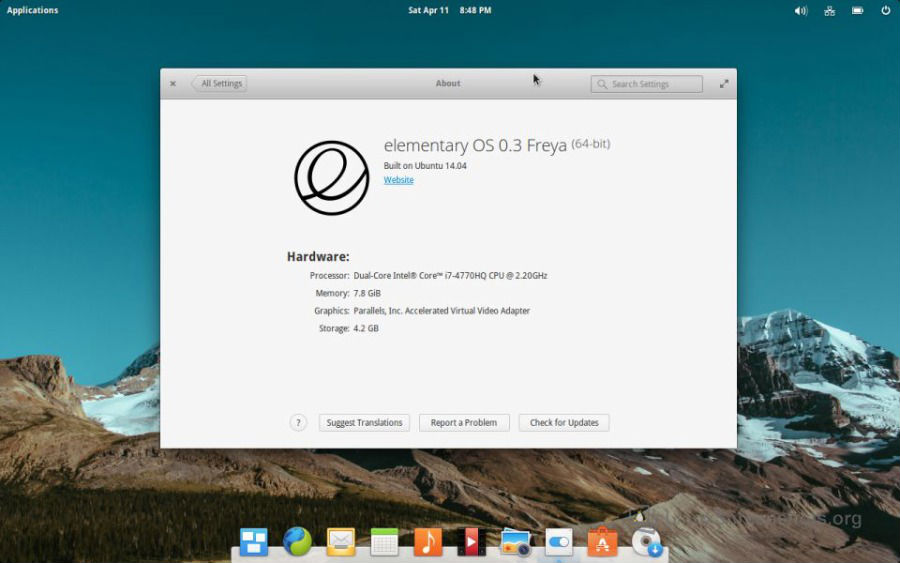
Freya is the latest version of elementary OS, a design-oriented and open source Linux-based operating system for desktops and laptops. It succeeds Luna which was released in August of 2013.
This new release (codenamed Freya) comes packed with over 1,100 fixes, improvements, and new features including:
- A more discoverable, redesigned, and app-focused multitasking view
- New interactive and dismissible notifications, plus a notifications settings pane including a system-wide “Do Not Disturb” mode
- A refined look and feel that includes a refreshed system-wide stylesheet, refreshed icons, space-saving Header Bars, a dark stylesheet for apps, rounded corners on menus and dialogs, improved animations, many new and refined “symbolic” icons, intelligent transparency for the panel, and more.
- Better emoji support & drop-in replacements for Microsoft Core fonts for the web
- A new firewall tool and “privacy mode”
- Much improved Applications menu including support for “quicklist” actions, drag-and-drop from search, and support for quick math calculations
- An updated software stack including Linux 3.16, Gtk 3.14, and Vala 0.26
- UEFI support
- A new captive portal assistant to make connecting to public WiFi easier
- Redesigned Displays, User Accounts, Applications, and Date & Time settings
- Unified login and lock screens
Download elementary OS Freya Here
Please note that the download link asks for a donation, but it’s not mandatory. Simply select ‘Custom’ and enter ‘0’.
If you’re interested in getting involved with the creation of elementary OS, you can visit http://elementary.io/get-involved.
Image via