
Top 5 Desktop Environments for Ubuntu 15.04, Ubuntu 14.04 & Ubuntu 14.10. Install Desktop Environments in Ubuntu – Mate Desktop Environment in Ubuntu, GNOME Desktop Environment in Ubuntu, KDE Plasma Desktop Environment in Ubuntu, Cinnamon Desktop Environment in Ubuntu and Budgie Desktop Environment in Ubuntu.
Install Mate desktop on Ubuntu
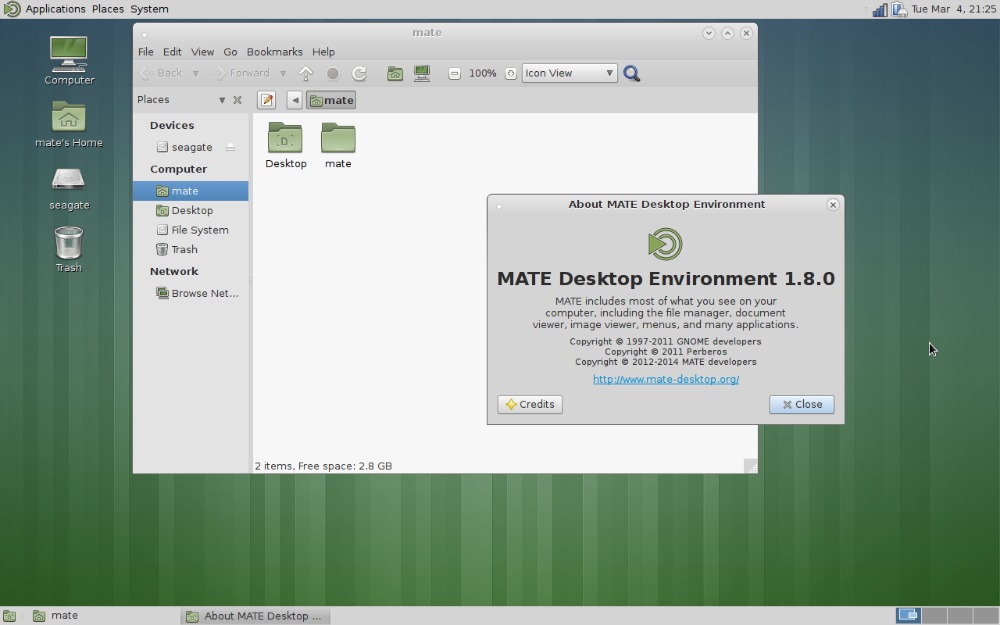
To install Mate in Ubuntu 15.04, Ubuntu 14.10 and Ubuntu 14.04, open a terminal and run the following commands:
sudo apt-add-repository ppa:ubuntu-mate-dev/ppa

sudo apt-add-repository ppa:ubuntu-mate-dev/trusty-mate

sudo apt-get update && sudo apt-get upgrade

sudo apt-get install ubuntu-mate-core ubuntu-mate-desktop
If you wish to uninstall and remove Mate Desktop Environment from Ubuntu Systems, run the following command:
sudo apt-get install ppa-purge

sudo ppa-purge ppa:ubuntu-mate-dev/ppa

sudo ppa-purge ppa:ubuntu-mate-dev/trusty-mate

sudo apt-get remove mate-*

sudo apt-get autoremove
Install GNOME Shell in Ubuntu

Please note that the GNOME is already included in Ubuntu Software Repository. To install GNOME in Ubuntu 15.04, Ubuntu 14.10 and Ubuntu 14.04, open a terminal and run the following commands:
sudo apt-get install gnome-shell

sudo apt-get install ubuntu-gnome-desktop
Please remember to select LightDM, when prompted for it during the installation. You can use Tab button to move between the selections/options and Enter to confirm your option.
If you wish to uninstall and remove Mate Desktop Environment from Ubuntu Systems, run the following command:
sudo apt-get remove gnome-shell

sudo apt-get remove ubuntu-gnome-desktop
Install KDE Plasma in Ubuntu
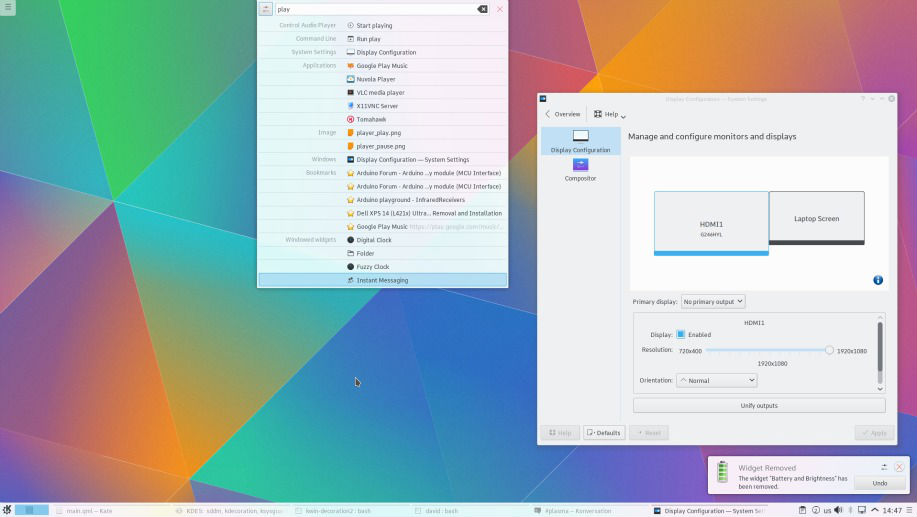
To install KDE Plasma in Ubuntu 15.04, Ubuntu 14.10 and Ubuntu 14.04, open a terminal and run the following commands:
sudo apt-add-repository ppa:kubuntu-ppa/next-backports

sudo apt-get update

sudo apt-get dist-upgrade

sudo apt-get install kubuntu-desktop
Plese remember to select the default display manager default LightDM.
If you iwsh to remove KDE Plasma from Ubuntu and revert the changes, run the following commands:
sudo apt-get install ppa-purge

sudo apt-get remove kubuntu-plasma5-desktop

sudo ppa-purge ppa:kubuntu-ppa/next
Install Cinnamon in Ubuntu

Before you install Cinnamon in Ubuntu 15.04, Ubuntu 14.10 and Ubuntu 14.04, remove Nemo file manager (if you are already using it). To install KDE Plasma in Ubuntu by running the following commands:
sudo add-apt-repository ppa:tsvetko.tsvetkov/cinnamon

sudo apt-get update

sudo apt-get install cinnamon
To uninstall and remove Cinnamon from Ubuntu, run the following commands in Terminal:
sudo apt-get purge cinnamon* nemo-* cjs muffin* python-nemo

sudo rm /etc/apt/sources.list.d/tsvetko_tsvetkov-cinnamon*.list

sudo apt-get update
Install Budgie Desktop in Ubuntu

You can install Budgie using the official PPA from Evolve OS team for Ubuntu and Derivatives. To install, run the following commands in Terminal:
sudo add-apt-repository ppa:evolve-os/ppa

sudo apt-get update

sudo apt-get install budgie-desktop
To remove Budgies Desktop from Ubuntu Systems, run the following command:
sudo apt-get remove budgie-desktop
Using Desktop Environments in Ubuntu 15.04, Ubuntu 14.10 and Ubuntu 14.04
Once you have installed the Desktop Environment, log out or restart the system. Now click on Ubuntu sign on the login screen. You will find the Ubuntu Sign besides the username. Here you’ll see other options (Desktop Enviornments). Choose one of them to use it. This is how you change Desktop Environment in Ubuntu.