
• Skip to primary navigation
  • Skip to main content
  • Skip to primary sidebar
Source Digit

Source Digit

Linux, Ubuntu Tutorials & News, Technology, Gadgets & Gizmos

  • Home
  • How To
  • Ubuntu
  • Instagram
  • Blogging
  • Android
  • WordPress
  • +More
    • Cloud Computing
    • Gadgets
    • Social Media
    • Technology
  • Write for Us
Home / How To / How To Install Enpass Password Manager on Ubuntu 15.04/14.10/14.04

How To Install Enpass Password Manager on Ubuntu 15.04/14.10/14.04

By Sourabh / May 21, 2015 Category: How To, Ubuntu

How to install Enpass Password Manager on Linux Ubuntu 15.04, Ubuntu 14.04 and Ubuntu 14.10. Download Enpass Password Manager PPA for Ubuntu – 32 bit & 64 bit Systems.

Enpass Password Manager takes care of all your life important credentials & online accounts in safe and best way. All your data is secured offline and is encrypted by AES 256 bit Encryption using open-source encryption engine SQLCipher to ensure maximum security.

The manager also comes with a password generator. It generates strong, unique & un-guessable passwords for every login. It features Sync function and Backup and Restore function. You can also import your data from other password managers automatically.
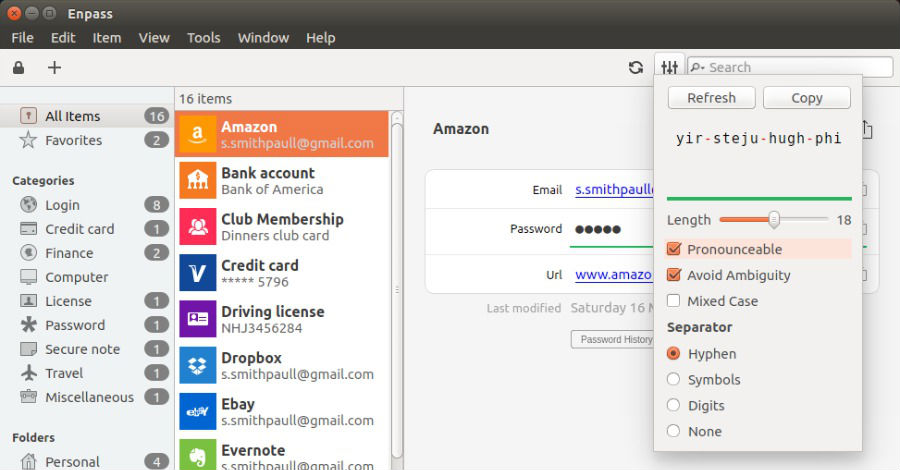
password_generator

The newly released Enpass 4.6.0 is available for 32bit and 64bit Systems and  implements ownCloud/WebDAV support for sync . It also includes the following changes:

  • History of last 5 passwords
  • Improved password Strength detection algorithm
  • Option to change Enpass data Location

Download and Install Enpass Password Manager
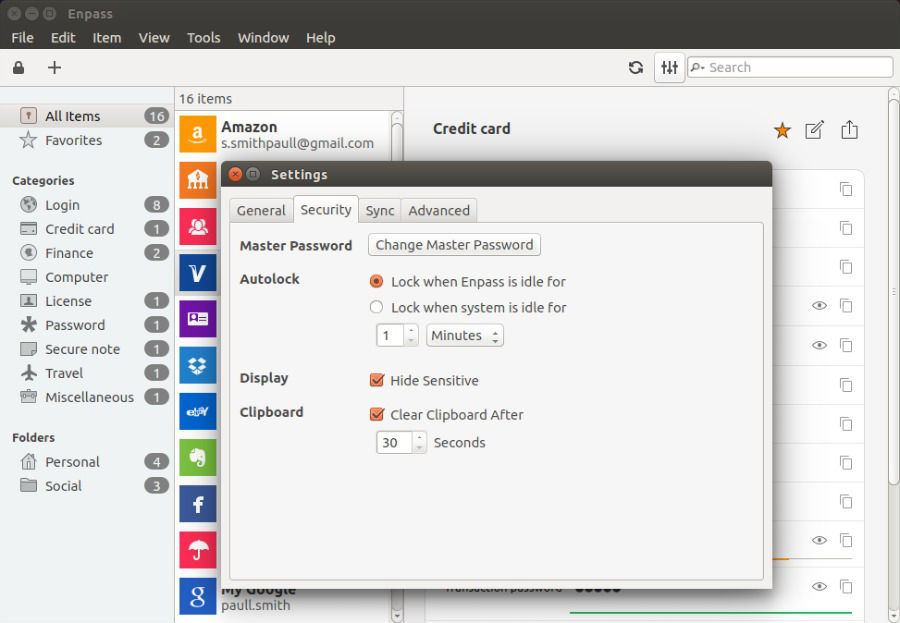
autolock_behavior


Enpass Password Manager can be installed on Debian, Ubuntu and Ubuntu-based distributions, for both 32bit and 64bit via official PPA. Open Terminal and run the following commands to add the repository and install Enpass:

sudo apt-get install curl
curl -s http://repo.sinew.in/keys/enpass-linux.key | sudo apt-key add -
echo "deb http://repo.sinew.in/ stable main" | sudo tee /etc/apt/sources.list.d/enpass.list
sudo apt-get update
sudo apt-get install enpass

Tags: Download and Install Enpass Password Manager, Enpass Password Manager PPA Ubuntu, Install Enpass on Linux, Install Enpass Password Manager, Install Enpass Password Manager Ubuntu 14.04, Install Enpass Password Manager Ubuntu 14.10, Install Enpass Password Manager Ubuntu 15.04, Password Manager Ubuntu, Ubuntu 14.04, Ubuntu 14.10, Ubuntu 15.04, Ubuntu Install Enpass Password Manager

Primary Sidebar

Latest Posts

Delete Directory And Contents Recursively Without Prompt On Linux

Check User Login History In Ubuntu Linux Command Line

Use Locate Command To Find File In Linux Terminal By Name

How To Change Terminal Color In Ubuntu Command Line

How To Run Fsck Manually In Linux To Fix Unexpected Inconsistency

How To Fix Broken Packages On Ubuntu From Terminal

Re Execute The Previous Command In Linux Ubuntu Command Line

How Much RAM Is Needed For Ubuntu PC

How To Find Large Files And Directories In Linux Command Line

How To Use Clear Command History In Linux Terminal

© 2026 Source Digit • Linux, Ubuntu Tutorials & News, Technology, Gadgets & Gizmos

  • Home
  • About
  • Privacy Policy
  • Terms & Conditions
  • Contact Us
  • Sitemap