Install Wajig, the unified package management (front-end) for Debian and Ubuntu Systems. Wajig is a powerful alternative to APT Package Manager.
Wajig can be used similar to “apt-get” command. Once installed, users can run a command by typing “wajig” instead of “apt-get”. Wajig can be run as a normal user, but for a privileged command it will ask for the root user’s password. It can also run such commands using sudo or directly as root.
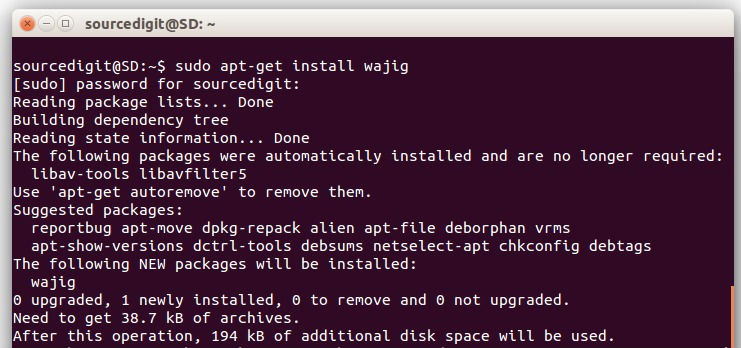
To install Wajig on Ubuntu Systems, run the following command
sudo apt-get install wajig
wajig provides a simplified interface to many of the system administration tasks of Debian GNU/Linux. In its simplest form you can run the command line wajig as:
wajig [options] [command] [packages|files] …
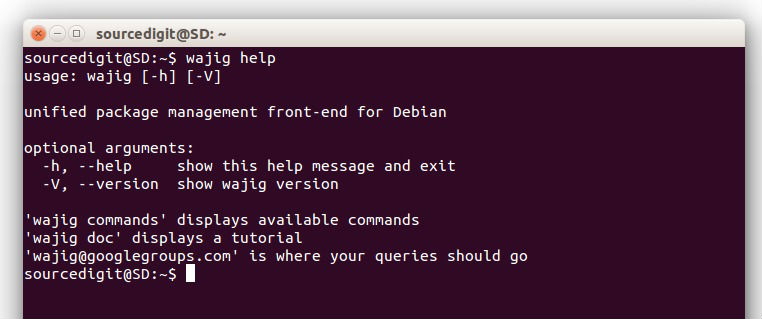
For a list of common commands use ‘wajig help’. For a list of all commands use `wajig commands’.
$ wajig help
The output of the command is: (screenshot)
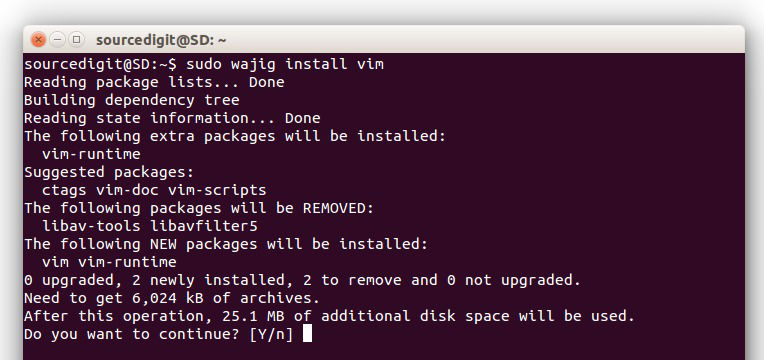
Once installed, wajig can be used to perform all kinds of system task from CLI. For example, to install “vim” using wajig, run the following command:
$ sudo wajig install vim
and to remove “vim” using wajig:
$ wajig remove vim
The wajig command can be used to perform all the major system tasks which were used via apt-get command. You can perform system update or upgrade in the regular way.
update – Update the list of down-loadable packages
upgrade – Upgrade all of the installed packages or just those listed
new-upgrades – List packages newly available for upgrading
dist-upgrade – Upgrade to new distribution (installed and new rqd packages)
Wajig command can also be used via command line Interface. The CLI run commands inside the Prompt. You can easily switch to Wajig’s CLI. Run the following command to do so:
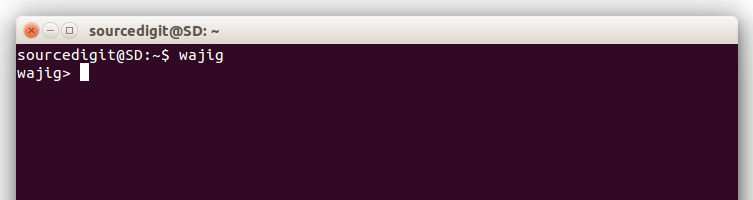
$ wajig
As soon as you type the above command, you will enter into Wajig’s CLI interface. The CLI screen will look like: