
Download and install the latest Firefox 39.0.3. Terminal commands to install Firefox 39.0.3 on Ubuntu 15.04, Ubuntu 14.04 and Derivatives. Although the latest release version, Firefox 39.0.3 brings only various security fixes and improvements, the Firefox version 39.0+ includes the following changes.
1. New
- Share Hello URLs with social networks
- Project Silk: Smoother animation and scrolling (Mac OS X)
- Support for new Unicode 8.0 skin tone emoji
- SafeBrowsing malware detection lookups enabled for downloads (Mac OS X and Linux)
- Support for ‘switch’ role in ARIA 1.1 (web accessibility)
2. Changed
- Removed support for insecure SSLv3 for network communications
- Performance of displaying dashed lines is improved (Mac OS X)
- Malware detection service for downloads now covers common Mac file types
3. Fixed
- Fix incomplete downloads being marked as complete by detecting broken HTTP1.1 transfers
- Fixed an issue where a Hello conversation window would sometimes fail to open
- A regression that could lead to Flash not displaying has been fixed
- Improve performance of IPv6 fallback to IPv4
- Security state indicator on a page now correctly ignores loads caused by previous pages
- Various security fixes
Install Firefox 39 on 32 bit Linux Ubuntu Systems
Run the following commands to install Firefox 39 web browser on 32 bit Linux Ubuntu systems:
$ wget ftp.mozilla.org/pub/mozilla.org/firefox/releases/39.0.3/linux-i686/en-US/firefox-39.0.3.tar.bz2

$ tar -xjvf firefox-39.0.3.tar.bz2

$ sudo rm -rf /opt/firefox*

$ sudo mv firefox /opt/firefox

$ sudo ln -sf /opt/firefox/firefox /usr/bin/firefox
Install Firefox 39 on 64 bit Linux Ubuntu Systems
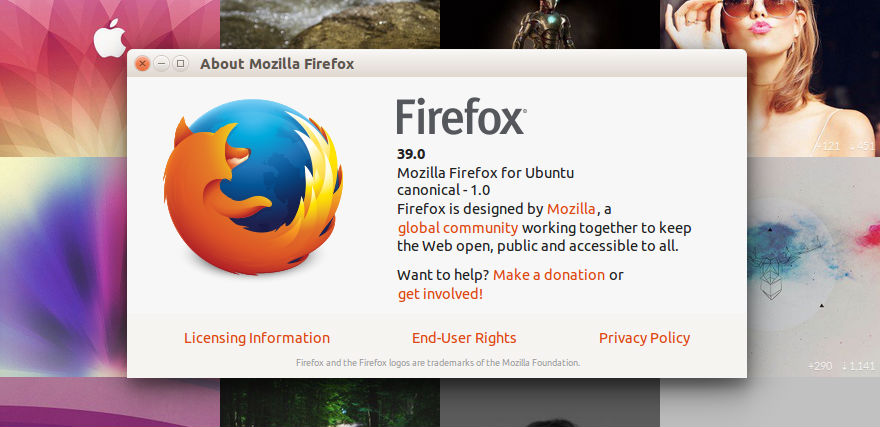
Run the following commands to install Firefox 39 web browser on 64 bit Linux Ubuntu systems:
$ wget ftp.mozilla.org/pub/mozilla.org/firefox/releases/39.0.3/linux-x86_64/en-US/firefox-39.0.3.tar.bz2

$ tar -xjvf firefox-39.0.3.tar.bz2

$ sudo rm -rf /opt/firefox*

$ sudo mv firefox /opt/firefox

$ sudo ln -sf /opt/firefox/firefox /usr/bin/firefox
Once installed, you can open and start Firefox 39 from Ubuntu Dash or via Terminal. Simply, open a terminal, type firefox and press enter.