
Firefox 40.0.3 web browser released with various security fixes. Terminal commands to install Mozilla Firefox 40 on Ubuntu 15.04, Ubuntu 14.04 and Derivatives.
Mozilla Firefox is one the most popular Internet/web browsers. Firefox 40.0.3 is the latest version available and brings the following changes:
- Disable the asynchronous plugin initialization
- Fix a segmentation fault in the GStreamer support (GNU/Linux)
- Fix a regression with some Japanese fonts used in the field
- On some sites, the selection in a select combox box using the mouse could be broken
- Some search partner codes were missing
- Various security fixes
Install Firefox 40.0.3 on Ubuntu
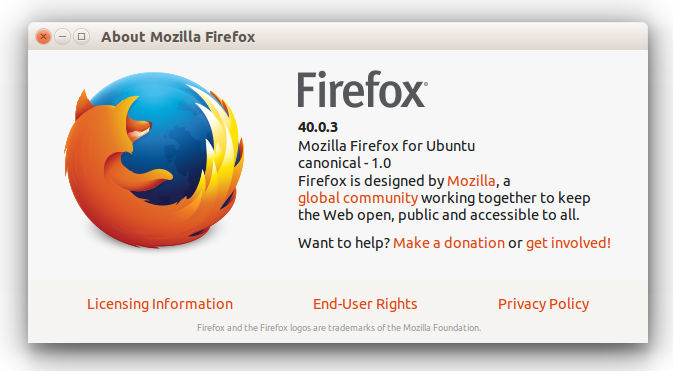
Firefox 40.0.3 is the latest version available and can be installed on Linux Ubuntu Systems. As you must know that Mozilla web browser does not provide an official PPA. Firefox can be installed via pre-compiled libraries (Mozilla FTP).
To install the latest release of Mozilla Firefox, run the following commands in Terminal:
Install Firefox on 32 Bit Linux Ubuntu Systems:
$ wget https://ftp.mozilla.org/pub/mozilla.org/firefox/releases/40.0.3/linux-i686/en-US/firefox-40.0.3.tar.bz2

$ tar -xjvf firefox-40.0.3.tar.bz2

$ sudo rm -rf /opt/firefox*

$ sudo mv firefox /opt/firefox

$ sudo ln -sf /opt/firefox/firefox /usr/bin/firefox
Install Firefox on 64 Bit Linux Ubuntu Systems:
$ wget https://ftp.mozilla.org/pub/mozilla.org/firefox/releases/40.0.3/linux-x86_64/en-US/firefox-40.0.3.tar.bz2

$ tar -xjvf firefox-40.0.3.tar.bz2

$ sudo rm -rf /opt/firefox*

$ sudo mv firefox /opt/firefox

$ sudo ln -sf /opt/firefox/firefox /usr/bin/firefox
Once installed, start Firefox from Ubuntu Dash. You can also type firefox and press enter in terminal.