
• Skip to primary navigation
  • Skip to main content
  • Skip to primary sidebar
Source Digit

Source Digit

Linux, Ubuntu Tutorials & News, Technology, Gadgets & Gizmos

  • Home
  • How To
  • Ubuntu
  • Instagram
  • Blogging
  • Android
  • WordPress
  • +More
    • Cloud Computing
    • Gadgets
    • Social Media
    • Technology
  • Write for Us
Home / How To / How To Install Docky 2.2.1.1 On Ubuntu 15.10 & Ubuntu 14.04

How To Install Docky 2.2.1.1 On Ubuntu 15.10 & Ubuntu 14.04

By Sourabh / December 5, 2015 Category: How To, Ubuntu

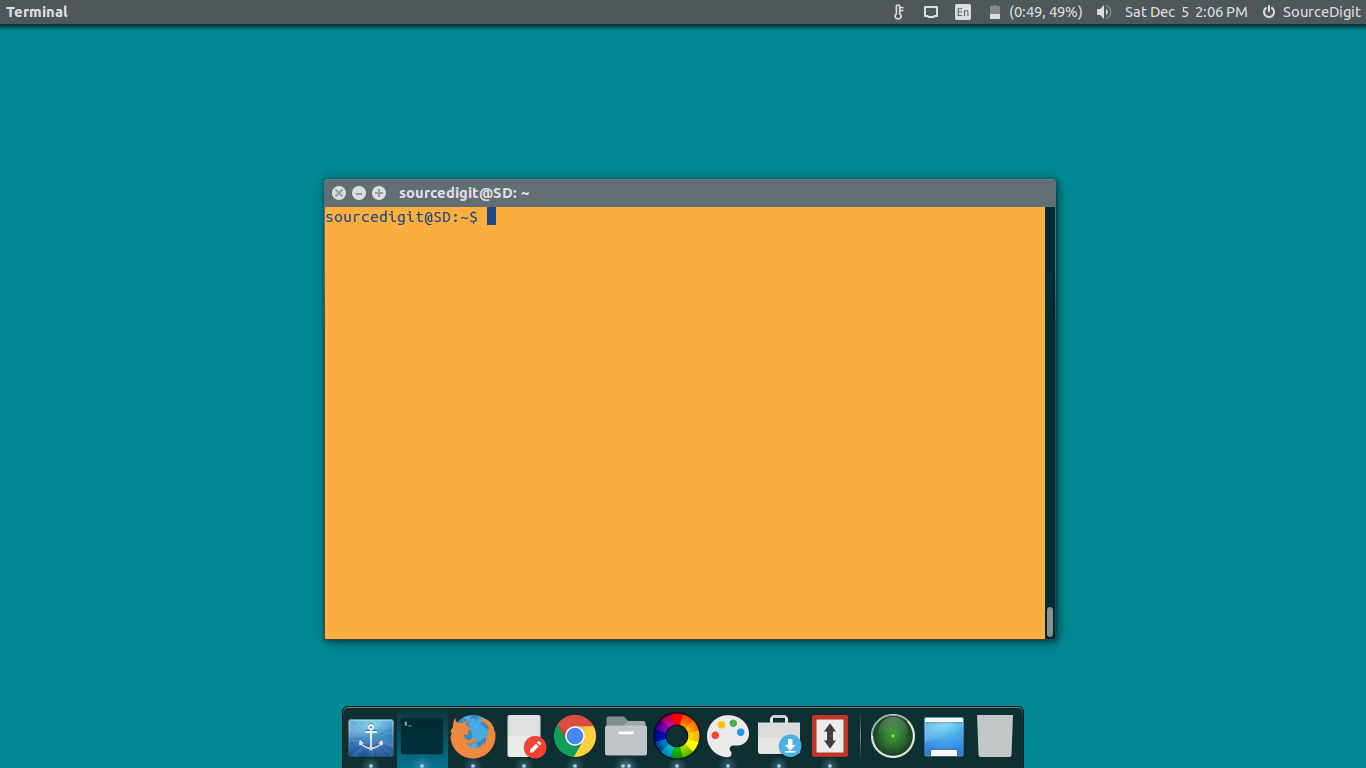
How to install Docky 2.2.1.1 on Ubuntu 15.10 and Ubuntu 14.04. Docky is an advance launcher app, a full fledged dock application for Ubuntu Systems. Docky makes opening common applications and managing windows easier and quicker. Docky is fully integrated into the GNOME Desktop and features a no non-sense approach to configuration and usage. It just works.
docky-ubuntu

Docky is an advanced shortcut bar that sits at the edges of your screen. It provides easy access to some of the files, folders and applications on your computer, displays which applications are currently running, holds windows in their minimized state and more.

How To Install Docky On Ubuntu
install-docky

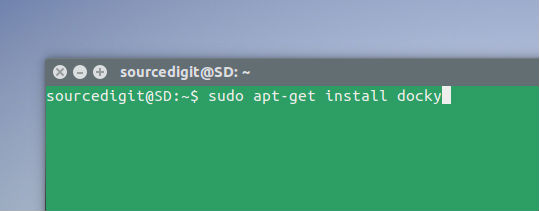
To install Docky on Ubuntu Systems run the following commands:

How To Install Docky On Ubuntu 15.10

$ sudo apt-get update
$ sudo apt-get install docky

How To Install Docky On Ubuntu 14.04, Linux Mint

$ sudo add-apt-repository ppa:docky-core/stable
$ sudo apt-get update
$ sudo apt-get install docky

Uninstall Docky From Ubuntu

If you aren’t happy with the Docky, you can uninstall it via running the following command:

$ sudo apt-get remove docky

Tags: Docky - Ubuntu PPA, Docky 2.2.1.1 On Ubuntu 14.04, Docky 2.2.1.1 On Ubuntu 15.10, How To Install Docky 2.2.1.1 On Ubuntu 15.10, How To Install Docky On Ubuntu, How To Install Docky On Ubuntu 14.04, How To Install Docky On Ubuntu 15.10, Ubuntu PPA Docky

Primary Sidebar

Latest Posts

Delete Directory And Contents Recursively Without Prompt On Linux

Check User Login History In Ubuntu Linux Command Line

Use Locate Command To Find File In Linux Terminal By Name

How To Change Terminal Color In Ubuntu Command Line

How To Run Fsck Manually In Linux To Fix Unexpected Inconsistency

How To Fix Broken Packages On Ubuntu From Terminal

Re Execute The Previous Command In Linux Ubuntu Command Line

How Much RAM Is Needed For Ubuntu PC

How To Find Large Files And Directories In Linux Command Line

How To Use Clear Command History In Linux Terminal

© 2026 Source Digit • Linux, Ubuntu Tutorials & News, Technology, Gadgets & Gizmos

  • Home
  • About
  • Privacy Policy
  • Terms & Conditions
  • Contact Us
  • Sitemap