
Corebird 1.2 Twitter Client for Linux Ubuntu. Install Corebird Twitter Client on Ubuntu 15.10, Ubuntu 15.04, Ubuntu 14.04 and Derivatives. Corebird is a native Gtk+ Twitter client for Linux Desktops. Corebird 1.2 is the latest version of the Corebird Twitter client.

Corebird 1.2 has been released with the following changes:
- Inline media and avatars are no longer cached on disk
- Videos now indicate download progress showing a preview thumbnail with a circular progress overlay
- We download higher-resolution avatars on HiDPI displays now
- The build system usage has seen a major refactoring an cleanup, thanks to Rico Tzschichholz
- The sidebar is now at the top and dark
- Favorites now us a heart icon
- Sending tweets is now cancellable (e.g. when multiple images are attached, in which case it might take a while)
- Inline media are now displayed “full-size”, scaled to the current window size.
- Instagram videos are now correctly marked as videos, instead of was images
- If you have GTK+ >= 3.19, there’s now a GtkShortcutsWindow accessible from the app menuexplaining the various keyboard shortcuts. Note that Corebird still compiles and runs with GTK+ 3.16
- The big “add media” button in the compose window has been replaced with a regular text button. The added images are scaled down and displayed below it
- You can quote your own tweets now
- The settings dialog now contains a setting to hide “inappropriate content”, and it is enabled by default.
- The file selection dialog in the compose window now keeps you from selecting files > 3MB.
Install Corebird in Ubuntu

Open Terminal and run the following commands to install Corebird Twitter Client on Ubuntu Systems:
sudo add-apt-repository ppa:ubuntuhandbook1/corebird

sudo apt-get update

sudo apt-get install corebird
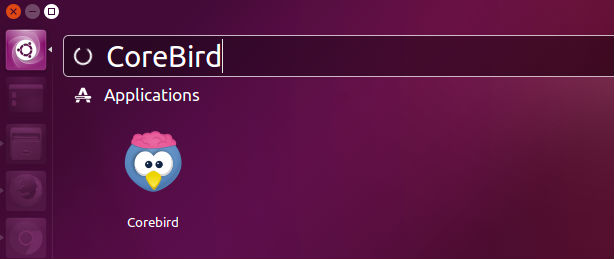
Once installed, you can open Corebird via Ubuntu Dash. For the first time, you will have to authorise the Corebird App to use it with your Twitter account. To authorise the app, follow the on-screen instructions.
To use Corebird, you will have to authorise your Twitter account.