
Install GnuCash Accounting Software on Ubuntu 15.10, Ubuntu 15.04, Ubuntu 14.04 and Ubuntu 14.10 Systems. GnuCash is a personal and small-business financial-accounting software, freely licensed under the GNU GPL and available for GNU/Linux, Mac OS X and Windows. Designed to be easy to use, yet powerful and flexible, GnuCash allows you to track bank accounts, stocks, income and expenses. As quick and intuitive to use as a checkbook register, it is based on professional accounting principles to ensure balanced books and accurate reports.
Features:
- Double-Entry Accounting
- Stock/Bond/Mutual Fund Accounts
- Small-Business Accounting
- Reports, Graphs
- QIF/OFX/HBCI Import, Transaction Matching
- Scheduled Transactions
- Financial Calculations
GnuCash 2.6.11 is the latest version available of the GnuCash finance software. GnuCash 2.6.11 brings the following changes and fixes:
Between 2.6.10 and 2.6.11, the following bugfixes were accomplished:
- Bug 680104 – Scheduled Tranaction formula not calculated when variables are mixed with constants.
- Bug 756335 – When importing, date selection causes exit crash.
- Bug 759570 – Postponing a repeating SX skips over the instance.
- Bug 759674 – GNUCash crashes when importing invoices or bills with delimited import.
- Bug 759859 – Reconcilation does not convert transactions’ currency to the main one making reconcilation impossible.
- Bug 760052 – missing flag translatable in Custom Report.
- Bug 760079 – Translations comments: Remove translatable flag from placeholder labels in dialog date-close.
- Bug 760398 – Cancelling the creation of a duplicate bill or invoice doesn’t reset the invoice number counter
Some other fixes not associated with reported bugs:
- Add Account.AssignLots to python bindings.
- Allow panel that provides information about TXF categories to be adjusted by the user in the Income Tax Information dialog under Edit->Tax Report Options.
- Minor improvement to information provided about TXF categories in the Income Tax Information dialog under Edit->Tax Report Options.
Translations Updated: German.
Install GnuCash 2.6.11 on Ubuntu
Run the following commands to download and install GnuCash on Ubuntu 15.10, Ubuntu 14.04, Ubuntu 15.04, Ubuntu 14.10 and Ubuntu Derivatives:
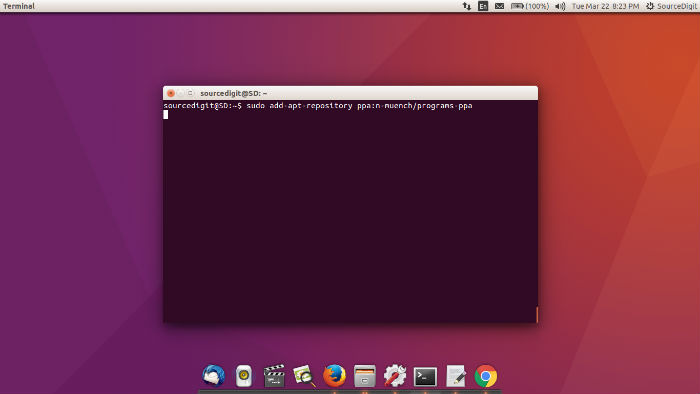
$ sudo add-apt-repository ppa:n-muench/programs-ppa

$ sudo apt-get update

$ sudo apt-get install gnucash
Once installed, open the GnuCash via Ubuntu Dash or Menu.
If you wish to uninstall and remove the GnuCash from Ubuntu Systems, run the command:
$ sudo apt-get remove gnucash