
Download and Install Blender on Ubuntu, via PPA. How to install Blender 3D content-creation program on Linux Ubuntu 15.10, Ubuntu 15.04, Ubuntu 14.04 and Ubuntu 14.10 Systems. Blender is a fully integrated 3D content creation suite, offering a broad range of essential tools, including Modeling, Rendering, Animation, Video Editing, VFX, Compositing, Texturing, Rigging, many types of Simulations, and Game Creation.
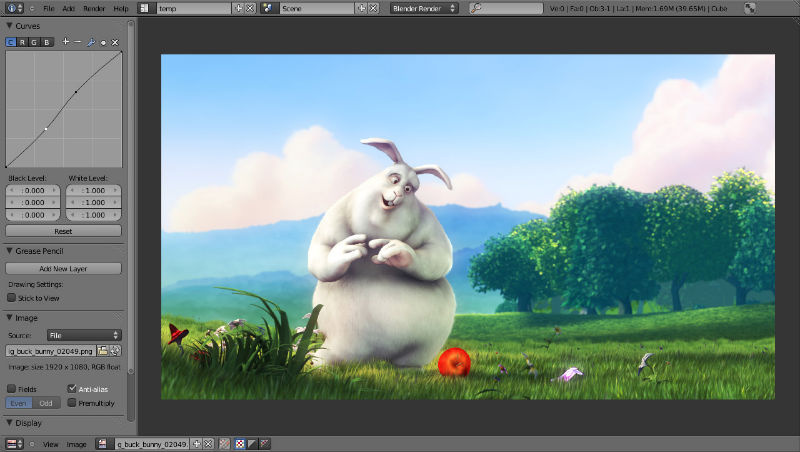
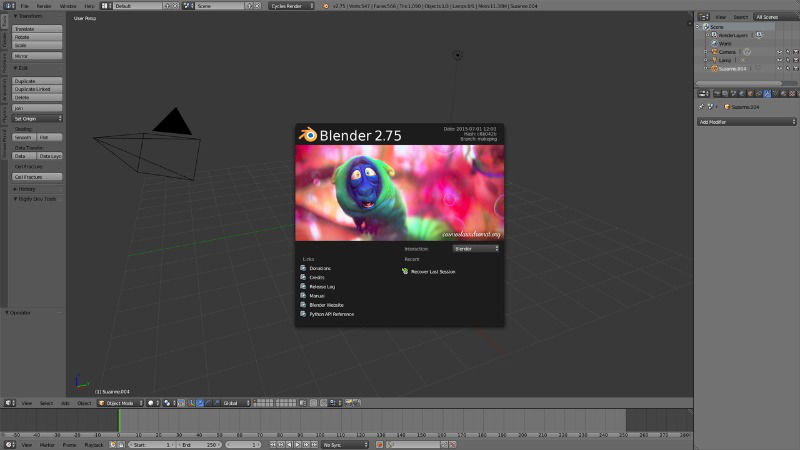
Blender software supports cross platform, with an OpenGL GUI that is uniform on all major platforms (and customizable with Python scripts). It supports high-quality 3D architecture enabling fast and efficient creation work-flow.
Blender 3D software has many other powerful features such as:
- Photorealistic Rendering
- Fast Modeling
- Realistic Materials
- Fast Rigging
- Animation toolset
- Sculpting
- Fast UV Unwrapping
- Full Compositor
- Amazing Simulations
- Camera and Object tracking
- Library of Extensions
- Video Editing
- Flexible Interface
Blender 2.77 is the latest version available of the Blender 3D software. Blender 2.77 has been released with the following changes and fixes.
Cycles Rendering
- Improved Subsurface Scattering, and faster SSS on GPUs.
- Smoke/Fire and Point Density support on GPU.
- Customizable motion blur position, support for rolling shutter.
- Custom baking passes.
- Performance optimizations for large node shaders.
- Improved default settings.
Modeling
- Symmetry aware decimate.
- Edit-mode booleans.
- Select next/previous tool.
- Optionally add UVs with primitives.
Sculpting
- Improvements sculpt to snake-hook (rake and pinch/inflate options).
- Better behavior for weight paint auto-normalize option.
- Better behavior for weight paint multi-paint option.
More Features
- OpenVDB support for more efficient volumetric caching.
- Better threading handling.
- Cubemap world textures in the 3D view-port.
- Rectangle and ellipse shapes for spotlights.
Install Blender on Ubuntu

Run the following commands in Terminal to install Blender 3D content-creation program on Linux Ubuntu 15.10, Ubuntu 15.04, Ubuntu 14.04 and Ubuntu 14.10 Systems:
$ sudo add-apt-repository ppa:thomas-schiex/blender

$ sudo apt-get update

$ sudo apt-get install blender
Once installed, open the Blender software from Ubuntu Dash or Terminal.
If you want to uninstall and remove Blender, run the command given below:
$ sudo apt-get remove blender