
How To Install Snap Packages In Ubuntu 16.04. Use Snap Packages In Ubuntu 16.04 to install snap packages alongside traditional deb packages.
What are Snap packages?
In Ubuntu 16.04 LTS we will make it possible to install snap packages alongside traditional deb packages. These two packaging formats live quite comfortably next to one another and enable us to maintain our existing processes for development and updates to the OS. This reinforces our relationship with the Debian community and it enables developers and communities to publish either debs or snaps for the Ubuntu audience.
Snap packages enable developers to bring much newer versions of apps to Ubuntu 16.04 LTS. Newer versions of KDE, GNOME, browser or other desktop environment apps will usually build easily on older LTS releases but the complexities of packaging and providing updates have prevented us from delivering them in the past.
A .snap package for the Ubuntu Core system contains all its dependencies. This has a couple of advantages over traditional deb or rpm based dependency handling, the most important being that a developer can always be assured that there are no regressions triggered by changes to the system underneath their app. Snapcraft makes bundling these dependencies easy by allowing you to specify them as “parts” in the snapcraft.yaml file.
- https://insights.ubuntu.com/2016/04/13/snaps-for-classic-ubuntu/
- https://developer.ubuntu.com/en/snappy/build-apps/
Snap Packages In Ubuntu 16.04
Snap is similar to the popular “apt-get” command we use to install applications in Ubuntu.
Find Snap Packages In Ubuntu 16.04
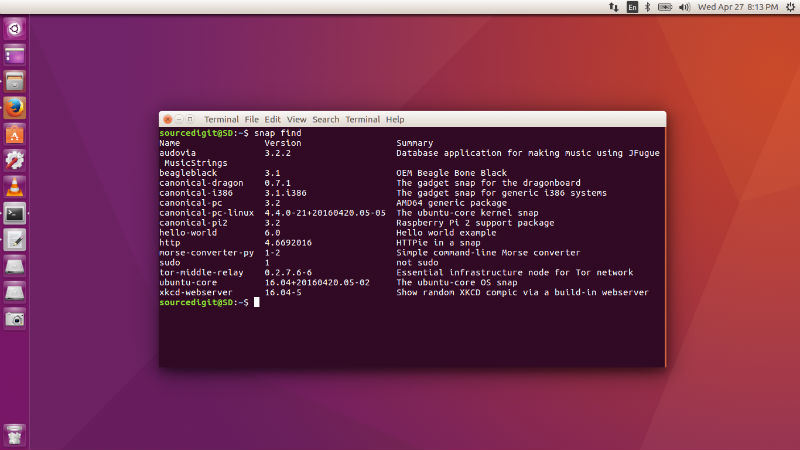
Before we use the specific snap package, we must list all the Snap packages available for the Ubuntu system. To find all the available snap packages, run the following command in Terminal:
snap find
Install Snap Packages In Ubuntu 16.04
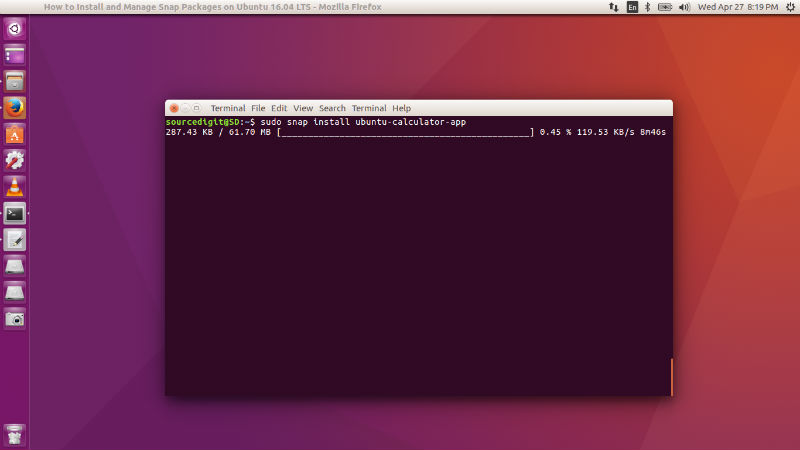
To install a snap package in Ubuntu 16.04, run the following command. Please note that you will have to specify the snap package name and must run the command with root privileges (sudo).
sudo snap install PACKAGE NAME
Refresh/Upgrade Snap Packages In Ubuntu 16.04
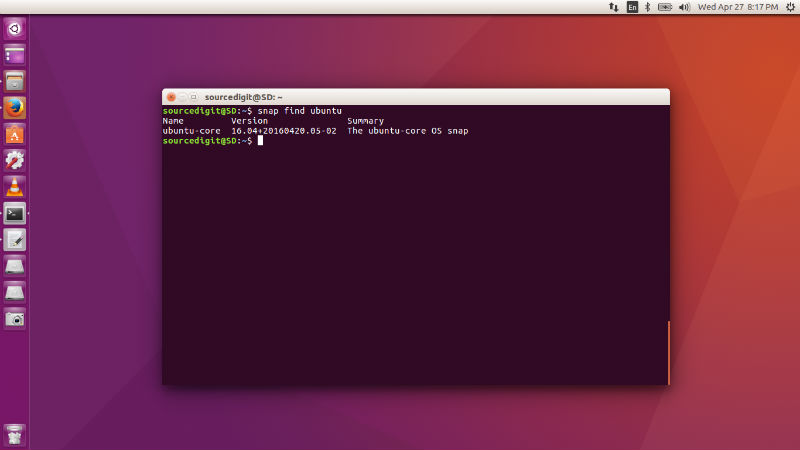
To refresh or upgrade a snap package in Ubuntu 16.04, run the following command. Please note that you will have to specify the snap package name and must run the command with root privileges (sudo).
sudo snap refresh PACKAGE NAME
Remove Snap Packages In Ubuntu 16.04
To remove and uninstall a snap package in Ubuntu 16.04, run the following command. Please note that you will have to specify the snap package name and must run the command with root privileges (sudo).
sudo snap remove PACKAGE NAME
List All Installed Snap Packages In Ubuntu 16.04
Once you find the desired snap package, you can easily install a Snap package using following the command:
snap list
MAN (Help) For Snap Packages In Ubuntu 16.04
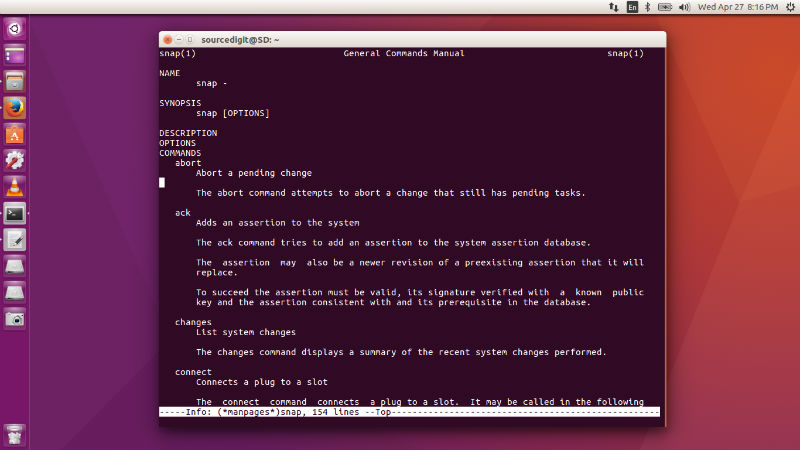
To get help or info for snap in Ubuntu 16.04, run the command “man snap” or “info snap” in Terminal.