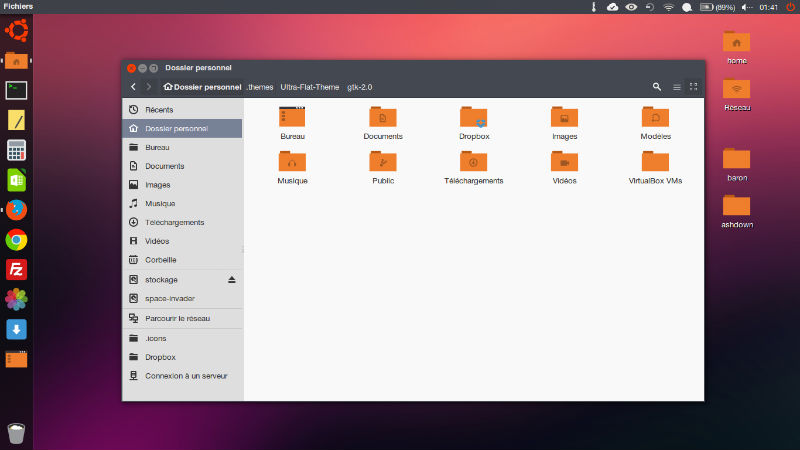
How to install Themes in Ubuntu 16.04, Ubuntu 15.10, Ubuntu 14.04 and Ubuntu 15.04. Change Unity Desktop themes on Ubuntu with Ubuntu/Gnome Tweak Tool or via Terminal Commands. You can download and install custom themes in Ubuntu 15.04/14.10/14.04.
There are two ways to download and install themes in Ubuntu:
- Install Themes via PPA – Run terminal commands to install themes via PPA using Terminal commands
- Install Themes Manually – Download the custom theme file and install them manually
To use the downloaded Ubuntu theme:
- Extract or move the theme to usr/share//themes directory. For security reasons, Themes folder is restricted to use. Luckily, you can also create a folder in your Home directory (name it .theme) and extract the zip archive (downloaded theme) there.
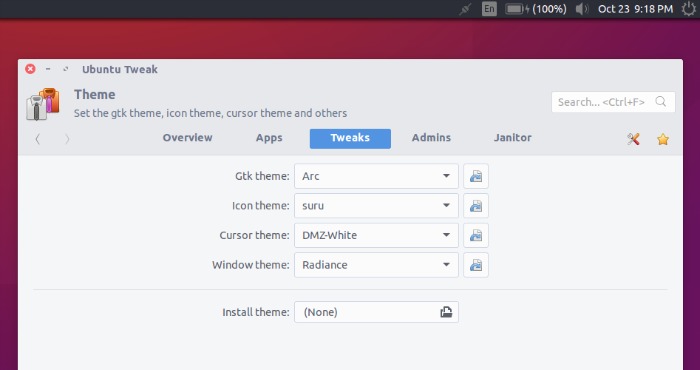
- Use the theme via Ubuntu Tweak Tool. Open Ubuntu Tweak Tool and go to the Tweaks tab, and select the Theme option. Choose the theme you wish to use from the list.
Install themes via a PPA or Terminal Commands
When you install themes via a PPA using Terminal, all you have to do is execute the command and rest is done by the system itself. For example, to install Arc Theme, run the following commands in Terminal:
sudo sh -c "echo 'deb http://download.opensuse.org/repositories/home:/Horst3180/xUbuntu_15.04/ /' >> /etc/apt/sources.list.d/arc-theme.list"

sudo apt-get update

sudo apt-get install arc-theme
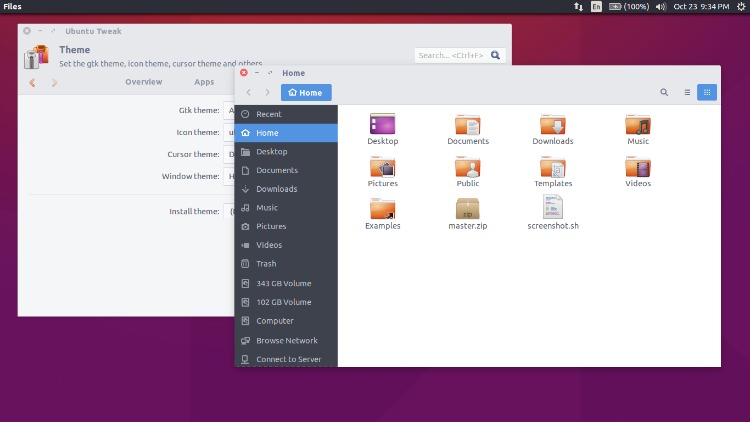
Similarly, you can install paper theme and icons on Ubuntu, via the following commands:
sudo add-apt-repository ppa:snwh/pulp

sudo apt-get update

sudo apt-get install paper-gtk-theme

sudo apt-get install paper-icon-theme
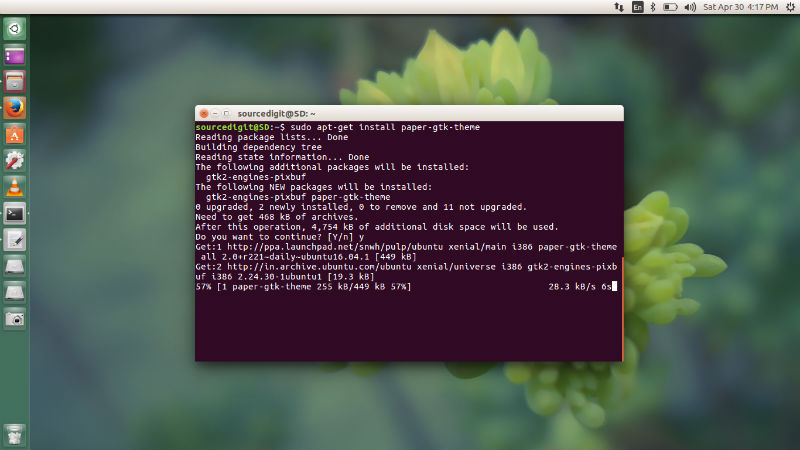
Similarly, you can install Flatabulous theme on Ubuntu via the following commands:
sudo cd /tmp; wget https://github.com/anmoljagetia/Flatabulous/archive/master.zip; unzip master.zip

sudo mv Flatabulous-master /usr/share/themes
Install Themes Manually
If you download the custom theme file, you will have to extract theme file to ~/.themes or /user/share/themes directory. You can directly download the theme files and extract it to the theme folder and use it. You can also use the downloaded custom Theme files manually using Ubuntu configuration tools such as Ubuntu Tweak Tool, Unity Tweak Tool or GNOME Tweak Tool.
For example, you can download Flatabulous Ubuntu Theme from here [Flatabulous : Ubuntu Theme] and install it manually.
Once downloaded extract theme file to ~/.themes or /user/share/themes directory. After extracting the theme files, you can also activate and use Ubuntu theme using Tweak Tools.
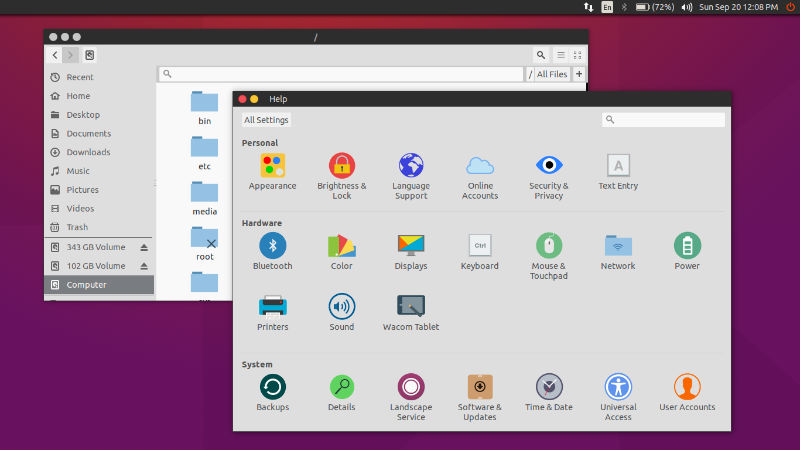
Please note that many Themes doesn’t work properly on older versions of GTK. You will also need GTK2 engine Murrine and GTK2 engine pixbuf for Themes.
Ubuntu Icons
Similarly, you can download and install icons on Ubuntu Systems. Look below for some examples:
Ultra Flat Icons 2.0
http://gnome-look.org/content/show.php/Ultra-Flat?content=167473