
Upgrade and install Kodi media player on Ubuntu 16.04 – XBMC for Ubuntu Systems. How to install Kodi 16.1 “Jarvis” media player on Ubuntu 16.04, via the XBMC Stable PPA.
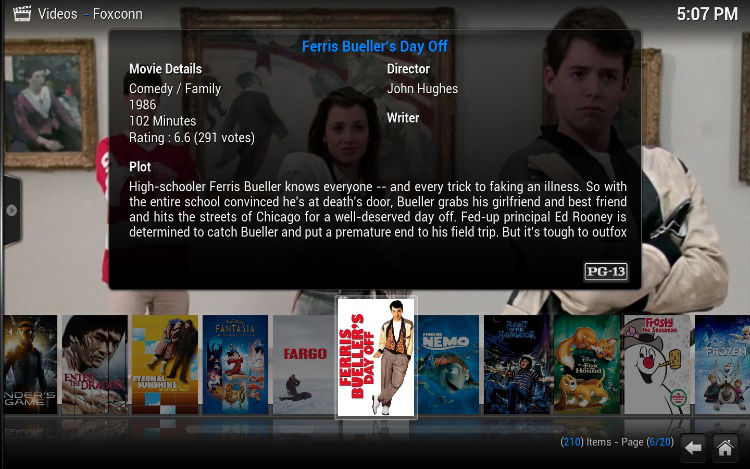
Kodi 16.1 “Jarvis” has been released with the following changes:
- Never cache addons directories
- Fix typo when calculating forced ratio size
- AndroidStorageProvider: Ignore /mnt/runtime and don’t call Exists all the way every some 500 ms as this will affect performance
- Set of fixes for DirectX rendering
- 20% performance gain on opening EPG guide window
- Add missing libgif.so to the Android package
- Fix Kodi freezing if no ADSP add-on is present
- EventServer security fix by only allowing localhost
- Fix possible lockup when entering EPG grid
- Fix possible problems with rendering on Windows
- Fix possible non working key presses after a key long press
- Don’t do a video chapter skip if there’s only one chapter
- Fix possible lock up by increasing timeout to let screensavers properly exit
- Fix render capture (bookmark images) on certain hardware with DXVA
- Fix problem in ZeroConfBrowser that could cause problems on exit
- Fix possible crashes when using VAAPI and DXVA video rendering
- Fix song reported on playback of songs from cuesheet
Install Kodi 16.1 “Jarvis”
Kodi 16.1 “Jarvis” can be easily installed on Ubuntu Systems, via the XBMC Stable PPA. Run the following commands to install Kodi 16.1 music player on Ubuntu 16.04, Ubuntu 15.10, Ubuntu 14.04, Linux Mint and other Ubuntu derivatives:
$ sudo add-apt-repository ppa:team-xbmc/ppa

$ sudo apt-get update

$ sudo apt-get install kodi
Once installed, open Kodi from Ubuntu Dash.
You can also install the encode addon for Kodi media player by running the following command:
$ sudo apt-get install kodi-audioencoder-* kodi-pvr-*
If you aren’t happy with the Kodi media player an diwsh to uninstall it, run the command given below:
$ sudo apt-get remove kodi*