
Best music player for Linux Ubuntu 19.04. A collection of best audio, music player for Ubuntu and Linux Mint Systems. These best music players for Linux are cross platform music player and works as a library organizer too.
Audacious Music Player
Audacious is an open source audio player. Audacious supports drag and drop folders and individual song files, search for artists and albums in your entire music library, or create and edit your own custom playlists. Using Audacious, one can listen to CD’s or stream music from the Internet.
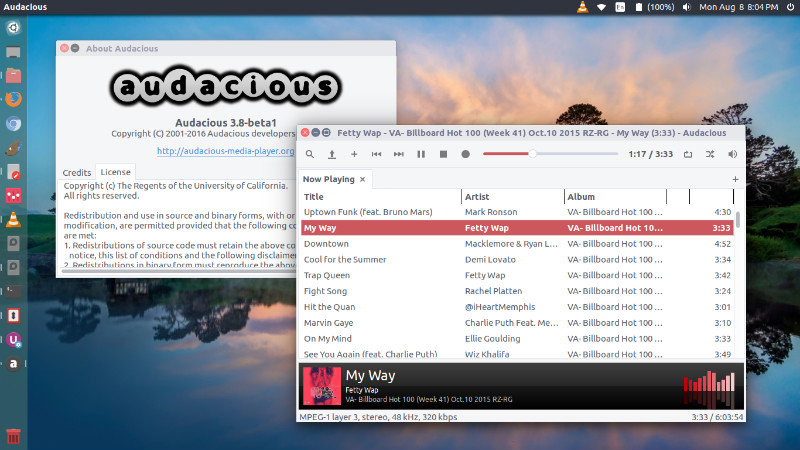
Run the following commands in Terminal to install Audacious on Ubuntu:
sudo add-apt-repository ppa:webupd8team/unstable

sudo apt-get update

sudo apt-get install audacious
Lollypop Music Player
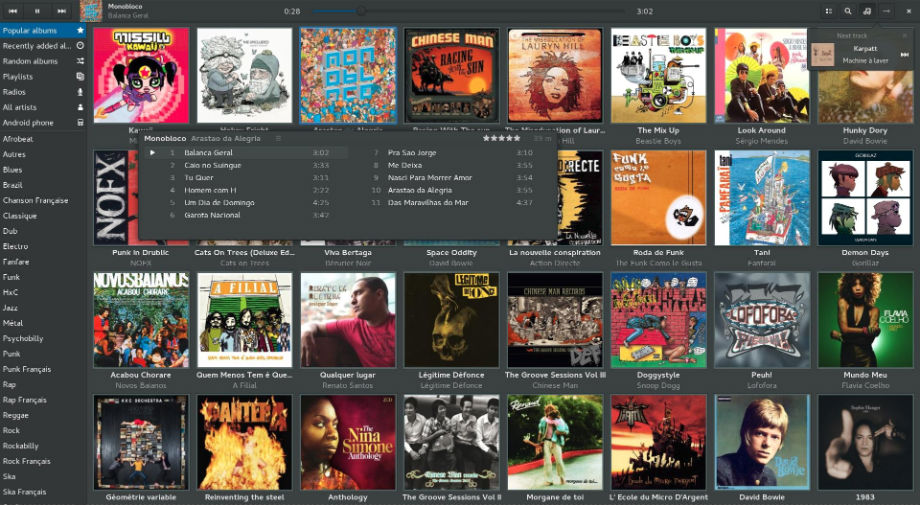
To install Lollypop music player on Ubuntu, run the command given below:
sudo add-apt-repository ppa:gnumdk/lollypop

sudo apt-get update

sudo apt-get install lollypop
Rhythmbox
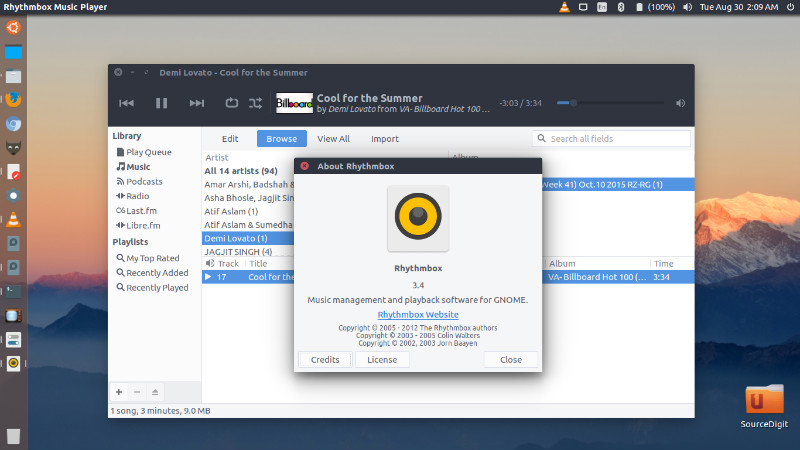
Rhythmbox is an audio player that plays and helps organize digital audio.It comes with the following features:
- Play various format music files from your tagged organized Library.
- Display information on the songs through meta-data reading.
- Display songs in an organized view.
- Create static playlists by dragging and dropping from the Library view.
- Create automatic playlists from criterias.
- Search for songs in the sources list like Library or Playlists.
- Listen to Internet radio stations.
- Read Audio CDs, and retrieve information like track title from the Internet.
- Burn Audio CDs from playlists.
- Transfer music to iPod, MTP and USB Mass Storage music players .
Run the following commands in Terminal to install Rhythmbox 3.4 on Linux Ubuntu Systems:
sudo add-apt-repository ppa:fossfreedom/rhythmbox

sudo apt-get update

sudo apt-get install rhythmbox
Sayonara
Sayonara is a small, clear and fast audio player for Linux Ubuntu written in C++, supported by the Qt framework. It uses Gstreamer as audio backend. Sayoanra comes with a lot of features that can easily work on even big music collections. Sayonara’s main focus during developing has been performance, low CPU usage and low memory consumption.
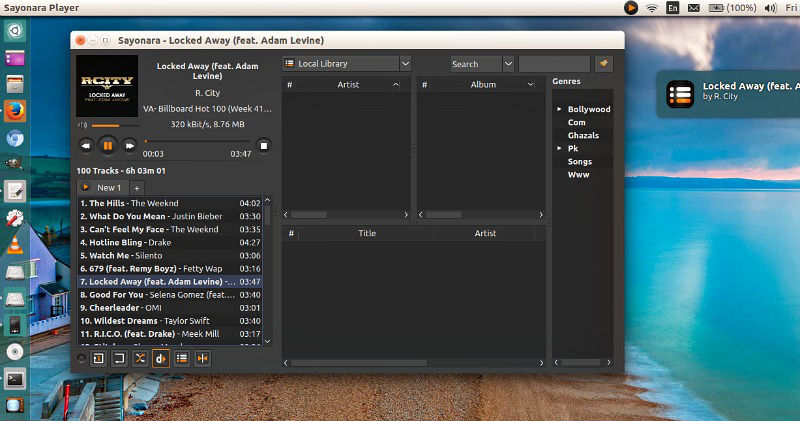
Run the following commands in Terminal to install Sayonara on Ubuntu:
sudo apt-add-repository ppa:lucioc/sayonara

sudo apt-get update

sudo apt-get install sayonara
SMPlayer
SMPlayer media player for Ubuntu comes with built-in codecs and play all audio and video formats. SMPlayer is a free media player for Linux, with built-in codecs that can play virtually all video and audio formats. It doesn’t need any external codecs. Just install SMPlayer and you’ll be able to play all formats without the hassle to find and install codec packs.
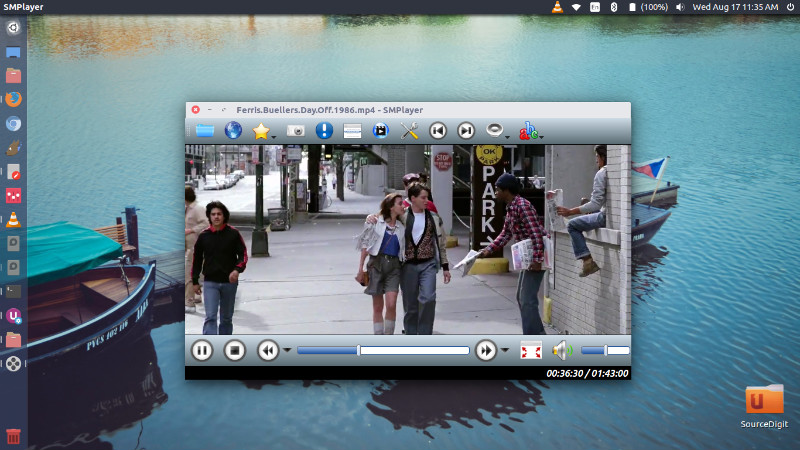
Run the following commands in Terminal to install SMPlayer 16.4.0, via PPA, on Ubuntu:
$ sudo add-apt-repository ppa:rvm/smplayer

$ sudo apt-get update

$ sudo apt-get install smplayer