
Install MPV Player 0.28 Video player on Linux Ubuntu. MPV is a video player based on MPlayer/mplayer2. It supports a wide variety of video file formats, audio and video codecs, and subtitle types. Generally, mpv should work with the latest release as well as the git version of both FFmpeg and Libav. But FFmpeg is preferred, and some mpv features work with FFmpeg only (subtitle formats in particular).
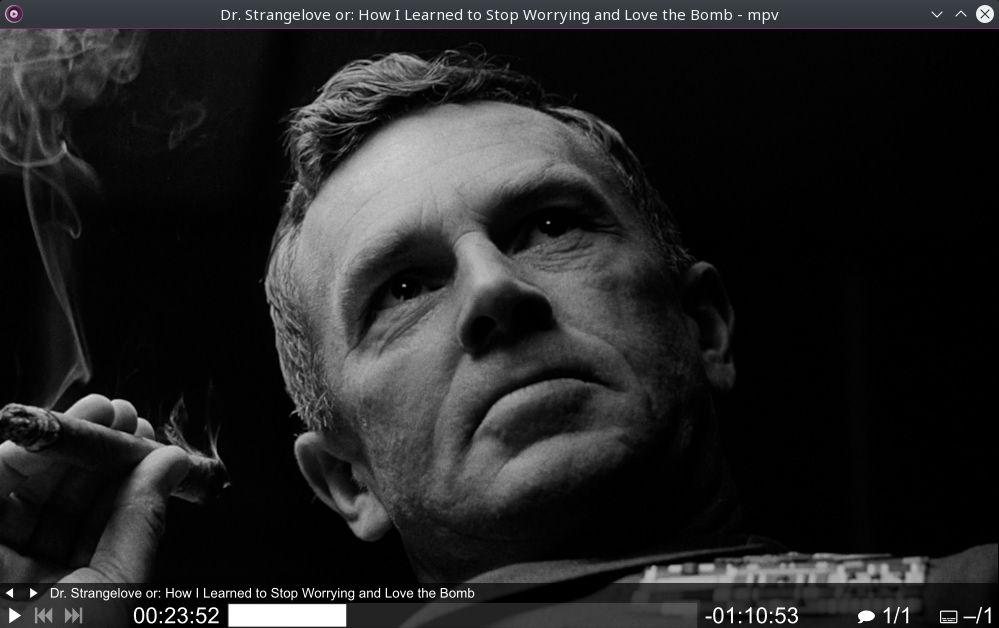
Features:
- Streamlined CLI options – MPlayer’s options parser was improved to behave more like other CLI programs, and many option names and semantics were reworked to make them more intuitive and memorable.
- On Screen Controller – While mpv has no official GUI, it has a small controller that is triggered by mouse movement.
- High quality video output – mpv has an OpenGL based video output that is capable of many features loved by videophiles, such as video scaling with popular high quality algorithms, color management, frame timing, interpolation, HDR, and more.
- GPU video decoding – mpv leverages the FFmpeg hwaccel APIs to support VDPAU, VAAPI, DXVA2, VDA and VideoToolbox video decoding acceleration.
- Embeddable – A straightforward C API was designed from the ground up to make mpv usable as a library and facilitate easy integration into other applications.
- Active development – mpv is under active development, focusing on code refactoring and cleanups as well as adding features.
Install MPV on Ubuntu
Run the following commands in Terminal to install MPV Media Player on Ubuntu Linux:
sudo add-apt-repository ppa:mc3man/mpv-tests

sudo apt update

sudo apt install mpv
Once installed, open the MPV media player from Ubuntu Dash. Note that you won’t find any menu options. Simply drop the media file into the player window to play.