
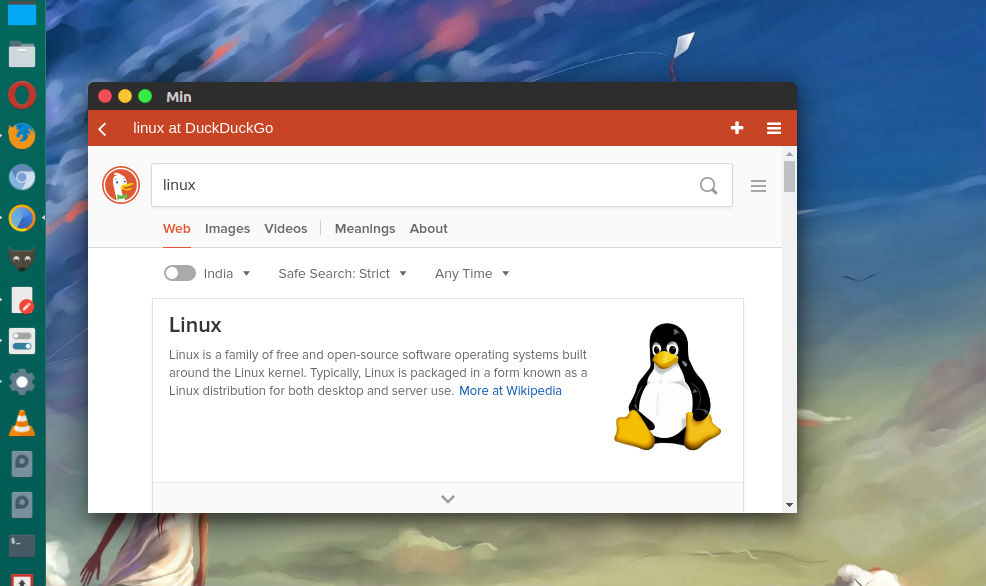
Install Min web browser for Linux Ubuntu. Min open source web browser {github} is a smarter, faster web browser. It includes features such as information from DuckDuckGo in the search bar, built-in ad and tracker blocking and comes with a dark theme.
Features:
- Find anything instantly – The searchbar answers your questions immediately, with information from DuckDuckGo including Wikipedia entries, a calculator, and more. Jump to any site quickly with fuzzy search, and get suggestions before you even start typing. And Min lets you search the contents of every page you visit, so you’ll never lose anything again.
- Built-in ad blocking – Min lets you decide whether you want to see ads or not. And when you’re using a slow or expensive internet connection, it lets you block scripts and images, so pages load faster and use less data.
- Effortless tab management – Tabs in Min open next to the current tab, so you’ll never lose your place. Tabs you haven’t looked at in a while dim, so you can focus on what you’re working on. And when you have lots of tabs, you can view your tabs in a list, or split them into groups.
- Fast and efficient – Min is designed to be fast. It uses less battery power, so you don’t have to worry about finding a charger.
- Open-Source software – Min is written entirely with CSS and JavaScript using Electron, and is open-source software, available on GitHub.
Download Min Browser
Linux Ubuntu users can download and install the latest version of the Min web browser from the following location. Simply download and install the deb package.
Important note: Once you upgrade to 1.7.0, you will not be able to downgrade back to an earlier version without losing data. If you think you might want to downgrade, you should make a backup copy of your profile folder before upgrading.