
Best material themes for Ubuntu Linux Desktop. Download these best Ubuntu themes and give a beautiful makeover for your Linux Desktop.
Install Arc Theme On Ubuntu
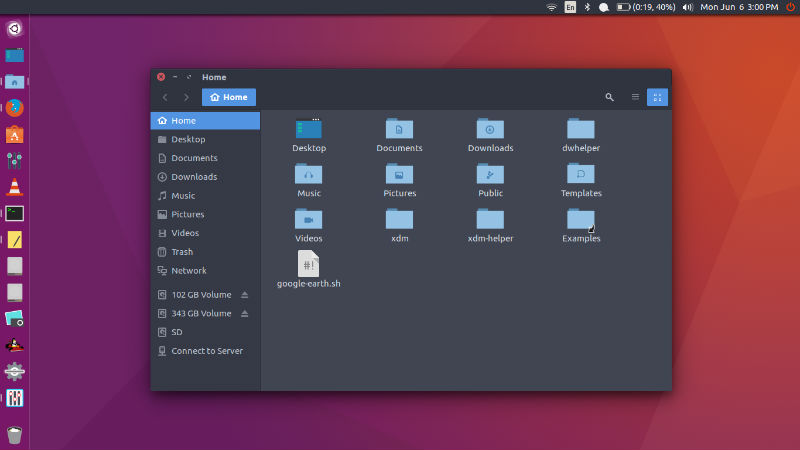
Arc is a flat theme with transparent elements and comes in three variants – Arc, Arc-Dark and Arc-Darker. Arc is a flat theme with transparent elements for GTK 3, GTK 2 and Gnome-Shell which supports GTK 3 and GTK 2 based desktop environments like Gnome, Unity, Budgie, Pantheon, XFCE, Mate, etc. Arc theme can be downloaded and installed on Ubuntu Systems in three variants – Arc, Arc Dark and Arc Darker.
Install Papirus Icons
Papirus Icon is derived from Sam Hewitt’s Paper Icon Theme. The icon theme is designed to work with Unity, GNOME, Cinnamon and other GTK+ based desktop environments. A version for KDE users is also available.
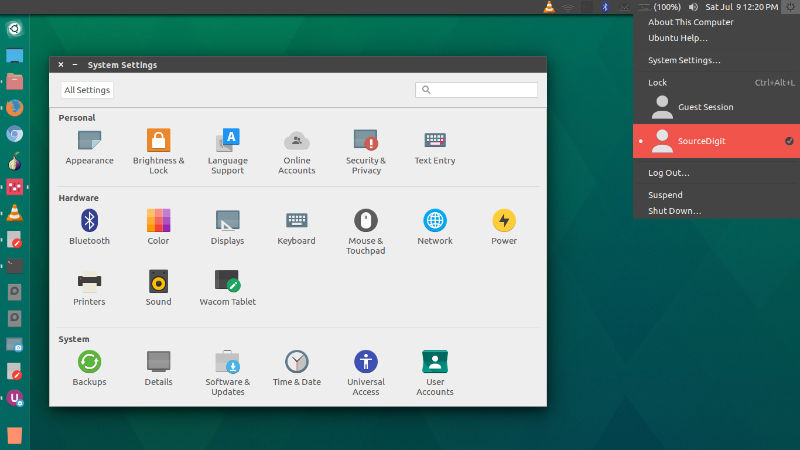
To install Papirus icons on Ubuntu, run the following commands in Terminal:
sudo add-apt-repository ppa:varlesh-l/papirus-pack
 sudo apt-get update
 sudo apt-get install papirus-gtk-icon-theme
Install Paper Icons
Paper is a modern icon theme whose design is based around the use of simple colours and geometry to compose icons. While it does take some inspiration from Google’s Material Design icons, some design aspects have been adjusted to better suit desktop viewing.
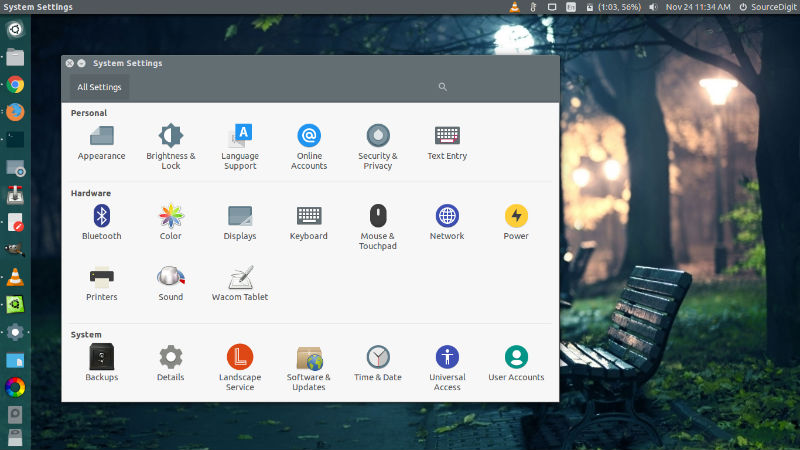
Run the following commands in Terminal to install Paper Theme and Icons on Ubuntu:
 $ sudo add-apt-repository ppa:snwh/pulp
 $ sudo apt-get update
 $ sudo apt-get install paper-icon-theme paper-gtk-theme
Install Arc-Flatabulous Theme on Ubuntu
Arc-Flatabulous theme is the Arc theme with Flatabulous window controls. It is an ultra flat theme for Ubuntu Linux Systems. Arc-Flatabulous theme is the Arc theme with Flatabulous window controls. The Arc-Flatabulous is available in three variants – Arc-Flatabulous, Arc-Flatabulous Dark and Arc-Flatabulous Darker.
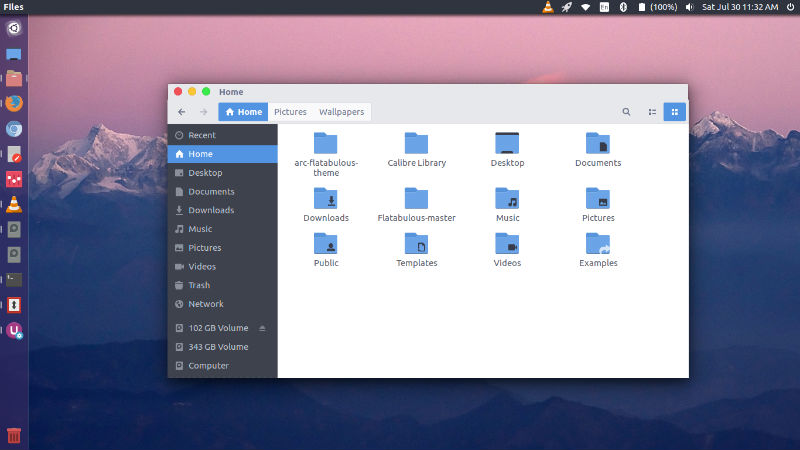
Noobslab PPA has created a PPA to install Arc-Flatabulous theme on Linux Ubuntu Systems. Run the following commands in Terminal to install the theme:
sudo add-apt-repository ppa:noobslab/themes
 sudo apt-get update
 sudo apt-get install arc-flatabulous-theme
Install Materia Design Theme
Materia (formerly Flat-Plat) is a Material Design theme for GNOME/GTK+ based desktop environments. It supports GTK+ 3, GTK+ 2, GNOME Shell, Budgie, Cinnamon, MATE, Unity, LightDM, GDM, Chrome theme, etc. 3 color variants and 2 size variants {standard and compact} are available: standard {Materia and Materia-compact}, dark {Materia-dark and Materia-dark-compact} and light {Materia-light and Materia-light-compact}. It supports GTK3, GTK2, Metacity, GNOME Shell, Unity, MATE, LightDM and GDM.
Install Using Flatpak
All 6 variants are available via Flathub:
sudo apt-get update

flatpak remote-add --if-not-exists flathub https://dl.flathub.org/repo/flathub.flatpakrepo

flatpak install flathub org.gtk.Gtk3theme.Materia{,-dark,-light}{,-compact}
Manual Installation
Run the following commands in the terminal:
sudo apt-get update

cd /tmp && wget -qO - https://github.com/nana-4/materia-theme/archive/master.tar.gz | tar xz

cd materia-theme-master

sudo ./install.sh