
Audacity 2.3.2 has been released. Here is how to install Audacity audio editor on Ubuntu Linux Systems.
This release of Audacity audio editor for Ubuntu Linux replaces all previous versions. Audacity now includes the LAME MP3 encoder and there is a new Select button in the track panel to select the whole track. Over 20 bugs fixed since 2.3.1.
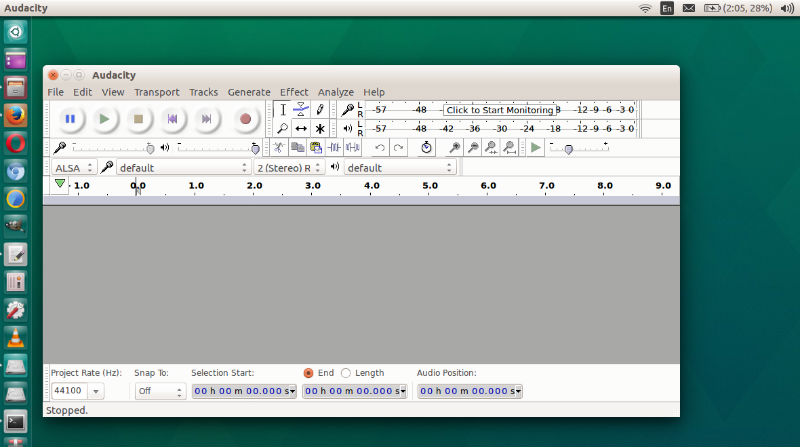
Audacity 2.3.2
Improvements:
- Audacity now includes the LAME mp3 encoder. Previously, due to now expired patents, you had to download it separately.
- There is a new ‘Select’ button in the track panel to select the whole track.
- Audacity mod-script-pipe for driving Audacity from Python now comes with Audacity and can be enabled via preferences.
- Options and preferences:
- Type to Create a Label is now off by default.
- A plug-in installer for Nyquist now provides a file browser for
selecting ‘.NY’ files to install.
Bug Fixes:
Over 20 bugs in 2.3.1 fixed, including:
- Audacity 2.3.1 would crash if append-recording to a collapsed track.
- Many accessibility bugs on macOS fixed.
Install Audacity Ubuntu Terminal
Run the following commands in terminal to install Audacity 2.3.2 in Ubuntu via command line:
 sudo apt-get update
 sudo add-apt-repository ppa:ubuntuhandbook1/audacity
 sudo apt-get update
 sudo apt-get install audacity
If you wish to uninstall Audacity via Ubuntu command line, run the following command:
 sudo apt-get remove --autoremove audacity audacity-data
 sudo apt-get update