
Kodi “Leia” 18.4 released. Here is how to install Kodi Media Player on Ubuntu Linux. Kodi (formerly known as XBMC) is an award-winning free and open source (GPL) software media player and entertainment hub that can be installed on Linux, OSX, Windows, iOS and Android, featuring a 10-foot user interface for use with televisions and remote controls.
It allows users to play and view most videos, music, podcasts, and other digital media files from local and network storage media and the internet.
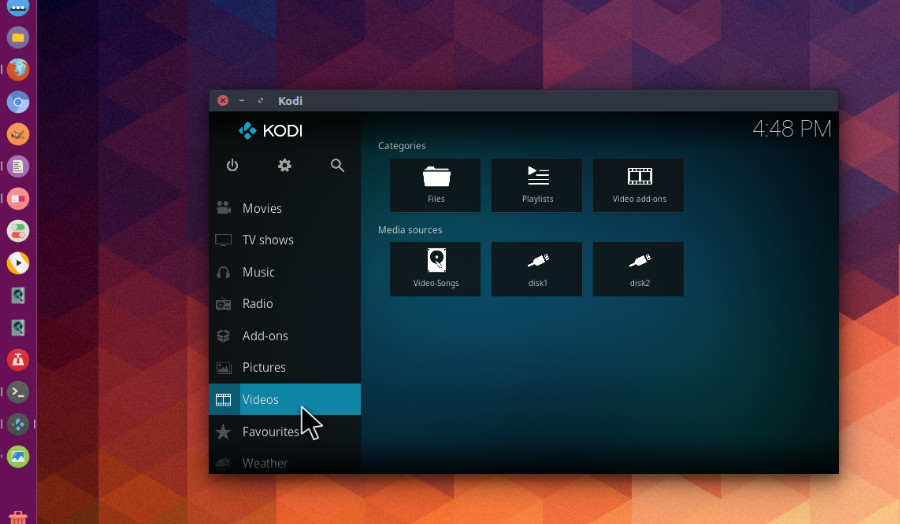
Kodi “Leia” 18.4
Interface
- Fix Missing text when sorting from inside addon
- Clear/save focus-history when leaving window with focus on parent folder item
- Picture slideshow fixes (Estuary)
- Subscribe to controller install events (games)
- Fix radio button text length (Estuary)
- Fix season/episode formatting for video addons (video)
- Don’t consider display mode ids constant (Android)
Playback/Display
- Fix PlayMedia builtin for playlists (.strm) and “artists” smart playlists (music)
- Fix PlayMedia builtin for smart playlists and playlists (music)
- FFmpeg: Bump to 4.0.4-Leia-18.4
- Load program from stream property without using streaminfo (video)
- Fix initialization of AVD3D11VAContext structure (video, Windows)
- Fix TS resume point, related to PR16314 (video)
- Fixed memory leak, fixed segfault (video, Linux)
- Fix PAPlayer to handle passthrough for TrueHD (audio)
PVR
- Fix component dependencies
- PVRRecordings: Prevent concurrent calls to video database
Other/General fixes
- Use first protocol from add-on in add network dialog
- Use exact matching for protocol in file+dir factories
- Use of absolute paths in combination with hosts in URLs
- Fix file times for vfs addons
- Fix + sign HTTP folder
- Corrections to filesystem CircularCache initialization and termination
- Controller fixes
- Delete stream details when video info is refreshed
- Do not attempt to further resolve plugin paths for failing entries
- Revert “fixed: We should always update stream details from player…”
Many – indeed, most – of these fixes are hidden deep inside Kodi and really shouldn’t be obvious to most people; unless you’re doing something that regularly hits one of them, you’ll really never notice. That said, they’re all real bugs, and real fixes, so thanks as always to all who found a bug, took the time to report it and, in some cases, provided a fix.
The full v18.4 changelog can be found in our GitHub milestone.
Install Kodi 18.4 in Ubuntu
Run the following commands in terminal to install Kodi 18.4 in Ubuntu:
 sudo apt remove --autoremove kodi kodi-data kodi-bin
 sudo apt-get update
 sudo add-apt-repository ppa:team-xbmc/ppa
 sudo apt-get update
 sudo apt install kodi