
How to Install RawTherapee 5.7 in Ubuntu Linux Systems. RawTherapee is a free, cross-platform raw image processing program. It is designed for developing raw files from a broad range of digital cameras and targeted at users ranging from enthusiast newcomers who wish to broaden their understanding of how digital imaging works to professional photographers.
RawTherapee provides a powerful suite of tools for you to produce amazing photos and showcase your creativity.
RawTherapee supports most raw formats, including Pentax and Sony Pixel Shift, Canon Dual-Pixel, and those from Foveon and X-Trans sensors. If you’re wondering whether it supports your camera’s raw format, first download RawTherapee and try for yourself. If a raw format is not supported it will either not open, or the preview in the Editor tab will appear black, white, or have a strong color cast – usually magenta.
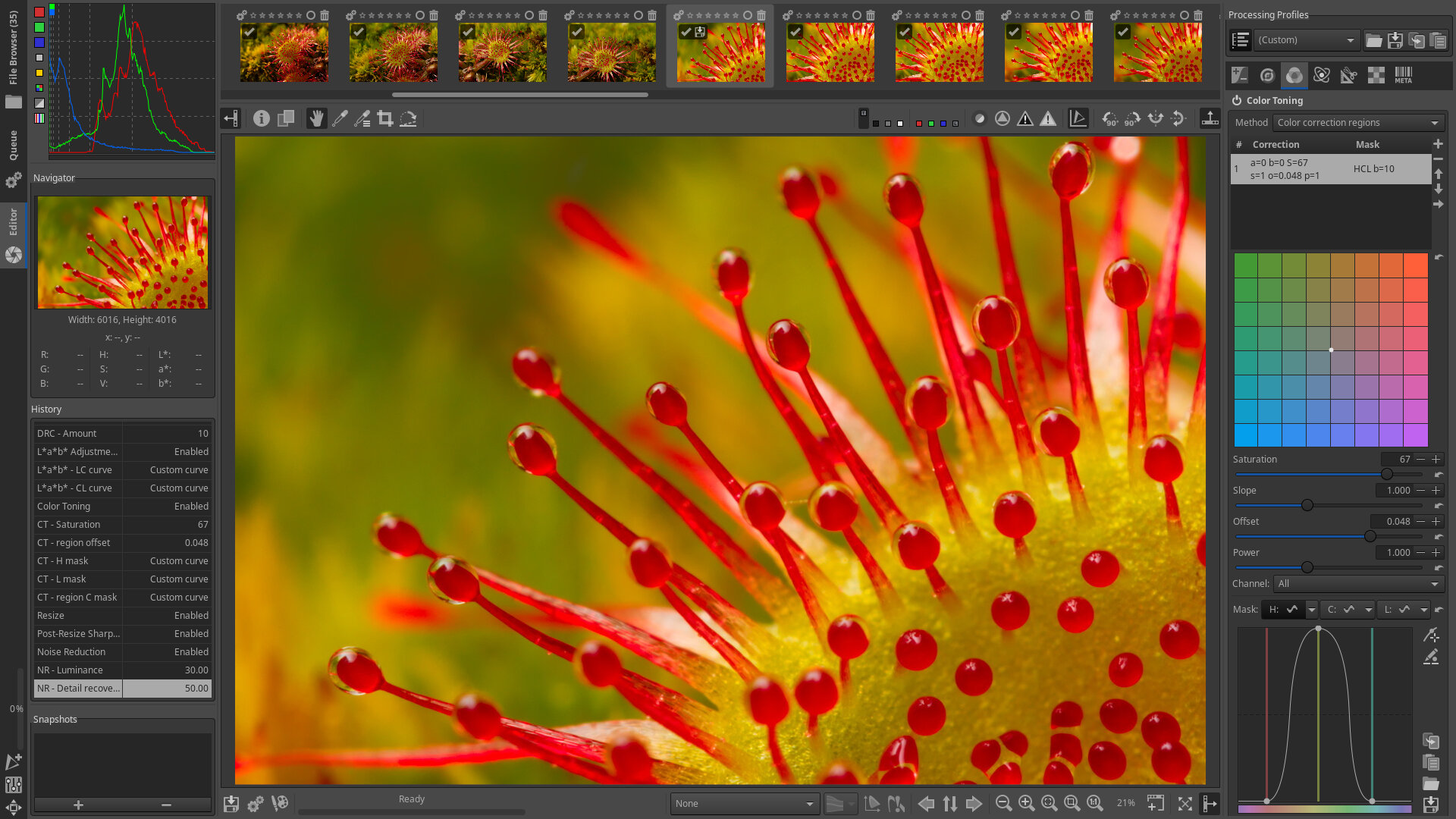
New Features since 5.6:
- Film Negative tool, for easily developing raw photographs of film negatives.
- Support for reading “rating” tags from Exif and XMP, shown in the File Browser/Filmstrip using RawTherapee’s star rating system.
- Hundreds of bug fixes, speed optimizations and raw format support improvements.
RawTherapee and other open-source projects require access to sample raw files from various camera makes and models in order to support those raw formats correctly.
Install RawTherapee 5.7 in Ubuntu
Run the following commands in terminal to install RawTherapee 5.7 in Ubuntu Systems:
sudo apt-get upgrade

sudo add-apt-repository ppa:dhor/myway

sudo apt-get update

sudo apt-get install rawtherapee