
Download Ubuntu 19.10 default wallpaper. Know Ubuntu 19.10 release date, features and Ubuntu 19.10 codename. Ubuntu 19.10 has been given the name of “Eoan Ermine”. Ubuntu 19.10 Eoan Erime.
Ubuntu 19.10 Default Wallpaper
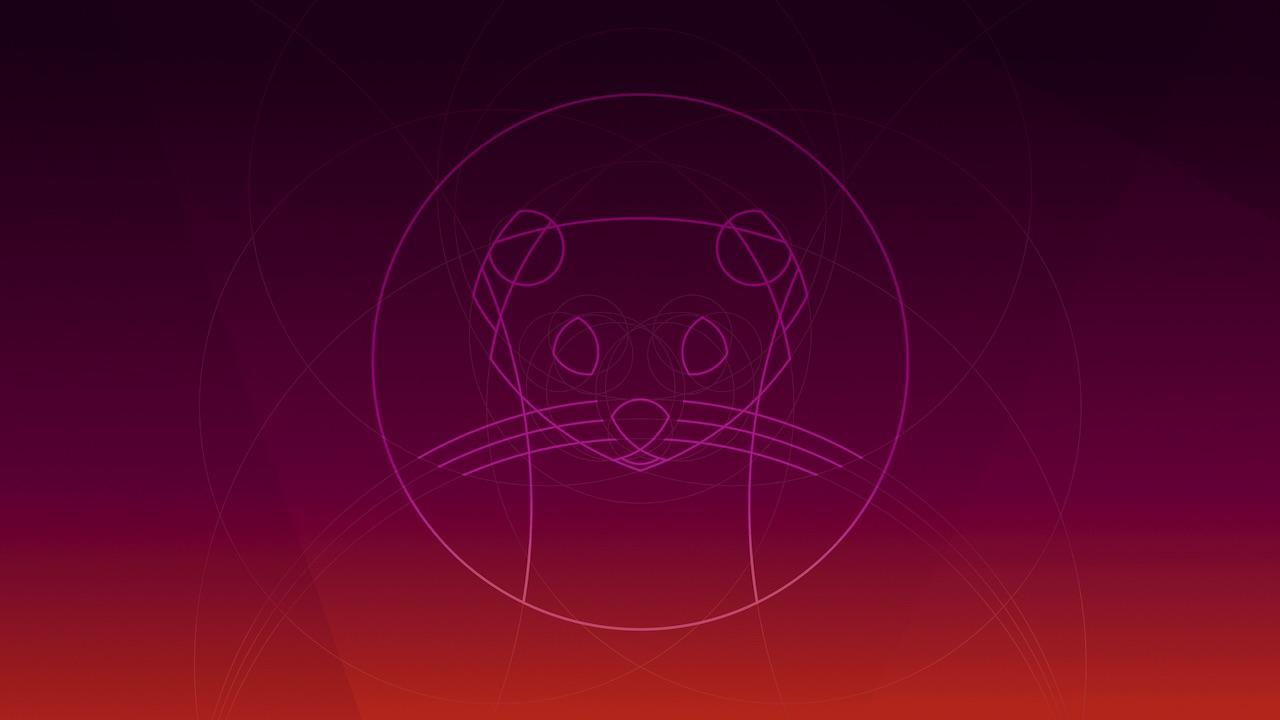
Ubuntu 19.10 Codename
Ermine
The name ermine is used for any species in the genus Mustela, especially the stoat, in its pure white winter coat, or the fur thereof. The stoat (Mustela erminea), also known as the short-tailed weasel is a mammal of the genus Mustela of the family Mustelidae native to Eurasia and North America, distinguished from the least weasel by its larger size and longer tail with a prominent black tip.
Originally from Eurasia, it crossed into North America some 500,000 years ago, where it naturalized and joined the notably larger, closely related native long-tailed weasel.
In the Zoroastrian religion, the stoat is considered a sacred animal, as its white winter coat represented purity. Similarly, Mary Magdalene was depicted as wearing a white stoat pelt as a sign of her reformed character. One popular European legend had it that a white stoat would die before allowing its pure white coat to be besmirched. When it was being chased by hunters, it would supposedly turn around and give itself up to the hunters rather than risk soiling itself.
In Irish mythology, stoats were viewed anthropomorphically as animals with families, which held rituals for their dead. They were also viewed as noxious animals prone to thieving, and their saliva was said to be able to poison a grown man. To encounter a stoat when setting out for a journey was considered bad luck, but one could avert this by greeting the stoat as a neighbour.[44] Stoats were also supposed to hold the souls of infants who died before baptism.
Eoan
From Ancient Greek and is an adjective. It means relating to the dawn or relating to the East.
Ubuntu 19.10 Release Schedule
Ubuntu 19.10 Feature Freeze: 22 August 2019
Ubuntu 19.10 Kernel Freeze: 26 September 2019
Ubuntu 19.10 Final Freeze: 10 October 2019
Ubuntu 19.10 Beta Release: 26 September 2019
Ubuntu 19.10 Final Release: 17 October 2019
Note that Ubuntu regular releases are supported for 9 months. Packages in main and restricted are supported for 5 years in long term support (LTS) releases. Flavors generally support their packages for 3 years in LTS releases but there are exceptions. See the release notes for specific details.
As published by Photonix, “Well, Ubuntu 19.10 should certainly be an interesting release cycle given it’s the cycle just before Ubuntu 20.04 LTS. For Ubuntu 19.10 we are expecting Linux 5.3, GNOME 3.34, Mesa 19.2, potentially Python 3 as the only Python version in the main archive, the X.Org session to still be the default, a new desktop installer that offers tight integration with the ZFS file-system, and many other changes for what they hope to send through this cycle for vetting ahead of the Long Term Support cycle.”
Download Ubuntu 19.10 Default Wallpaper
Attached will be the Eoan default wallpapers. One in colour, one in black and white. Both 4096 x 2304.