
How to make Ubuntu look like Mac OS. How to install Mac OS Mojave Theme ‘McMojave’ in Ubuntu 19.10, Ubuntu 19.04, Ubuntu 18.10 and Ubuntu 18.04 Systems.
Mojave Mac OSX Theme
Mojave is a Mac OSX like theme for GTK 3, GTK 2 and Gnome-Shell which supports GTK 3 and GTK 2 based desktop environments like Gnome, Pantheon, XFCE, Mate, etc. This theme is based on Arc gtk theme of horst3180.
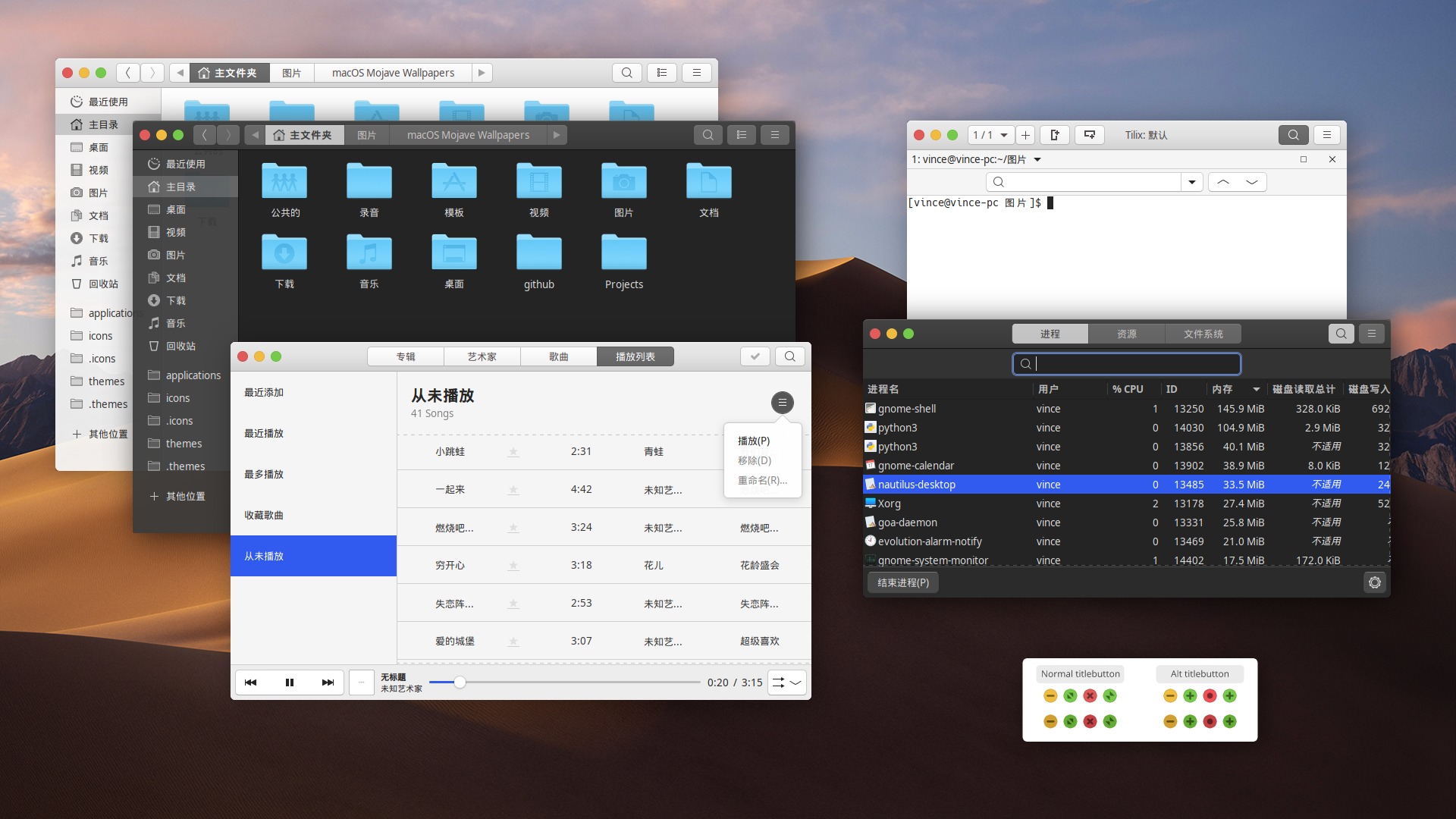
Install Mojave Mac OSX Theme
Follow the steps to install Install Mojave Mac OSX Theme.
1. Download the Mojave Mac OSX Theme source code: Mojave GTK https://github.com/vinceliuice/Mojave-gtk-theme/releases
2. Once downloaded, extract and select “Open in Terminal” {use right-click menu options}.
3. When it opens in terminal, run the command ./install.sh to install the Mojave Mac OSX Theme.
NOTE: The theme requires GTK2 engine Murrine 0.98.1.1 or later and GTK2 pixbuf engine or the gtk(2)-engines package. Run the following command:
sudo apt-get install gtk2-engines-murrine gtk2-engines-pixbuf
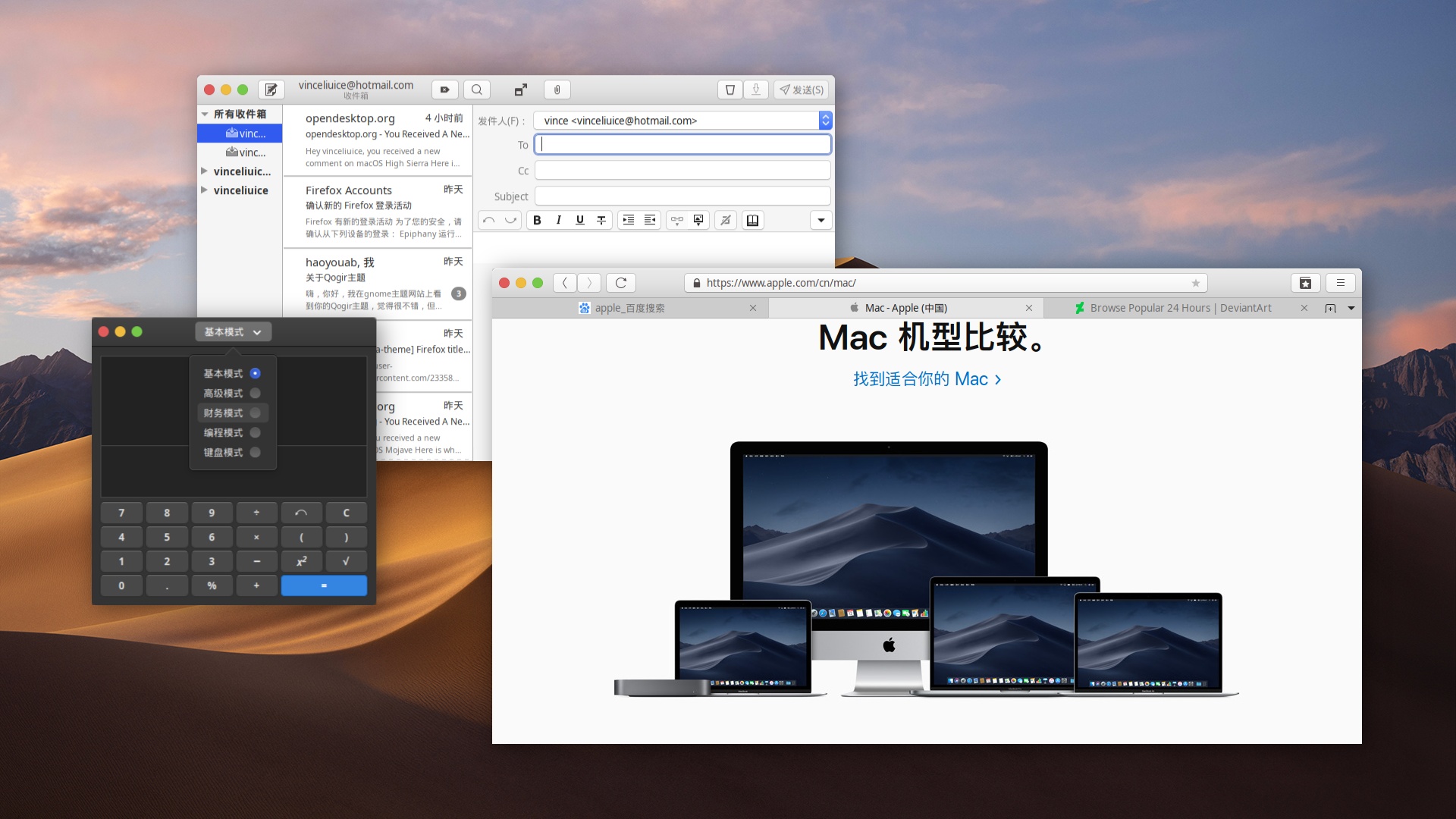
Install Mojave Mac OSX Icons
Just like the Mojave Mac OSX Theme; you can install Mojave Mac OSX Icon. Go to https://github.com/vinceliuice/McMojave-circle/releases and download the Icons.
Once you have downloaded the Mojave icon theme, extract and run the command ./install.sh -a to install the icon.
Fix entries issues of dark version on Firefox
1. Use “light theme” for webs on Firefox.
2. Go to about:config,
3. create a pref called widget.content.gtk-theme-override of type String,
4. and give it a value of Mojave-light. This will fix it.