• Skip to primary navigation
  • Skip to main content
  • Skip to primary sidebar
Source Digit

Source Digit

Linux, Ubuntu Tutorials & News, Technology, Gadgets & Gizmos

  • Home
  • How To
  • Ubuntu
  • Instagram
  • Blogging
  • Android
  • WordPress
  • +More
    • Cloud Computing
    • Gadgets
    • Social Media
    • Technology
  • Write for Us
Home / How To / How To Verify Fake Instagram Verification And Instagram Copyright Email

How To Verify Fake Instagram Verification And Instagram Copyright Email

By Sourabh / February 6, 2020 Category: How To, Instagram

How to verify fake Instagram verification email and fake Instagram copyright email. How to check if the mail you’ve received from Instagram is a genuine one. Know is security@mail.Instagram.com real which sends Instagram copyright notice email and Instagram copyright infringement email spam.

Phishing scams includes fake Instagram copyright, report and password reset email which can be dangerous and easily hack your Instagram password.

Instagram Email Finder

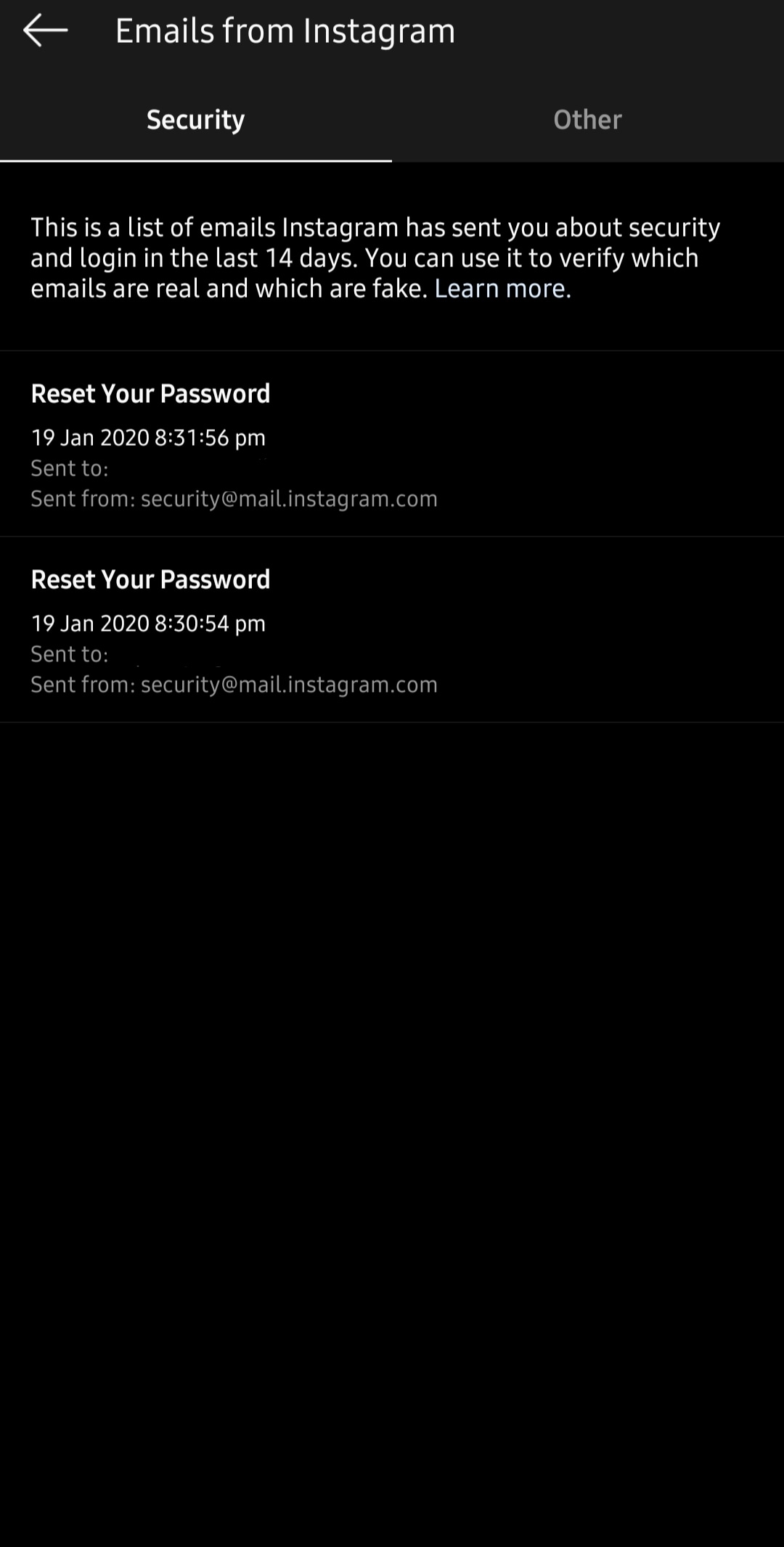
To help you identify phishing and spam emails, you can view official Instagram emails sent within the last 14 days from your Settings. Here is how to view emails sent by Instagram:

  1. Open Instagram on your phone
  2. Tap on the ‘Profile’ icon
  3. Then, tap on the three-horizontal bars from the top-right corner
  4. Head to Settings and tap on the ‘Security’ option
  5. Under Login security section, look for ‘Emails from Instagram’
  6. Here you can find all the email sent by Instagram in last 14 days
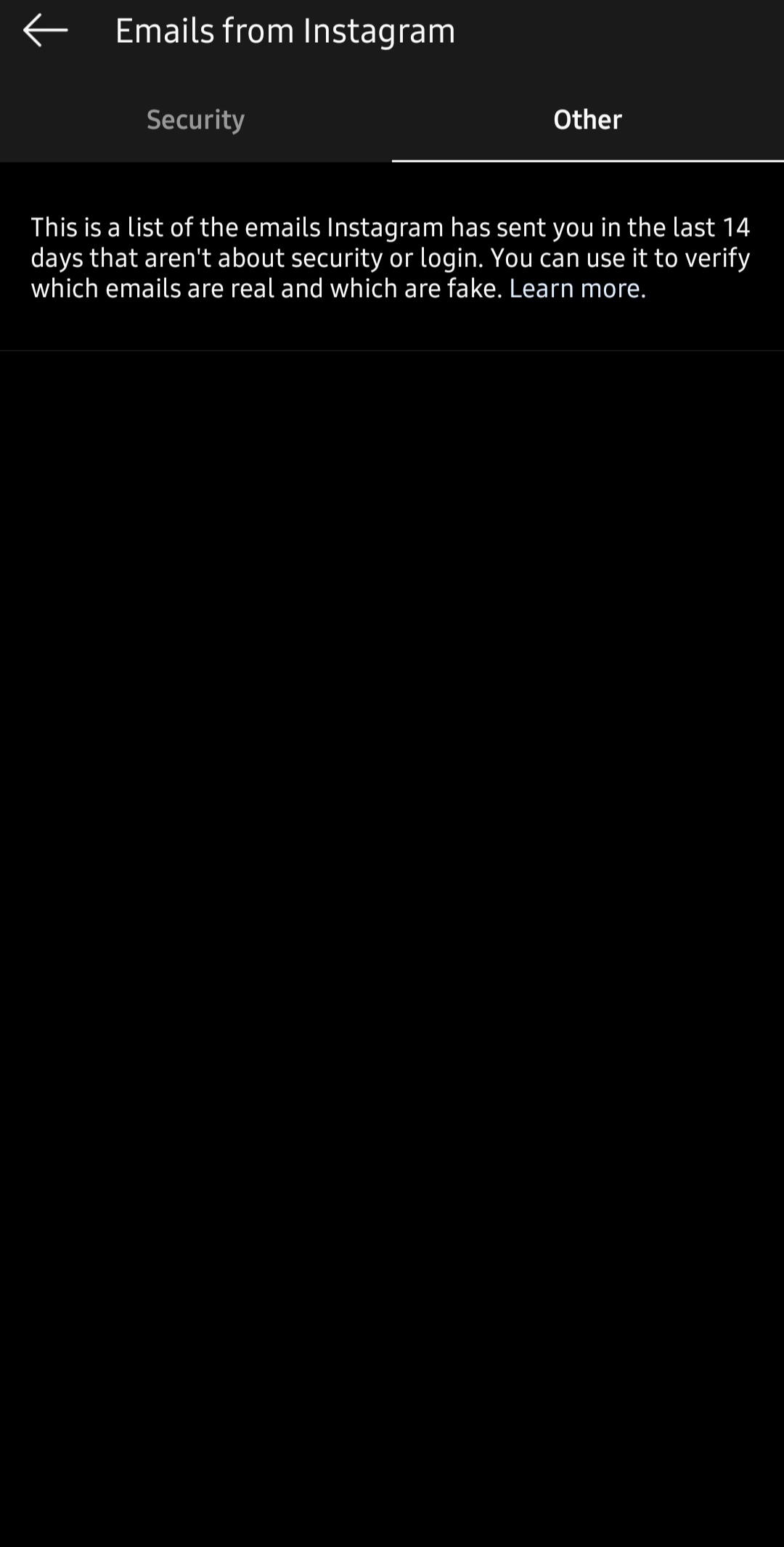
Note: Emails sent within the last 14 days related to your account security and login can be found under Security, and all other emails can be viewed under Other. Also, official Instagram messages about account security will only be sent to your email address, and won’t be sent to you through Direct Messaging.

Primary Sidebar

Latest Posts

Job Scheduling Using At Command In Linux With Examples

How To Check Permissions Of A Directory In Linux Command

Delete Directory And Contents Recursively Without Prompt On Linux

Check User Login History In Ubuntu Linux Command Line

Use Locate Command To Find File In Linux Terminal By Name

How To Change Terminal Color In Ubuntu Command Line

How To Run Fsck Manually In Linux To Fix Unexpected Inconsistency

How To Fix Broken Packages On Ubuntu From Terminal

Re Execute The Previous Command In Linux Ubuntu Command Line

How Much RAM Is Needed For Ubuntu PC

© 2026 Source Digit • Linux, Ubuntu Tutorials & News, Technology, Gadgets & Gizmos

  • Home
  • About
  • Privacy Policy
  • Terms & Conditions
  • Contact Us
  • Sitemap