
Kodi “Leia” 18.6 released. Here is how to install Kodi Media Player on Ubuntu Linux. Kodi (formerly known as XBMC) is an award-winning free and open source (GPL) software media player and entertainment hub that can be installed on Linux, OSX, Windows, iOS and Android, featuring a 10-foot user interface for use with televisions and remote controls.
It allows users to play and view most videos, music, podcasts, and other digital media files from local and network storage media and the internet.
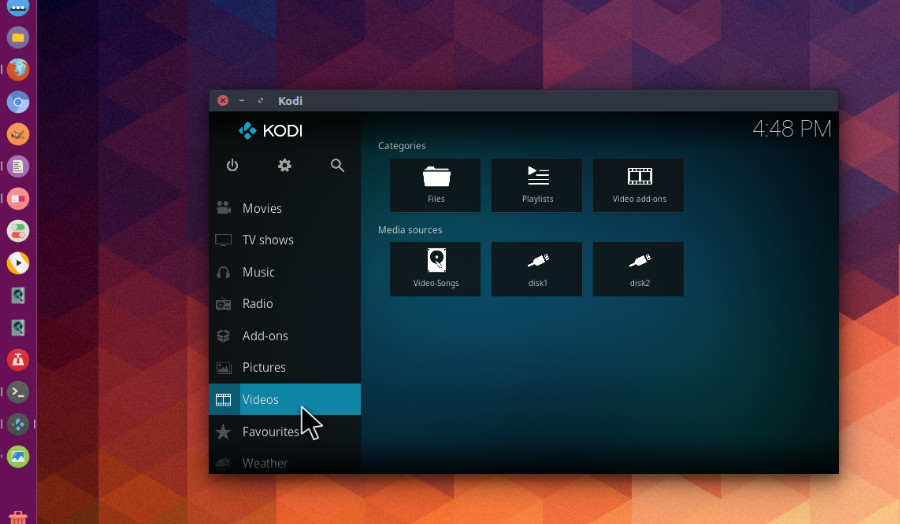
Download Kodi
Kodi is available as a native application for Android, Linux, Mac OS X, iOS and Windows operating systems, running on most common processor architectures. A small overview of the features can be found on our about page. For each platform, we offer a stable and development release(s). For normal users we recommend installing the stable releases.
Install Kodi 18.6 in Ubuntu
Run the following commands in terminal to install Kodi 18.6 in Ubuntu:
 sudo apt remove --autoremove kodi kodi-data kodi-bin
 sudo apt-get update
 sudo add-apt-repository ppa:team-xbmc/ppa
 sudo apt-get update
 sudo apt install kodi
The official Kodi version does not contain any content whatsoever. This means that you should provide your own content from a local or remote storage location, DVD, Blu-Ray or any other media carrier that you own. Additionally Kodi allows you to install third-party plugins that may provide access to content that is freely available on the official content provider website. The watching or listening of illegal or pirated content which would otherwise need to be paid for is not endorsed or approved by Team Kodi.