
How to install Ambiance and Radiance Flat Colors GTK Theme on Ubunu Linux. These two are the best Ubuntu Gnome Shell themes for Linux Systems.
Ambiance & Radiance Flat is an modern and vivid re-imagination of the Ambiance & Radiance themes. Despite the name the theme has been completely re-designed. Featuring a clean and modern new look in your choice of 13 vibrant colors.
The theme supports most major GTK desktops including: Cinnamon, Gnome Shell, Gnome Classic, Mate, Xfce, LXDE, Unity, OpenBox Etc. It also supports Linux Systems: Ubuntu 16.04, 14.04, Linux Mint 18.x, Mint 17.x, Debian 8, LMDE 2 and other distributions compatible with listed GTK Version(s).
Whats The Difference Between Ambiance & Radiance?
- Ambiance: is the darker flavor. dark panel and menu etc.
- Ambiance Fusion: is a hybrid blend w/light toolbars. dark panel and menu etc.
- Radiance: is the lighter flavor. light panel and menu etc.
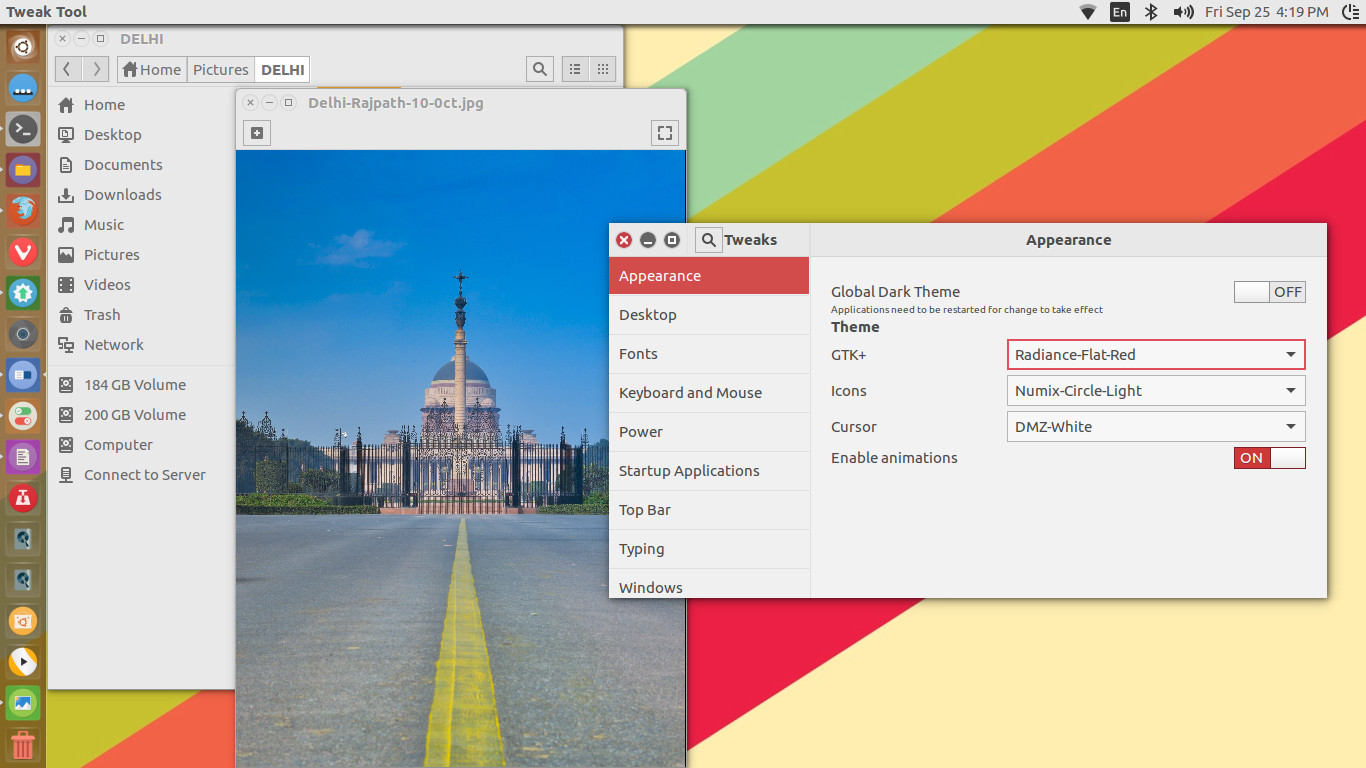
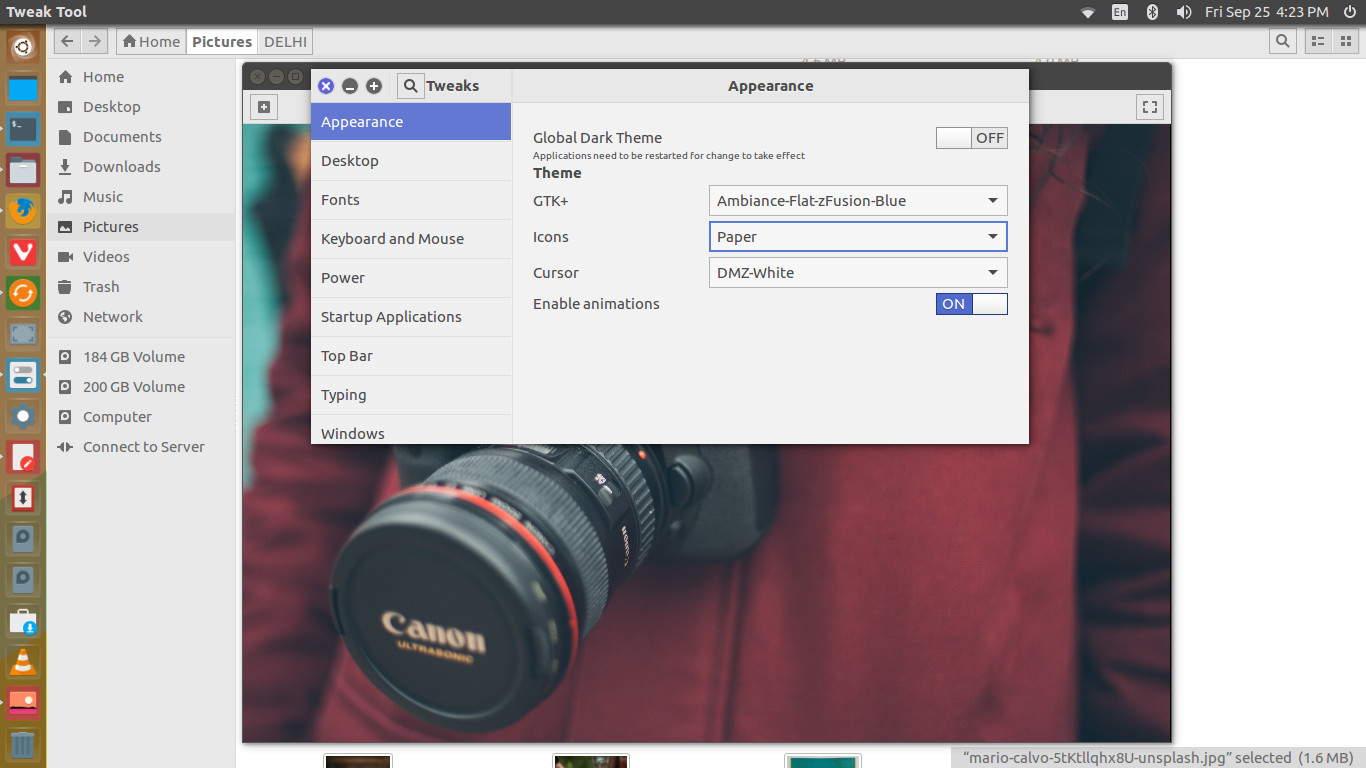
Install Theme via Terminal
sudo add-apt-repository ppa:ravefinity-project/ppa sudo apt-get update sudo apt-get install ambiance-flat-colors sudo apt-get install radiance-flat-colors
Download Theme Deb Packages and Tar
Ambiance Flat Colors
Download 16.04.2 Deb Package (Mirror 1)
Download 16.04.2 Deb Package (Mirror 2)
Radiance Flat Colors
Download 16.04.2 Deb Package (Mirror 1)
Download 16.04.2 Deb Package (Mirror 2)
Any Distribution (Tar)
Download 16.04.2 Tar Package (Mirror 1)
Download 16.04.2 Tar Package (Mirror 2)