
How to install GIMP image editor in Ubuntu 20.10. Here are the commands to install GIMP 2.99.2 in Ubuntu 20.10 and Ubuntu 20.04 terminal.
Gimp 2.99.2
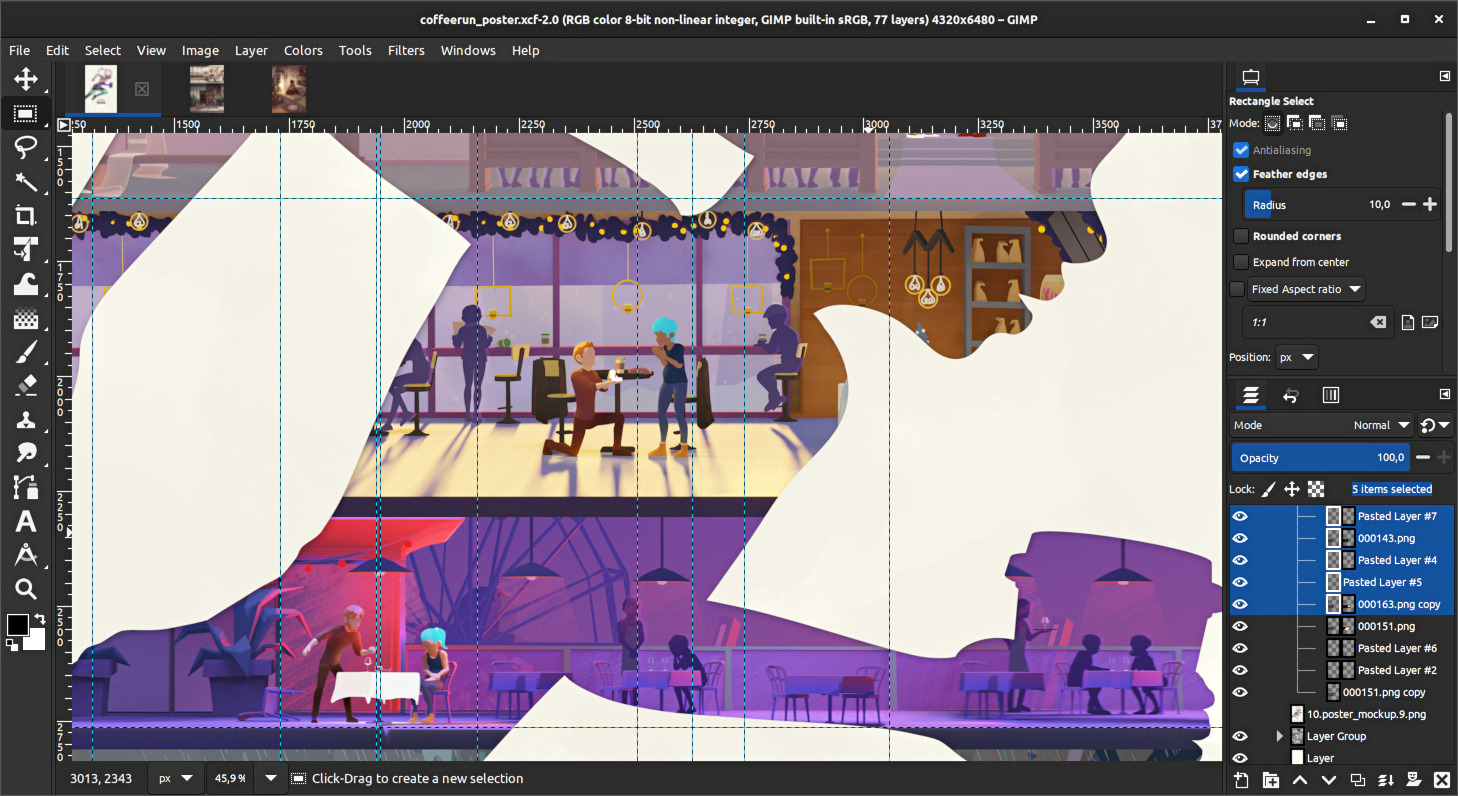
GIMP 2.99.2 marks the first step towards GIMP 3 based on GTK3 user interface toolkit.
Release highlights:
- GTK3 based user interface, with native support for Wayland and HiDPI displays.
- Major refactoring and cleanup
- New plug-in API
- Plugins now possible with Python 3, JavaScript, Lua, and Vala
- More (color) space invasion
- Render caching available for better performance
Install GIMP 2.99.2 – Flatpak Available
This release is available in the “beta” branch of our official Flathub package, which is a hidden release branch (you won’t find this information on the public web page). This command will allow you to install GIMP 2.99.2:
sudo apt install flatpak sudo apt update && sudo apt upgradeflatpak remote-add --user flathub-beta https://flathub.org/beta-repo/flathub-beta.flatpakrepoflatpak install --user flathub-beta org.gimp.GIMP
Doing this, you will be able to update to new development builds as soon as they are available/released.
Make a note that Flatpak only allows one visible instance of a same application at once. So if you have installed both (stable and development) releases with Flatpak, it will only show either one or the other.
To switch the visible branch, run the following commands:
flatpak make-current --user org.gimp.GIMP beta flatpak make-current --user org.gimp.GIMP stable