
How to install Audacious audio player for Linux Ubuntu. Terminal commands to install Audacious 4.1 via PPA in Ubuntu 20.04, Ubuntu 20.10, Ubuntu 18.04 and Ubuntu 16.04.
Audacious is a free advanced audio player for Linux Ubuntu and many other UNIX-compatible systems. It focuses on low resource usage, high audio quality, and support for a wide range of audio formats. It was originally based on Beep Media Player, which was in turn based on XMMS.
Users can drag and drop folders and individual song files, search for artists and albums in your entire music library, or create and edit your own custom playlists. Listen to CD’s or stream music from the Internet.
Tweak the sound with the graphical equalizer or change the dynamic range with audio effects. Enjoy the modern Qt-themed interface or change things up with Winamp Classic skins. Use the plugins included with Audacious to fetch lyrics for your music, display a VU meter, and more.
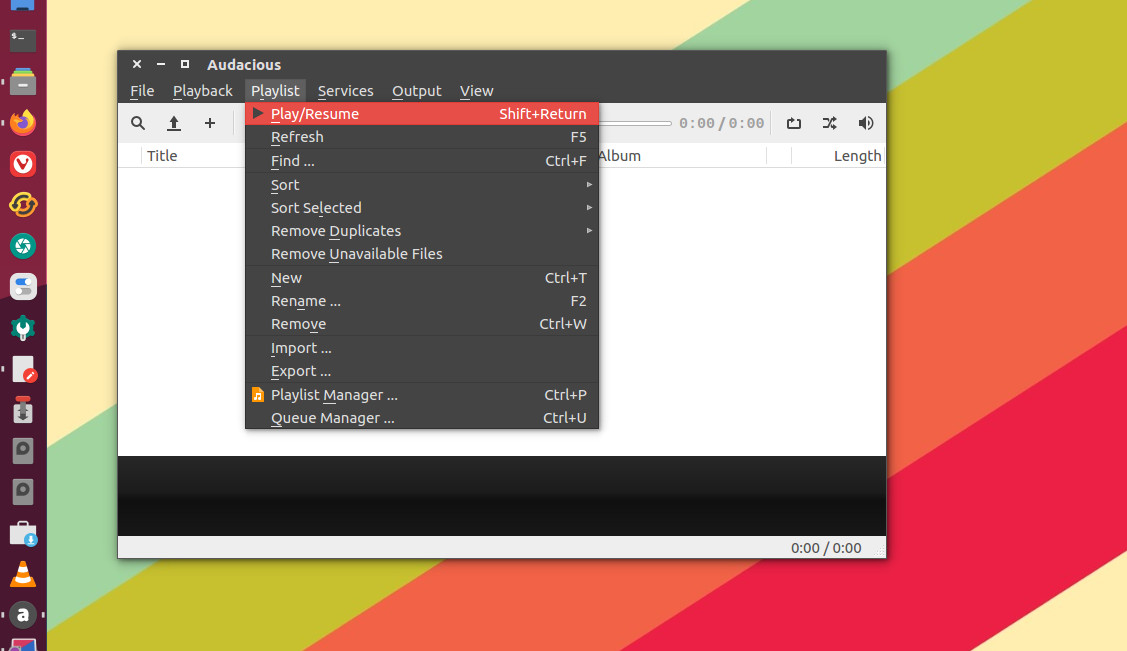
Audacious Audio Player 4.1
Ubuntu users can install Audacious 4 via PPA. To add this PPA and install Audacious on Ubuntu Systems, simply run the following commands in terminal:
sudo add-apt-repository ppa:ubuntuhandbook1/apps
$ sudo apt-get update
$ sudo apt install audacious audacious-plugins
Packages in this PPA: audacious, ap-hotspot, awn-applet-radio, awn-applet-wm, calise, cmus, dockbarx, dockbarx-themes-extra, dropbox-share, emerald, exaile, fbmessenger, gnome-subtitles, gnome-window-applets, grsync, grive, gthumb, launchpad-getkeys, mc, mdm (Mint Display Manager), minitunes, minitube, musique, notifyosdconfig, nautilus-columns, powertop, ppa-purge, rosa-media-player, fixed pulseaudio-equalizer, subtitleeditor, syncwall, umplayer, unity-reboot, wimlib, youtube-dl, xfce4-dockbarx-plugin, xournal, yad, yarock and others. Almost all packages are updated to their latest version.