
How to check firewall in Ubuntu Linux? Useful Ubuntu firewall commands to disable firewall in Ubuntu and enable firewall in Ubuntu.
Check Status of Firewall in Ubuntu Linux
ufw – Uncomplicated Firewall is the default firewall configuration tool for Ubuntu. Developed to ease iptables firewall configuration, ufw provides a user-friendly way to create an IPv4 or IPv6 host-based firewall.
Note that ufw by default is initially disabled.
“ufw is not intended to provide complete firewall functionality via its command interface, but instead provides an easy way to add or remove simple rules. It is currently mainly used for host-based firewalls.”
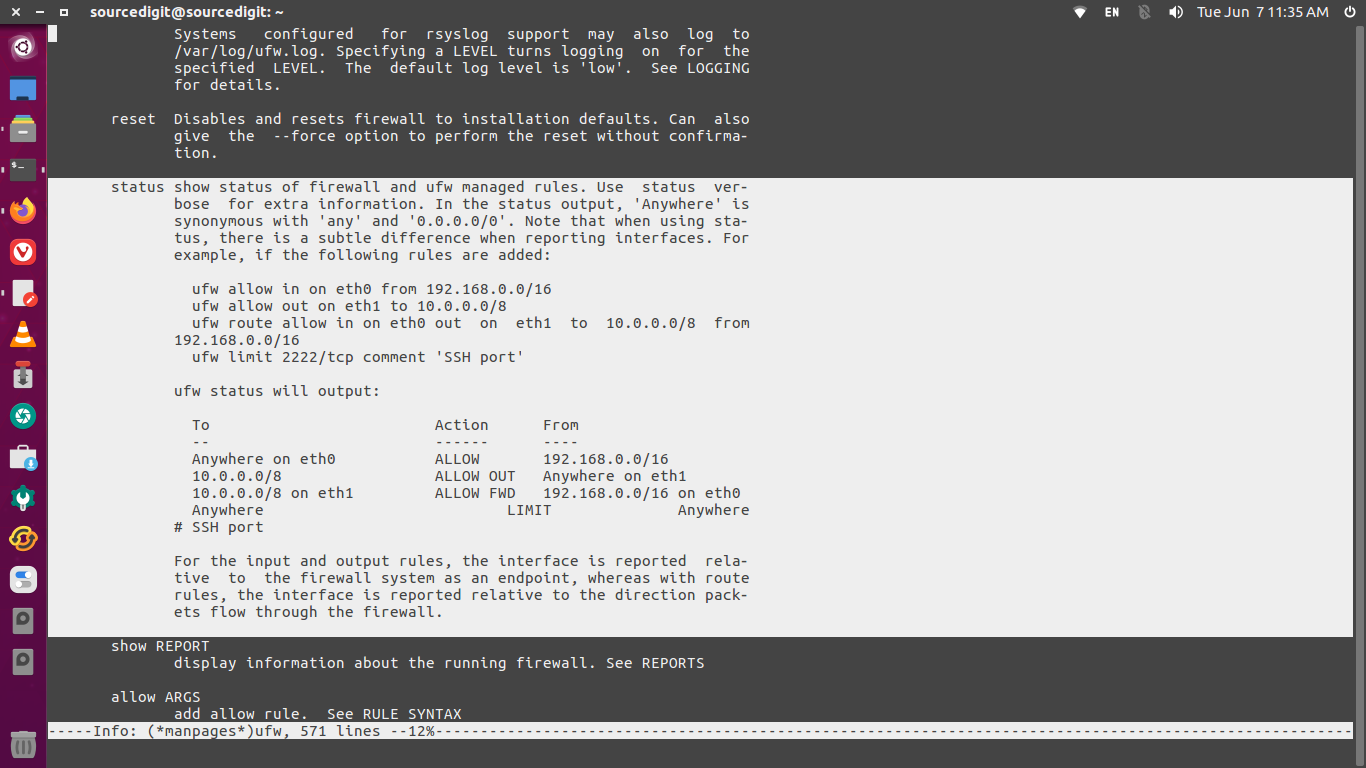
To check the status of Ubuntu firewall, use ufw command. This command displays what rules are currently configured in the firewall of the system.
$ sudo ufw status
You can also use the iptables command to list all configured firewall rules.
$ sudo iptables -L
How to Disable Firewall in Ubuntu Linux
To disable and turn off the Ubuntu firewall, use the following command.
$ sudo ufw disable
The above command will disable the firewall from starting automatically upon system reboots.
If you want to delete all configured ufw rules and set the firewall back to default settings, run the ufw command with reset option.
$ sudo ufw reset
Linux users can also use iptables commands to bypass the ufw interface and manage the system firewall directly. The following set of commands can be used:
sudo iptables -P INPUT ACCEPTsudo iptables -P FORWARD ACCEPTsudo iptables -P OUTPUT ACCEPTsudo iptables -Fsudo iptables -Xsudo iptables -t nat -Fsudo iptables -t nat -Xsudo iptables -t mangle -Fsudo iptables -t mangle -X
How to Enable Firewall in Ubuntu Linux
To enable and turn on the firewall use the following command.
$ sudo ufw enable