
How to check RAM size in Ubuntu terminal? Read to find about the Linux command to check RAM size in gb and on Ubuntu check memory usage by process.
free Command
free displays the total amount of free and used physical and swap memory in the system, as well as the buffers and caches used by the kernel. The information is gathered by parsing /proc/meminfo.
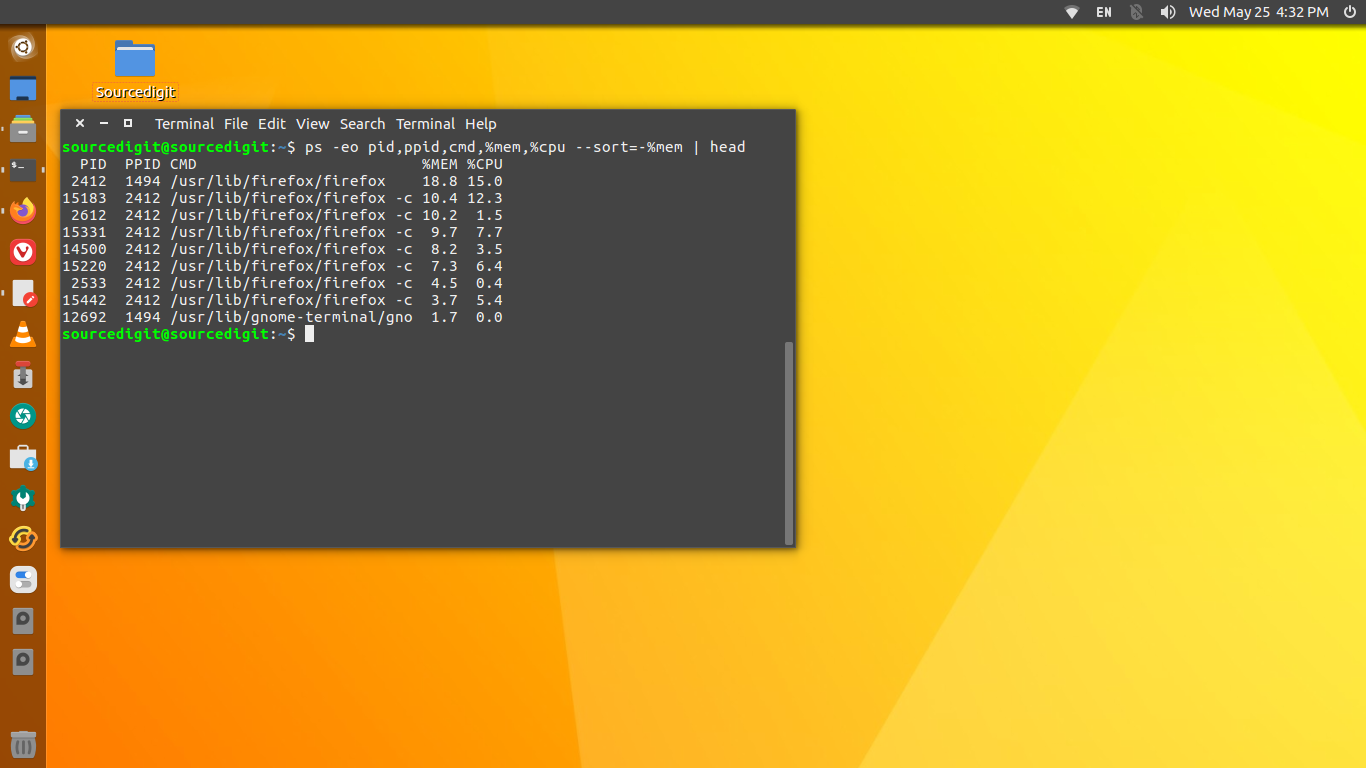
The free command shows the results in the following format:
- -b, –bytes: Display the amount of memory in bytes.
- -k, –kilo: Display the amount of memory in kilobytes. This is the default.
- -m, –mega: Display the amount of memory in megabytes.
- -g, –giga: Display the amount of memory in gigabytes.
- –tera: Display the amount of memory in terabytes.
- -h, –human: Show all output fields automatically scaled to shortest three digit unit and display the units of print out. Following units are used.
top Command
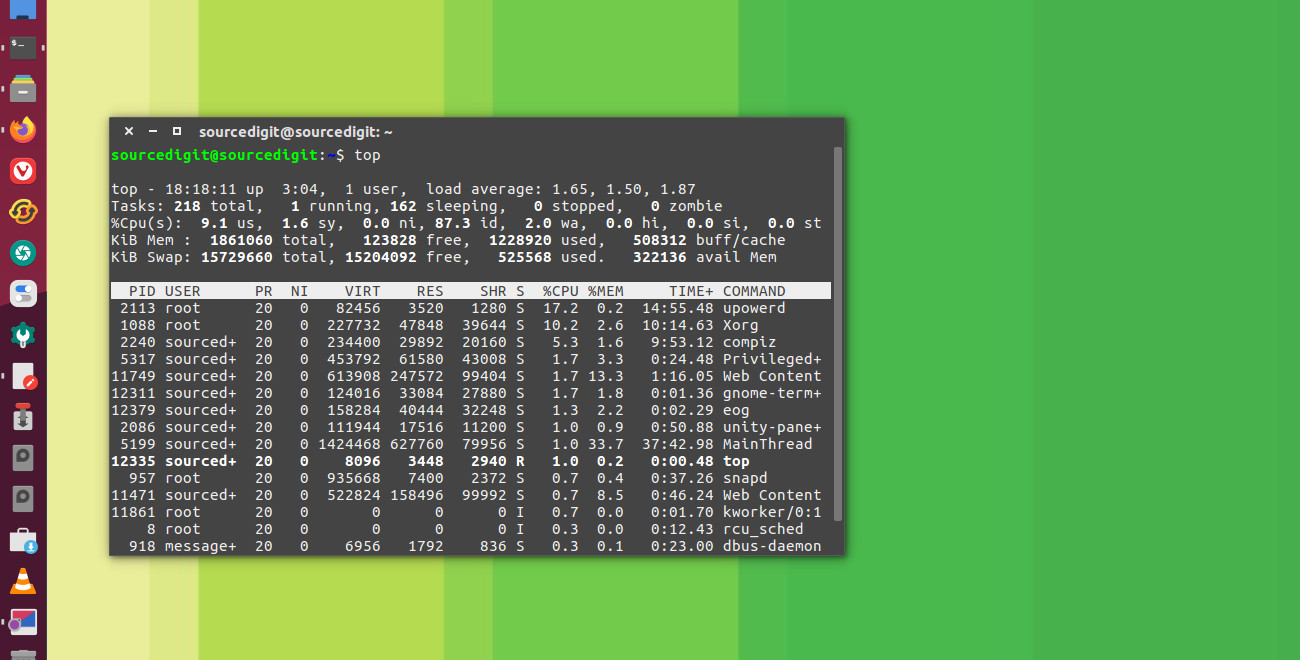
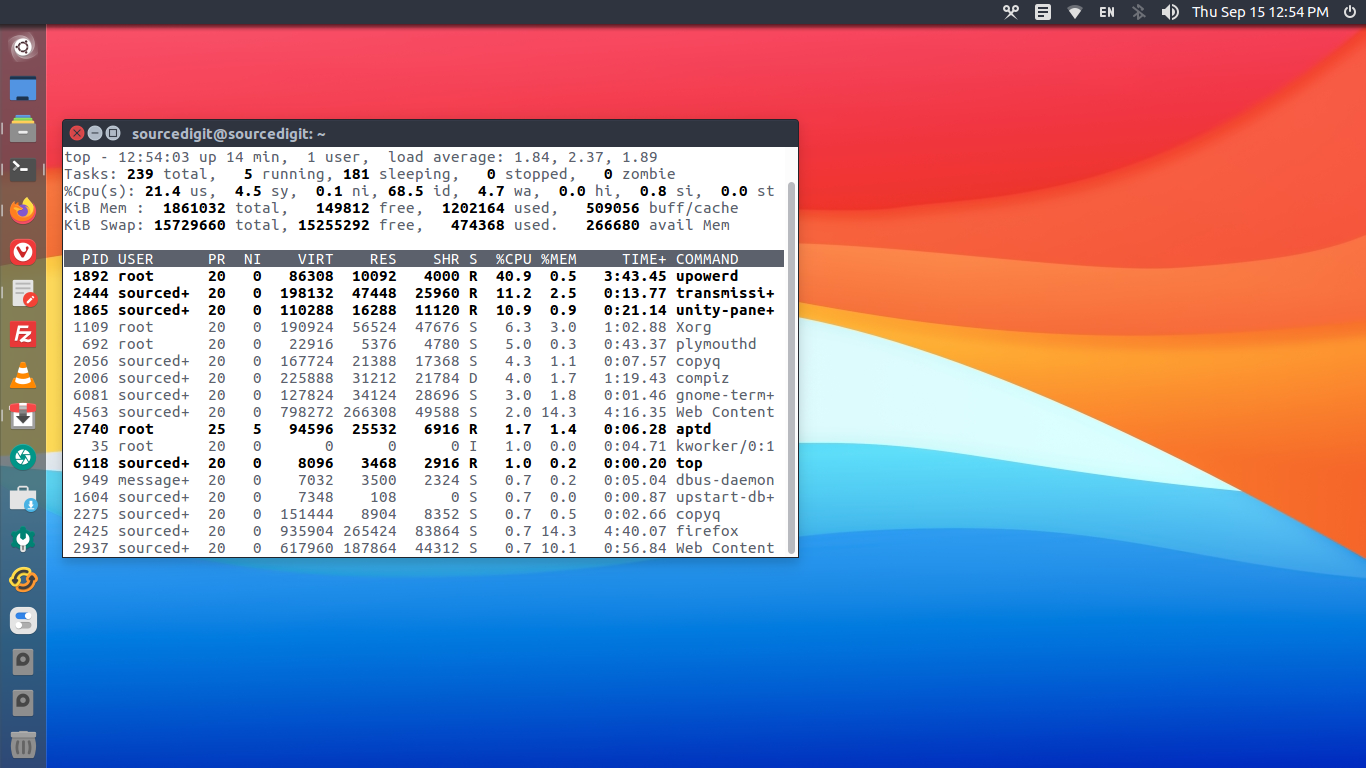
Ubuntu users can also use top command to check memory and cpu usage per process. It reports total memory usage and also total RAM usage by the processes.
The top program provides a dynamic real-time view of a running system. It can display system summary information as well as a list of processes or threads currently being managed by the Linux kernel.
The types of system summary information shown and the types, order and size of information displayed for processes are all user configurable and that configuration can be made persistent across restarts.
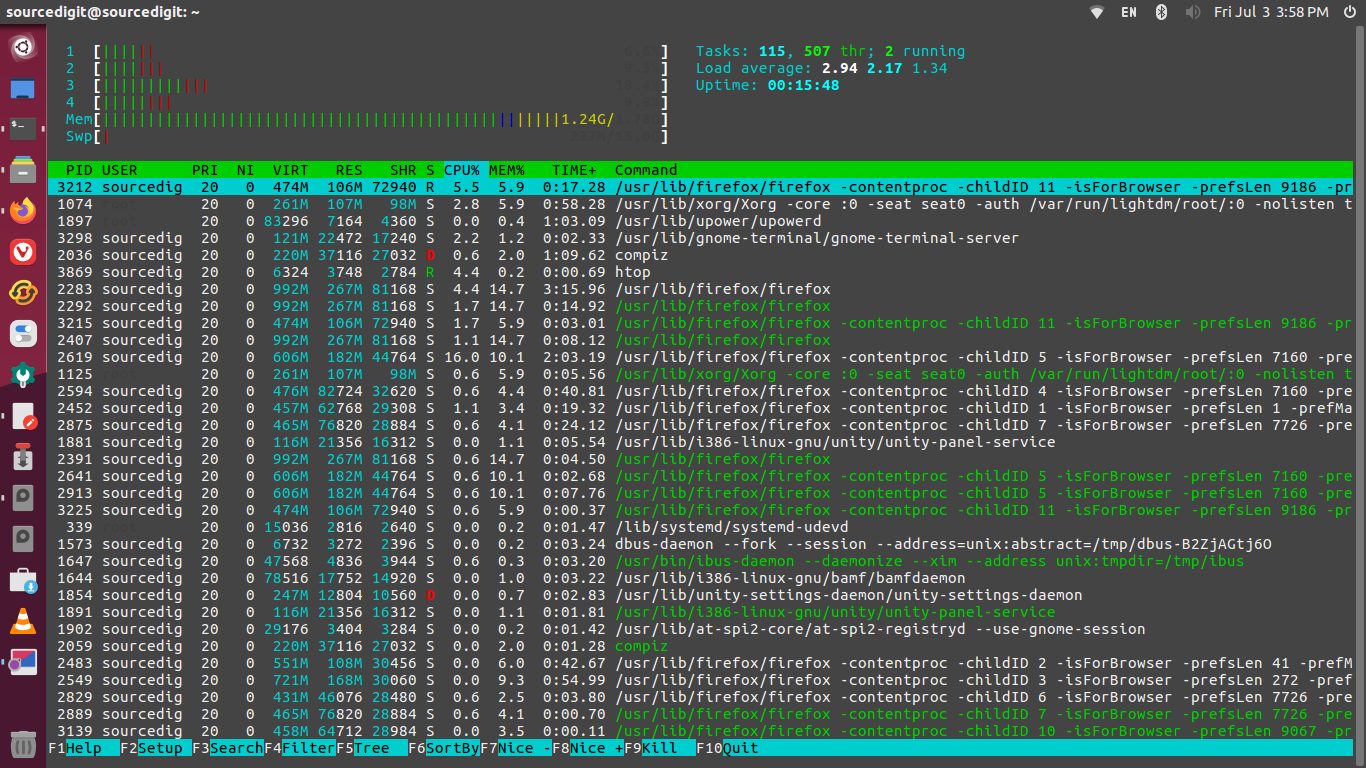
You can also use the htop command to display memory usage – the header on top shows cpu usage along with RAM and swap usage.