
Ubuntu 23.04 is now available to download. Users can Download Ubuntu 23.04 iso Download Ubuntu 23.04 arm64.
Ubuntu 23.04 (Lunar Lobster) brings new installer, active directory login and gaming performance enhance Ubuntu desktop for work and play. Ubuntu 23.04 includes GNOME 44 and Kernel 6.2 release and Mesa 23.0 graphics drivers.
“This Ubuntu milestone release demonstrates our progress in raising the bar for the enterprise developer desktops, thanks to our best-in-class Linux integration with Active Directory Domain Services and now Azure Active Directory”, said Mark Shuttleworth, CEO of Canonical. “Our expanded investment in Ubuntu gaming means your downtime is just as satisfying”.
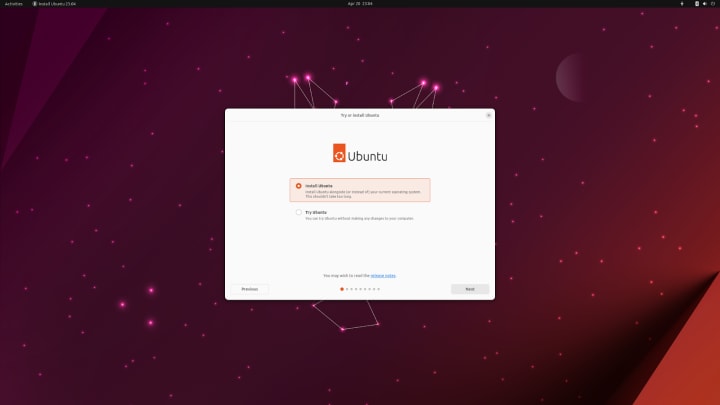
Click on the links below to download Ubuntu 23.04:
Download Ubuntu 23.04
Desktop image – 64-bit PC (AMD64) desktop image
The desktop image allows you to try Ubuntu without changing your computer at all, and at your option to install it permanently later. This type of image is what most people will want to use. You will need at least 1024MiB of RAM to install from this image.
Choose this if you have a computer based on the AMD64 or EM64T architecture (e.g., Athlon64, Opteron, EM64T Xeon, Core 2).
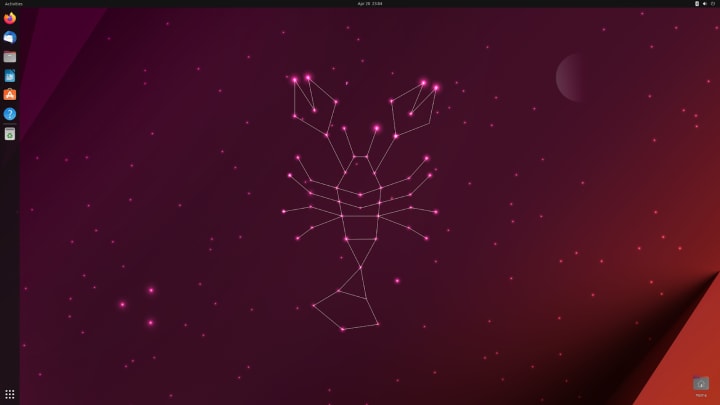
BitTorrent Files & ISO – Ubuntu 23.04
ubuntu-23.04-desktop-amd64.iso
ubuntu-23.04-desktop-amd64.iso.torrent
ubuntu-23.04-live-server-amd64.iso
ubuntu-23.04-live-server-amd64.iso.torrent