
How to install PeaZip Archive Manager in Ubuntu Linux. PeaZip free file archiver utility that can open and extract RAR TAR ZIP files on Linux.
PeaZip is a free file archiver utility and rar extractor for Linux, macOS, and Windows, which works with 200+ archive types and variants (7z, ace, arc, bz2, cab, gz, iso, paq, pea, rar, tar, wim, zip, zipx…), handles spanned archives (001, r01, z01…), supports multiple archive encryption standards, file hashing, exports tasks as console scripts.
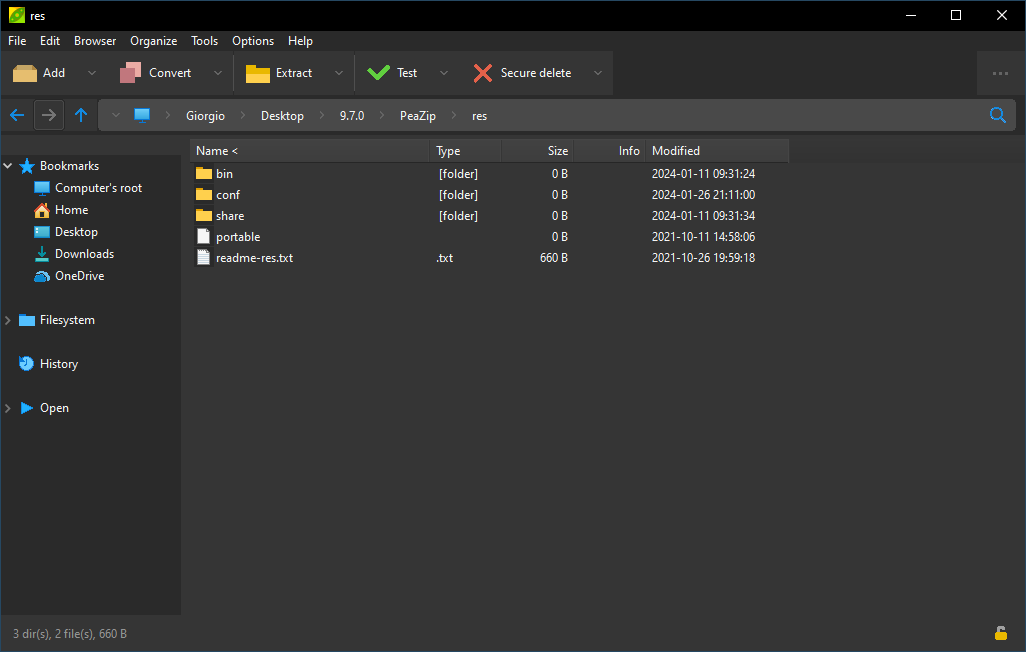
Main features of PeaZip
- Open Source, released under LGPLv3 license which allows to easily integrate it in any licensing environment
- Cross-platform and cross-architecture, same full featured GUI application on Linux, macOS, and Windows, providing full featured file manager and archive manager on all platforms, also available as portable application
- Supports over 200 archive formats, ranging from very powerful compressors like 7Z and ZPAQ, to extremely fast compressors like Brotli and Zstandard, with option to easily convert archives
- Supports strong encryption, optionally two factor authentication and authenticated encryption
- Can easily export tasks defined in the GUI as command line scripts
Install PeaZip in Linux Ubuntu
Visit the Official website to download the PeaZip application for Ubuntu. As soon as you open the website you will see “PeaZip for Linux” option. Click on it to download the PeaZip installer.
Note that for Ubuntu and Linux Systems, you will need to select and download the first option with the name “DEB GTK2”.
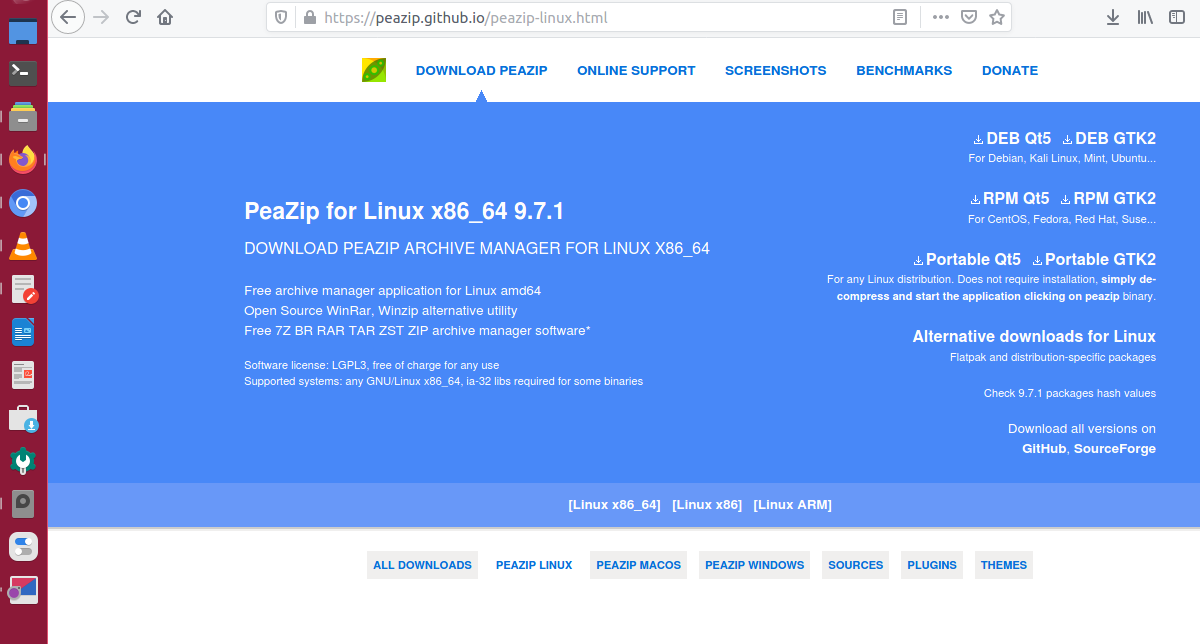
After you have downloaded the DEB package, open terminal and run the following command to install it:
sudo apt install ~/Downloads/peazip*.debYou can also install PeaZip via Flatpak. Simply run the following commands to install PeaZip in Linux Ubuntu Systems:
flatpak install https://dl.flathub.org/repo/appstream/io.github.peazip.PeaZip.flatpakrefOnce installed, you can open the PeaZip application from Menu or terminal. Run the “peazip” command to open it from terminal.