
Install Telegram for Linux Desktop and Ubuntu Systems. How to Install Telegram 0.9.10 (Desktop Messaging App) on Linux Ubuntu 15.10, Ubuntu 14.04, via PPA. Telegram Desktop messaging app is the official Telegram client for Linux Ubuntu Systems. Telegram is a messaging app with a focus on speed and security.
How is Telegram different from WhatsApp?
Unlike WhatsApp, Telegram is a cloud-based messenger and as a result, anyone can access Telegram messages from several devices at once, including tablets and computers. Users can share an unlimited number of photos, videos and files (doc, zip, mp3, etc) of up to 1,5 GB each. Telegram uses multi-data center infrastructure and encryption, Telegram is also faster and way more secure. On top of that, Telegram is free – no ads, no subscription fees, forever.
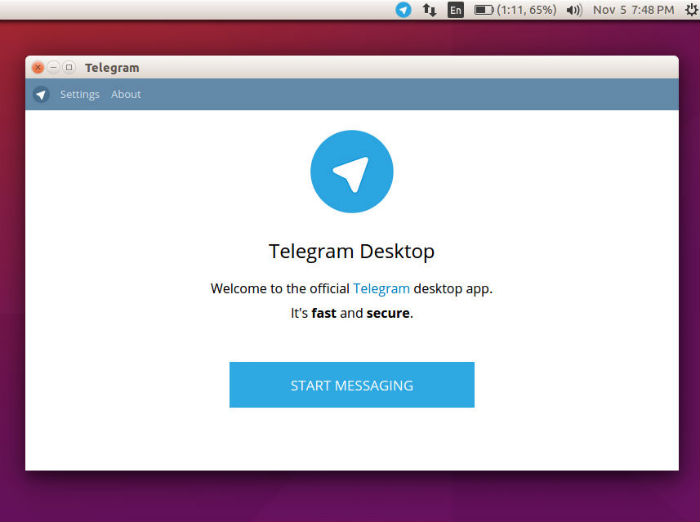
Telegram v 0.9.10 stable 04.11.15
- New shared audio files section
- New design for popup menus
- Add captions to any photos you send
- Surround text with `single backticks` for inline monowidth code and “`triple backticks“` for blocks of code
- The Tilde symbol is now displayed correctly
Notable features released in the previous version of Telegram app:
- New popup menus in text input fields
- Error is displayed when trying to paste or drop a folder instead of a file
- Tilde symbol fixed in message input field
- Add a caption to any photo you send
- Bad sound quality bug fixed
- Bold and Italic text display from bots supported
- Send code without text and emoji replaces using `such syntax` for inline parts and “`such syntax“` for blocks of code
- Improved speed
- Some bugfixes and improvements
Install Telegram On Ubuntu 15.10, Ubuntu 15.04 & Ubuntu 14.04

Run the following commands to install Telegram on Ubuntu 15.10, Ubuntu 15.04, Ubuntu 14.04 and Derivatives:
$ sudo add-apt-repository ppa:atareao/telegram

$ sudo apt-get update

$ sudo apt-get install telegram
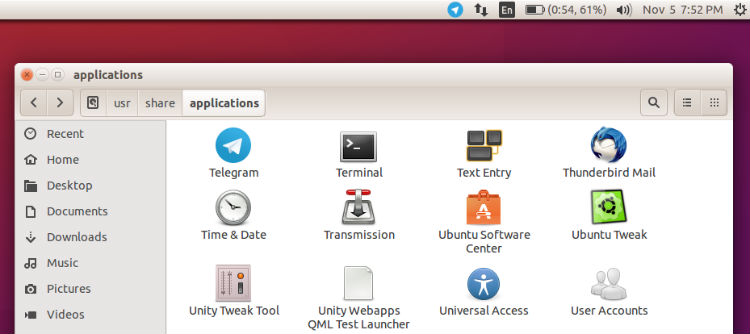
Once installed, you can start Telegram Destkop app via Ubuntu Dash or Terminal (type telegram and press enter).If you cannot find the app, go to /Usr/Share/Applications and search for Telegram. Click on it to open (right click and select opne).
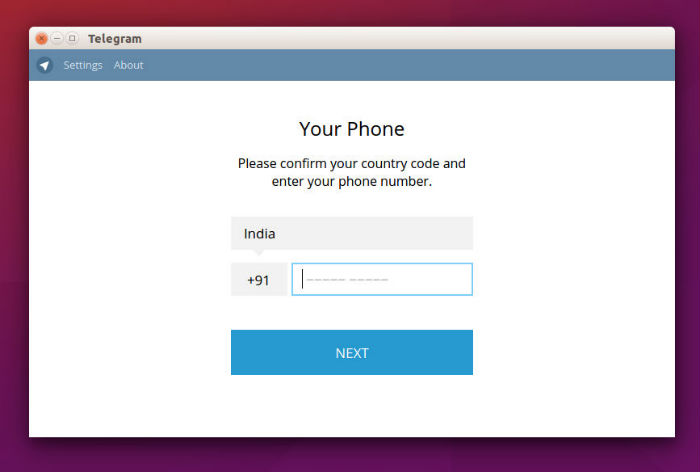
Please note that when you use the Telegram Desktop app for the first time, you will need to confirm the app via SMS code.
If you wish to uninstall and remove the Telegram Client, run the command given below:
$ sudo apt-get remove telegram