
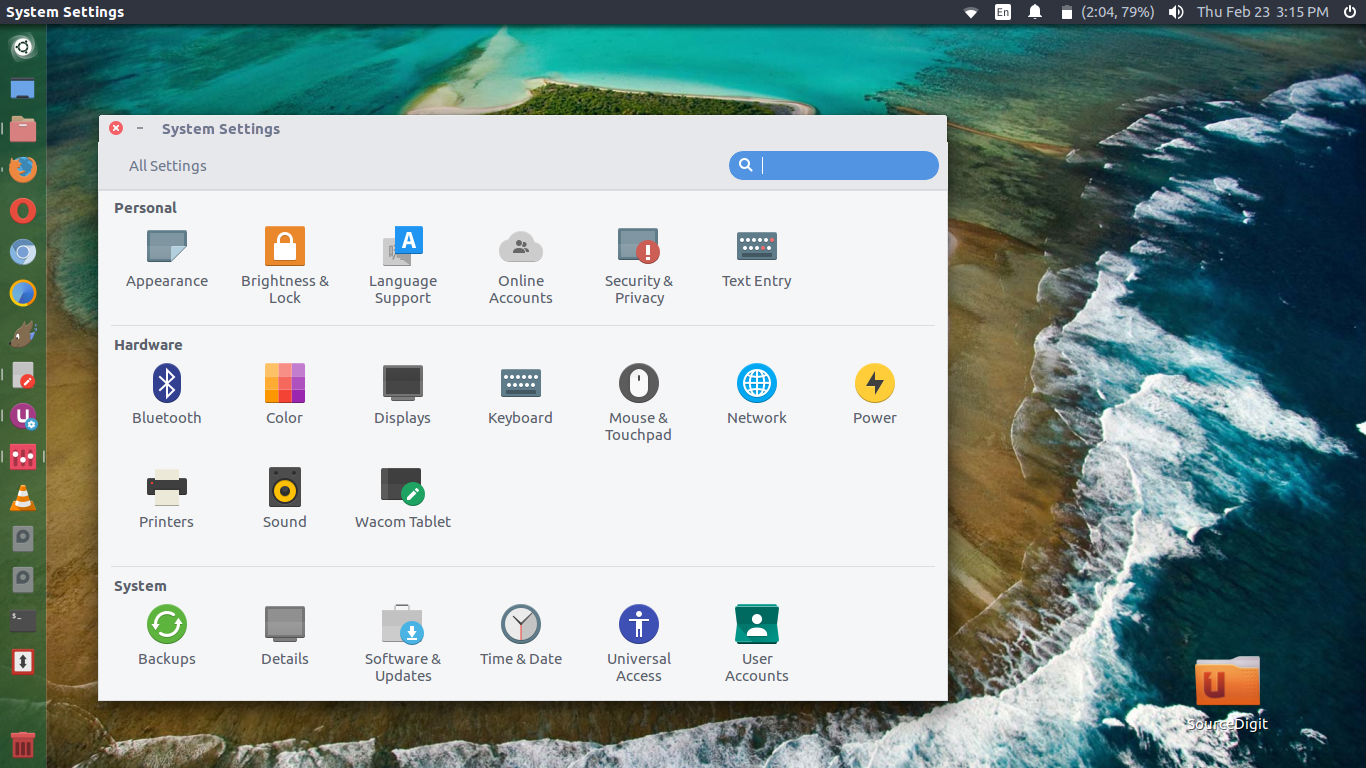
Install Papirus Icon Theme on Ubuntu Linux. Papirus Icon Theme is one of the best Ubuntu Icon Themes – 2019. It comes with the top icon packs for Ubuntu Linux Systems. Use Papirus icons to change the looks of your Ubuntu desktop – make it more beautiful.
Papirus Icon is derived from Sam Hewitt’s Paper Icon Theme. The icon theme is designed to work with Unity, GNOME, Cinnamon and other GTK+ based desktop environments. A version for KDE users is also available.
Papirus icon theme is available in four variants:
- Papirus
- Papirus Dark
- Papirus Light
- ePapirus (for elementary OS and Pantheon Desktop)
Install Papirus Icon Theme – Using Installer Script
Run the following commands in Terminal to install Papirus Icon Theme on Ubuntu:
sudo apt-get update

wget -qO- https://raw.githubusercontent.com/PapirusDevelopmentTeam/papirus-icon-theme/master/install.sh | sh
Install Papirus Icon Theme – Using PPA
Run the following commands in Terminal to install Papirus Icon Theme on Ubuntu:
sudo apt-get update

sudo add-apt-repository ppa:papirus/papirus

sudo apt-get update

sudo apt-get install papirus-icon-theme
Install Papirus – Debian and Derivatives
Debian users also can install Papirus from our PPA, but the commands will differ:
sudo apt-get update

sudo sh -c "echo 'deb http://ppa.launchpad.net/papirus/papirus/ubuntu bionic main' > /etc/apt/sources.list.d/papirus-ppa.list"

sudo apt-get install dirmngr

sudo apt-key adv --recv-keys --keyserver keyserver.ubuntu.com E58A9D36647CAE7F

sudo apt-get update

sudo apt-get install papirus-icon-theme
Uninstalling Papirus Icon Theme – Installer
Run the following commands in terminal to uninstall Papirus Icon Theme { if installed via Installer Script }
sudo apt-get update

wget -qO- https://raw.githubusercontent.com/PapirusDevelopmentTeam/papirus-icon-theme/master/install.sh | sh
Uninstalling Papirus Icon Theme – PPA
Run the following commands in terminal to uninstall Papirus Icon Theme { if installed via PPA }
sudo apt-get update

sudo apt-get remove papirus-icon-theme