
Install Atom Text Editor 1.38.1 on Ubuntu Linux. Atom Text Editor v1.38.1 (2019-06-13). The latest version has fixed a crash when using Tree Sitter grammars on versions on macOS versions before 10.12 and has fixed a regression in JSON syntax highlighting that applied hyperlink styling to non-hyperlinks atom/language-json#76
Atom
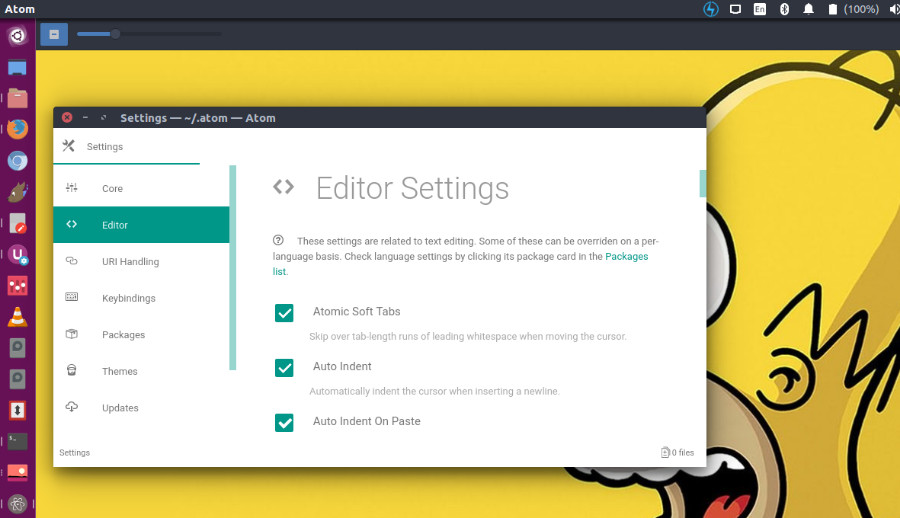
Atom is a desktop application built with HTML, JavaScript, CSS, and Node.js integration. It runs on Electron, a framework for building cross platform apps using web technologies.
Features of Atom:
- Cross-platform editing – Atom works across operating systems. You can use it on OS X, Windows, or Linux.
- Built-in package manager – Search for and install new packages or start creating your own—all from within Atom.
- Smart autocompletion – Atom helps you write code faster with a smart, flexible autocomplete.
- File system browser – Easily browse and open a single file, a whole project, or multiple projects in one window.
- Multiple panes – Split your Atom interface into multiple panes to compare and edit code across files.
- Find and replace – Find, preview, and replace text as you type in a file or across all your projects.
Atom Text Editor v1.38.1 (2019-06-13)
- Fixed a crash when using Tree Sitter grammars on versions on macOS versions before 10.12. (#19497)
- Fixed a regression in JSON syntax highlighting that applied hyperlink styling to non-hyperlinks atom/language-json#76
- Fixed a crash when using Tree Sitter grammars on versions on macOS versions before 10.12. (https://github.com/atom/atom/issues/19497)
- Fixed a regression in JSON syntax highlighting that applied hyperlink styling to non-hyperlinks https://github.com/atom/language-json/pull/76
Download Atom Text Editor on Linux
Download .deb
Download .rpm
Install Atom
PPA for Atom text editor is now available for both 32bit and 64bit Systems. Run the following commands in terminal to install Atom text editor on Ubuntu Linux Systems:
 $ sudo add-apt-repository ppa:webupd8team/atom
 $ sudo apt-get update
 $ sudo apt-get install atom
Atom is only available for 64-bit Linux system
- Install dependencies (on Ubuntu):
sudo apt install git gconf2 gconf-service libgtk2.0-0 libudev1 libgcrypt20 libnotify4 libxtst6 libnss3 python gvfs-bin xdg-utils libcap2 - Download
atom-amd64.tar.gzfrom the Atom releases page. - Run
tar xf atom-amd64.tar.gzin the directory where you want to extract the Atom folder. - Launch Atom using the installed
atomcommand from the newly extracted directory.
The Linux version does not currently automatically update so you will need to repeat these steps to upgrade to future releases.