
How to install LiVES Video Editor 3 on Linux Ubuntu. LiVES is a popular Video Editor for Ubuntu Linux Systems. LiVES VJ and Video Editing system is an Open Source video editor *and* a VJ tool.
LiVES is a Video Editing System. It is designed to be simple to use, yet powerful. It is small in size, yet it has many advanced features. LiVES mixes realtime video performance and non-linear editing in one professional quality application.
It will let you start editing and making video right away, without having to worry about formats, frame sizes, or framerates. It is a very flexible tool which is used by both professional VJ’s and video editors – mix and switch clips from the keyboard, use dozens of realtime effects, trim and edit your clips in the clip editor, and bring them together using the multitrack timeline. You can even record your performance in real time, and then edit it further or render it straight away.
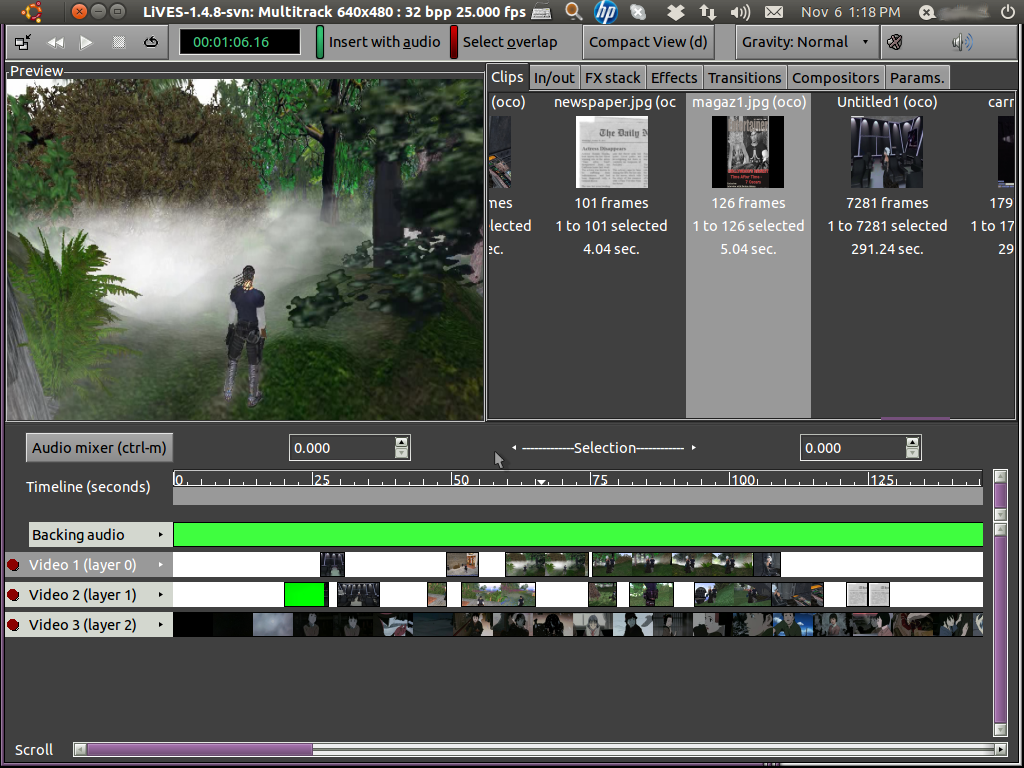
For the more technically minded, the application is frame and sample accurate, and it can be controlled remotely or scripted for use as a video server. And it supports all of the latest free standards.
LiVES is good enough to be used as a VJ tool for professional performances, and as a video editor is capable of creating dazzling clips in a huge variety of formats.
Install LiVES Video Editor 3
Run the following commands in terminal to install LiVES Video Editor 3 on Linux Ubuntu Systems:
sudo apt-get upgrade

sudo apt-get update

sudo add-apt-repository ppa:ubuntuhandbook1/lives

sudo apt-get update

sudo apt-get install lives lives-plugins
If you wish to uninstall and remove LiVES Video Editor 3 from Linux Ubuntu Systems, run the following commands:
sudo apt-get remove --autoremove lives lives-plugins

sudo apt-get update