
Install Papirus Icon Theme on Ubuntu Linux. Papirus Icon Theme is one of the best Ubuntu Icon Theme. It comes with the top icon packs for Ubuntu Linux Systems. Use Papirus icons to change the looks of your Ubuntu desktop – make it more beautiful.
Papirus Icon is derived from Sam Hewitt’s Paper Icon Theme. The icon theme is designed to work with Unity, GNOME, Cinnamon and other GTK+ based desktop environments. A version for KDE users is also available.
Papirus icon theme is available in four variants:
- Papirus
- Papirus Dark
- Papirus Light
- ePapirus (for elementary OS and Pantheon Desktop)
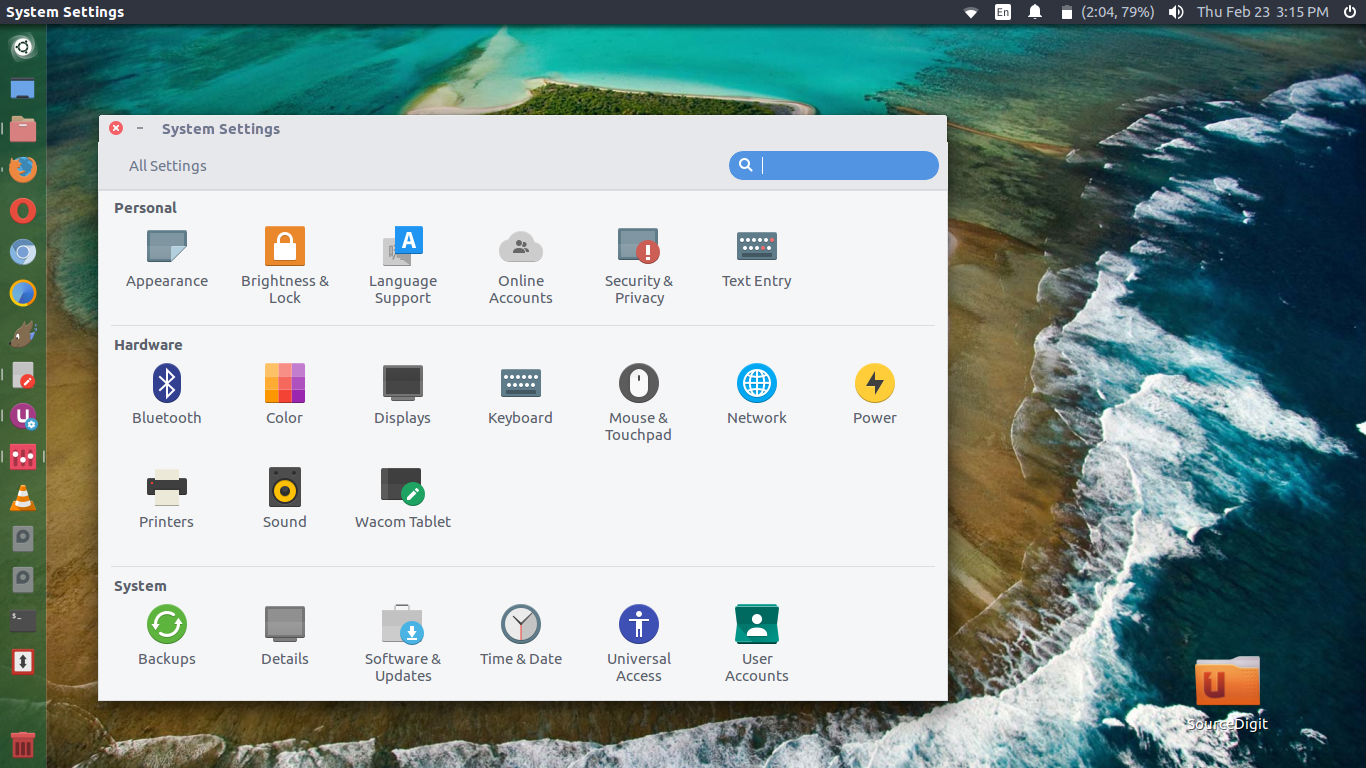
Install Papirus Icon Theme – Using Installer Script
Run the following commands in Terminal to install Papirus Icon Theme on Ubuntu:
sudo apt-get update
wget -qO- https://raw.githubusercontent.com/PapirusDevelopmentTeam/papirus-icon-theme/master/install.sh | sh
Install Papirus Icon Theme – Using PPA
Run the following commands in Terminal to install Papirus Icon Theme on Ubuntu:
sudo apt-get update
sudo add-apt-repository ppa:papirus/papirus
sudo apt-get update
sudo apt-get install papirus-icon-theme
Install Papirus – Debian and Derivatives
Debian users also can install Papirus from our PPA, but the commands will differ:
sudo apt-get update
sudo sh -c "echo 'deb http://ppa.launchpad.net/papirus/papirus/ubuntu bionic main' > /etc/apt/sources.list.d/papirus-ppa.list"
sudo apt-get install dirmngr
sudo apt-key adv --recv-keys --keyserver keyserver.ubuntu.com E58A9D36647CAE7F
sudo apt-get update
sudo apt-get install papirus-icon-theme
Uninstalling Papirus Icon Theme – Installer
Run the following commands in terminal to uninstall Papirus Icon Theme { if installed via Installer Script }
sudo apt-get update
wget -qO- https://raw.githubusercontent.com/PapirusDevelopmentTeam/papirus-icon-theme/master/install.sh | sh
Uninstalling Papirus Icon Theme – PPA
Run the following commands in terminal to uninstall Papirus Icon Theme { if installed via PPA }
sudo apt-get update
sudo apt-get remove papirus-icon-theme