
Install Foliate eBook Reader 2.2 in Ubuntu. Terminal commands to install Foliate eBook Reader 2.2.0 via PPA in Ubuntu
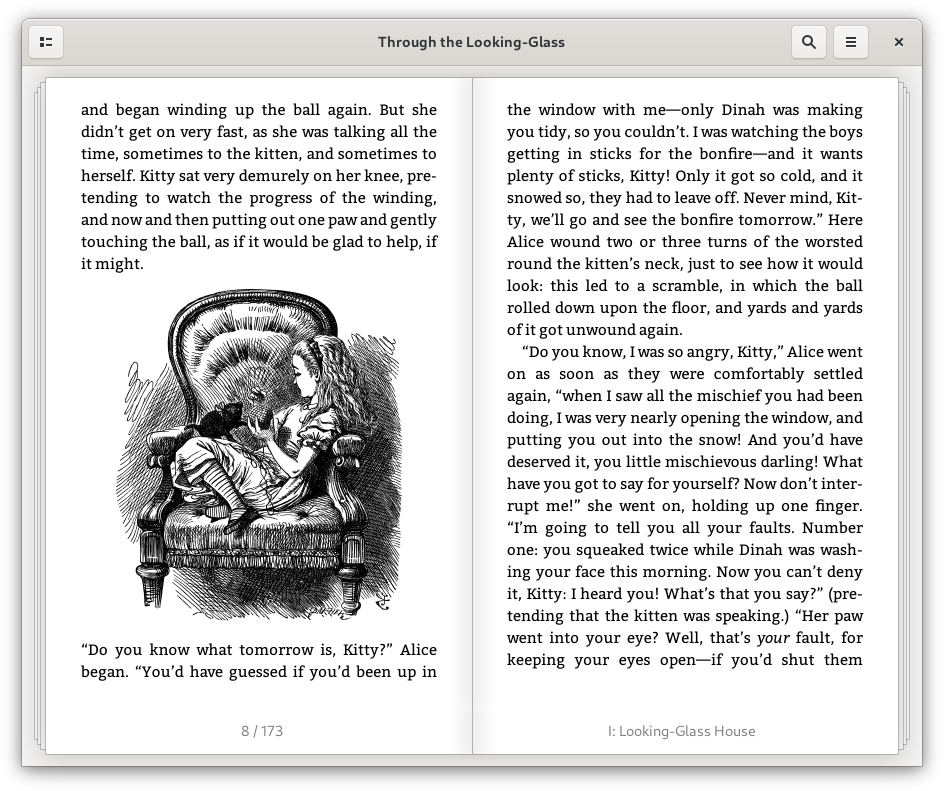
Foliate ebook reader for Linux Ubuntu is a simple and modern GTK eBook reader. It can be used to view .epub, .mobi, .azw, and .azw3 files in two-page view or scrolled view, with quick dictionary lookup with Wiktionary, Wikipedia, and dictd, or translate text with Google Translate.
Features
- View .epub, .mobi, .azw, and .azw3 files. Foliate is based on Epub.js, and supports both two-page view and scrolled view. Customize font and line-spacing. Choose between light, sepia, dark, and invert mode, or add your own custom themes
- Easy navigation. View the table of contents, or use the find in book feature. Reading progress slider with chapter marks makes it easy to find your way through the book. Open the location popover (Ctrl + L) to see reading time estimates.
- Quick dictionary lookup. Foliate uses metadata included in the eBook to determine which language to lookup. This feature is powered by Wiktionary, the free dictionary. Folate also supports Wikipedia lookup and Google Translate, as well as offline dictionaries via dictd.
- Add bookmarks, highlights, and notes. Foliate stores your reading progress, bookmarks, and annotations in your XDG data directory as plain JSON files, so you can export or sync them easily.
Foliate – Download & Install
Debian/Ubuntu packages can be downloaded from the releases page.
Install Foliate via PPA
sudo apt update sudo apt upgrade sudo add-apt-repository ppa:apandada1/foliate sudo apt update sudo apt install foliate
Once installed, open foliate from Ubuntu Dash.