
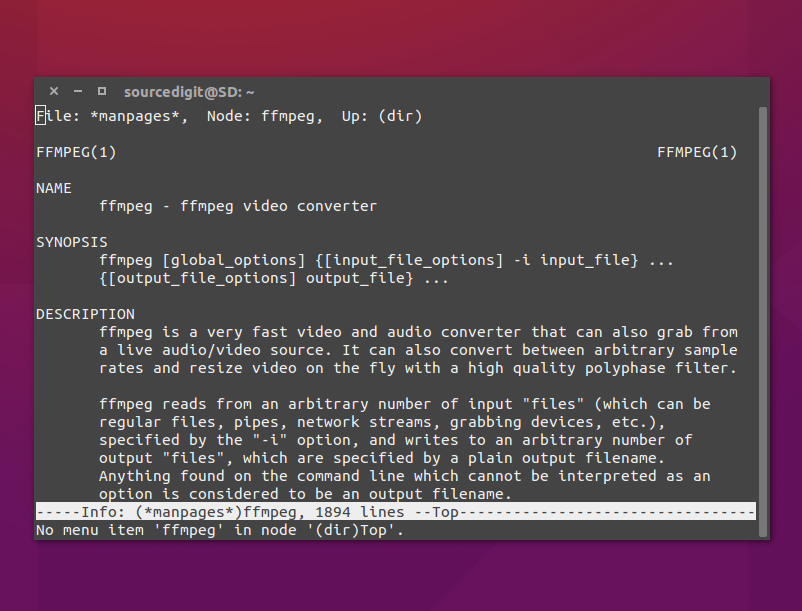
How to install ffmpeg 4.3 in Ubuntu via PPA. ffmpeg is a video and audio converter for Linux Ubuntu that can also grab from a live audio/video source. It can also convert between arbitrary sample rates and resize video on the fly with a high quality polyphase filter.
ffmpeg is the leading multimedia framework, able to decode, encode, transcode, mux, demux, stream, filter and play pretty much anything that humans and machines have created. It supports the most obscure ancient formats up to the cutting edge.
It contains libavcodec, libavutil, libavformat, libavfilter, libavdevice, libswscale and libswresample which can be used by applications. As well as ffmpeg, ffplay and ffprobe which can be used by end users for transcoding and playing.
FFmpeg
FFmpeg is a collection of libraries and tools to process multimedia content such as audio, video, subtitles and related metadata.
Libraries
libavcodecprovides implementation of a wider range of codecs.libavformatimplements streaming protocols, container formats and basic I/O access.libavutilincludes hashers, decompressors and miscellaneous utility functions.libavfilterprovides a mean to alter decoded Audio and Video through chain of filters.libavdeviceprovides an abstraction to access capture and playback devices.libswresampleimplements audio mixing and resampling routines.libswscaleimplements color conversion and scaling routines.
Tools
- ffmpeg is a command line toolbox to manipulate, convert and stream multimedia content.
- ffplay is a minimalistic multimedia player.
- ffprobe is a simple analysis tool to inspect multimedia content.
- Additional small tools such as
aviocat,ismindexandqt-faststart.
Installing ffmpeg
Run the following commands in terminal to install FFmpeg 4.3 in Ubuntu via PPA:
sudo apt-get updatesudo apt-get upgradesudo add-apt-repository ppa:jonathonf/ffmpeg-4sudo apt-get updatesudo apt install ffmpeg
Once installed, run the command ffmpeg -version to check the version of the ffmpeg installed.
Using ffmpeg
Using ffmpeg is very easy. For example to convert a video file from mp4 to webm format:
ffmpeg -i input.mp4 output.webm
And to convert an audio file from mp3 to ogg file:
ffmpeg -i input.mp3 output.ogg
For more help, you can visit the official FFmpeg Documentation page.