
Install the latest release of Audacious, the best music player for Linux Ubuntu 2023. Audacious is a lightweight open source music player for Linux Ubuntu with great features.
Audacious is a free advanced audio player for Linux Ubuntu and many other UNIX-compatible systems. It focuses on low resource usage, high audio quality, and support for a wide range of audio formats.
Install Audacious Latest Stable Release
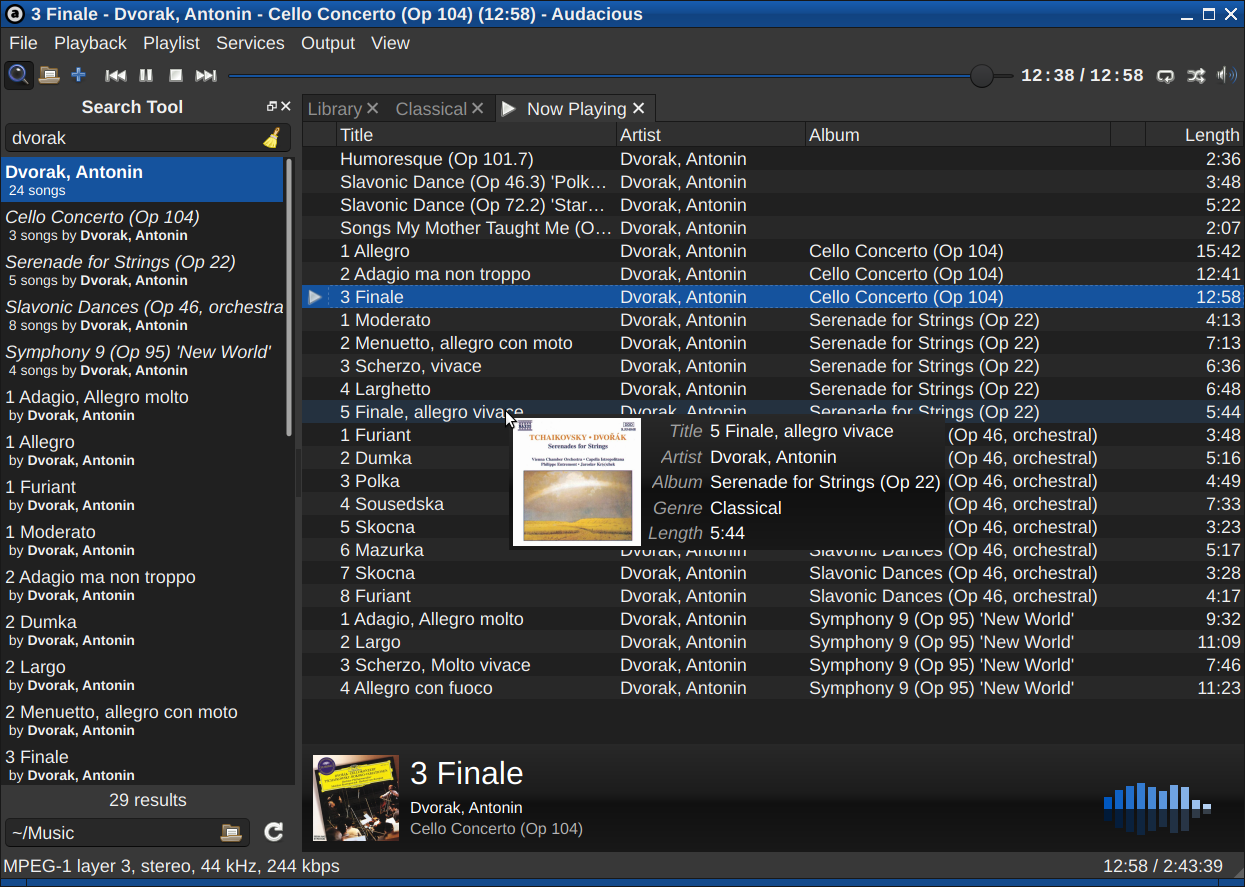
Run the following commands in terminal to install Audacious Music Player 4.2 via Ubuntu PPA:
sudo add-apt-repository ppa:ubuntuhandbook1/appssudo apt updatesudo apt install audacious audacious-plugins
Packages in this PPA: audacious, ap-hotspot, awn-applet-radio, awn-applet-wm, calise, cmus, dockbarx, dockbarx-themes-extra, dropbox-share, emerald, exaile, fbmessenger, gnome-subtitles, gnome-window-applets, grsync, grive, gthumb, launchpad-getkeys, mc, mdm (Mint Display Manager), minitunes, minitube, musique, notifyosdconfig, nautilus-columns, powertop, ppa-purge, rosa-media-player, fixed pulseaudio-equalizer, subtitleeditor, syncwall, umplayer, unity-reboot, wimlib, youtube-dl, xfce4-dockbarx-plugin, xournal, yad, yarock and others. Almost all packages are updated to their latest version.
If you wish to uninstall Audacious and remove it from your system, run:
sudo apt remove --autoremove audacious audacious-pluginssudo add-apt-repository --remove ppa:ubuntuhandbook1/apps
Current stable release: 4.3 (March 5, 2023)
- audacious-4.3.tar.bz2 (600 KB)
- audacious-plugins-4.3.tar.bz2 (1.9 MB)
Note that the “audacious” package needs to be installed before “audacious-plugins”. Users should download the current stable release.