
• Skip to primary navigation
  • Skip to main content
  • Skip to primary sidebar
Source Digit

Source Digit

Linux, Ubuntu Tutorials & News, Technology, Gadgets & Gizmos

  • Home
  • How To
  • Ubuntu
  • Instagram
  • Blogging
  • Android
  • WordPress
  • +More
    • Cloud Computing
    • Gadgets
    • Social Media
    • Technology
  • Write for Us
Home / Archives for Cherrytree Note Taking App Ubuntu

Cherrytree Note Taking App Ubuntu

How To Install CherryTree Text Editor In Ubuntu 16.04

How to install the latest CherryTree Text Editor in Ubuntu 16.04. CherryTree 0.37.1 has been released and is available via PPA for Ubuntu Derivatives systems. CherryTree is a hierarchical note taking application, featuring rich text and syntax highlighting, storing data in a single xml or sqlite file. The application supports rich text, syntax highlighting, image […]

Install Cherrytree Note Taking Application in Ubuntu 15.04 & Ubuntu 14.04

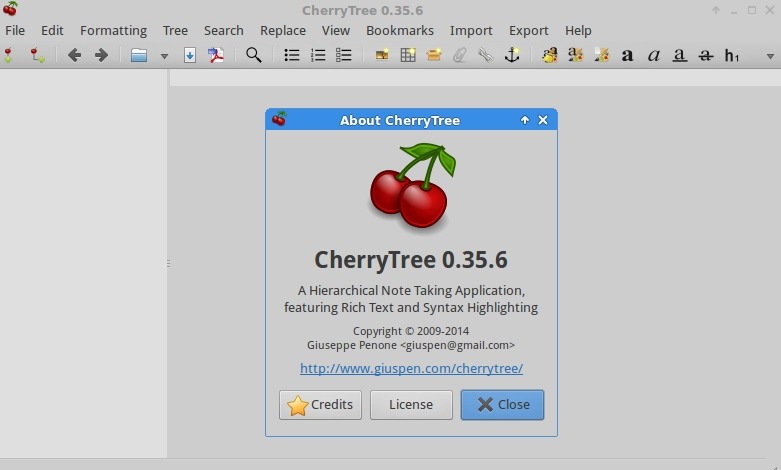
Cherrytree 0.35.11 text editor for Linux Ubuntu Systems. Install Cherrytree note taking application in Ubuntu 15.04, Ubuntu 14.04 and Derivatives. Cherrytree is a hierarchical note taking application, featuring rich text and syntax highlighting, storing data in a single xml or sqlite file. Cherrytree is written by Giuseppe Penone (aka giuspen). Some of the most useful […]

Primary Sidebar

Latest Posts

Downlaod Ubuntu 26.10 Stonking Stingray

How To Shutdown Linux With A 15 Minute Delay And Message

Using Linux Terminal How To Get Total Disk Size In GB

Count And Find Number Of Files In A Linux Directory Using Command

Check How Many Users Are Created In Linux Ubuntu

How To Check User Permissions In Linux Using Command

Check Which Folder Is Taking More Space In Ubuntu Linux

How to Install Claude Desktop App in Ubuntu Linux

Job Scheduling Using At Command In Linux With Examples

How To Check Permissions Of A Directory In Linux Command

© 2026 Source Digit • Linux, Ubuntu Tutorials & News, Technology, Gadgets & Gizmos

  • Home
  • About
  • Privacy Policy
  • Terms & Conditions
  • Contact Us
  • Sitemap