
• Skip to primary navigation
  • Skip to main content
  • Skip to primary sidebar
Source Digit

Source Digit

Linux, Ubuntu Tutorials & News, Technology, Gadgets & Gizmos

  • Home
  • How To
  • Ubuntu
  • Instagram
  • Blogging
  • Android
  • WordPress
  • +More
    • Cloud Computing
    • Gadgets
    • Social Media
    • Technology
  • Write for Us
Home / Archives for Install Adobe Flash Player on Ubuntu

Install Adobe Flash Player on Ubuntu

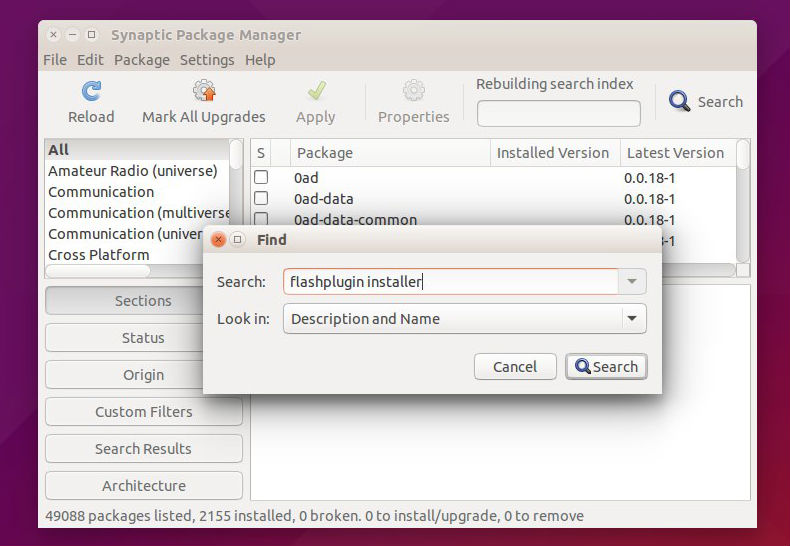
How To Install Adobe Flash Player on Linux Ubuntu 15.04, Ubuntu 14.04 & Ubuntu 14.10

How to install Adobe Flash Player on Linux Ubuntu 15.04, Ubuntu 14.04 and Ubuntu 14.10. Install and update Flash Player on Ubuntu for Chrome and Firefox web browser. We will also see how to known is Flash Player installed correctly on Ubuntu. Adobe Flash Player is the standard for delivering high-impact, rich Web content. Designs, […]

Install Flash Player For Firefox On Ubuntu 15.10 (Directly From Adobe)
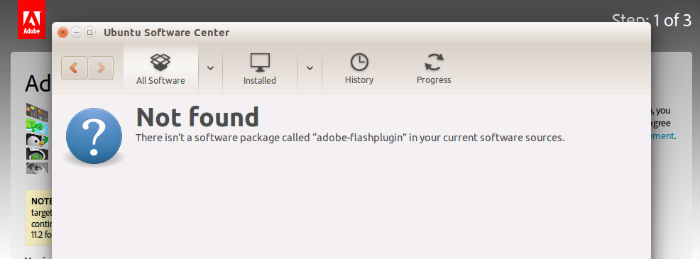
Install Flash Player directly from Adobe on Ubuntu 15.10, Ubuntu 14.04 and Derivatives. Download and install Adobe Flash Player for Firefox in Ubuntu, via Command Line. Install Adobe Flash Player for Linux 32-Bit Firefox, directly from Adobe. What to do when Flash installation through Ubuntu Software Center fails? Here’s how to install Adobe Flash Player […]

Primary Sidebar

Latest Posts

Using Linux Terminal How To Get Total Disk Size In GB

Count And Find Number Of Files In A Linux Directory Using Command

Check How Many Users Are Created In Linux Ubuntu

How To Check User Permissions In Linux Using Command

Check Which Folder Is Taking More Space In Ubuntu Linux

How to Install Claude Desktop App in Ubuntu Linux

Job Scheduling Using At Command In Linux With Examples

How To Check Permissions Of A Directory In Linux Command

Delete Directory And Contents Recursively Without Prompt On Linux

Check User Login History In Ubuntu Linux Command Line

© 2026 Source Digit • Linux, Ubuntu Tutorials & News, Technology, Gadgets & Gizmos

  • Home
  • About
  • Privacy Policy
  • Terms & Conditions
  • Contact Us
  • Sitemap