

• Skip to primary navigation
  • Skip to main content
  • Skip to primary sidebar
Source Digit

Source Digit

Linux, Ubuntu Tutorials & News, Technology, Gadgets & Gizmos

  • Home
  • How To
  • Ubuntu
  • Instagram
  • Blogging
  • Android
  • WordPress
  • +More
    • Cloud Computing
    • Gadgets
    • Social Media
    • Technology
  • Write for Us
Home / Archives for Linux Ubuntu Pinta 1.6 Photo Editing Software

Linux Ubuntu Pinta 1.6 Photo Editing Software

Install MS Paint Like Bitmap Image Drawing/Editing Software on Ubuntu 14.10/14.04

Install Pinta 1.6, a drawing and image editing software in Ubuntu 15.04/14.04/14.10 or Linux Mint Systems. Here’s how to install Pinta, MS Paint like Software for Linux Ubuntu Systems. The latest version, Pinta 1.6 brings a completely redesigned UI, image dialog box and editing tools. It also resolves over 50 bug fixes and other improvements. […]

Install Pinta 1.6 Drawing/Image Editing Software in Ubuntu 14.04/14.10 or Linux Mint
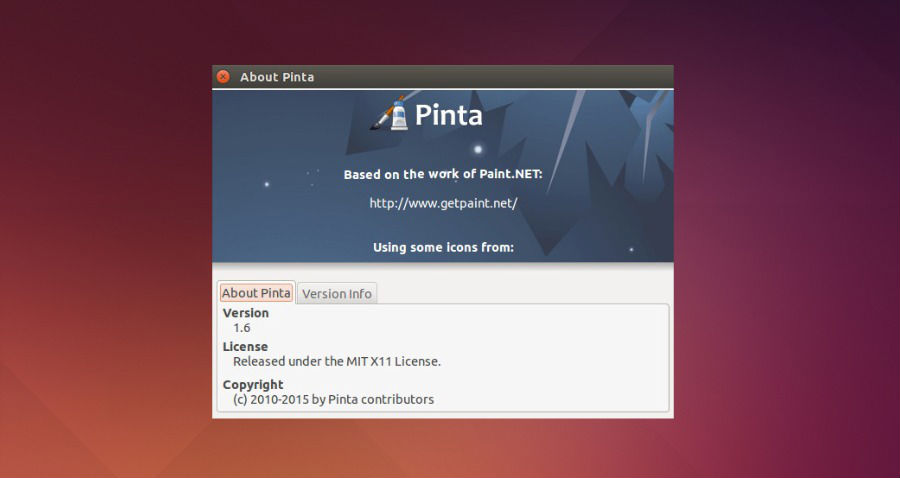
How to Install Pinta 1.6, MS-Paint like software on Ubuntu 14.04/14.10 or Linux Mint. Pinta is a cross-platform image editing and drawing program based on Paint.NET for Linux Ubuntu. The latest version, Pinta 1.6 brings a completely redesigned UI, image dialog box and editing tools. It also resolves over 50 bug fixes and other improvements. […]

Primary Sidebar

Latest Posts

Free AI Courses With Certificate For Beginners In India

Best AI Plugins For WordPress To Use In 2026

3 Commands To Check USB Connection In Linux Terminal

Linux Terminal Commands for Beginners With Examples

How To Password Protect A Folder In Linux Command Line

Best Download Managers for Ubuntu Linux (2026 Edition)

5 Best Free Keyword Research Tools for Bloggers in 2026

How To Check Linux 32 or 64-Bit Command Line

How To Delete And Remove Repository In Ubuntu Terminal

Fix Unexpected Inconsistency By Running Fsck Manually From Initramfs

© 2026 Source Digit • Linux, Ubuntu Tutorials & News, Technology, Gadgets & Gizmos

  • Home
  • About
  • Privacy Policy
  • Terms & Conditions
  • Contact Us
  • Sitemap