
• Skip to primary navigation
  • Skip to main content
  • Skip to primary sidebar
Source Digit

Source Digit

Linux, Ubuntu Tutorials & News, Technology, Gadgets & Gizmos

  • Home
  • How To
  • Ubuntu
  • Instagram
  • Blogging
  • Android
  • WordPress
  • +More
    • Cloud Computing
    • Gadgets
    • Social Media
    • Technology
  • Write for Us
Home / Archives for Ubuntu Sublime Text 3

Ubuntu Sublime Text 3

Install Sublime Text 3 On Ubuntu Using Terminal

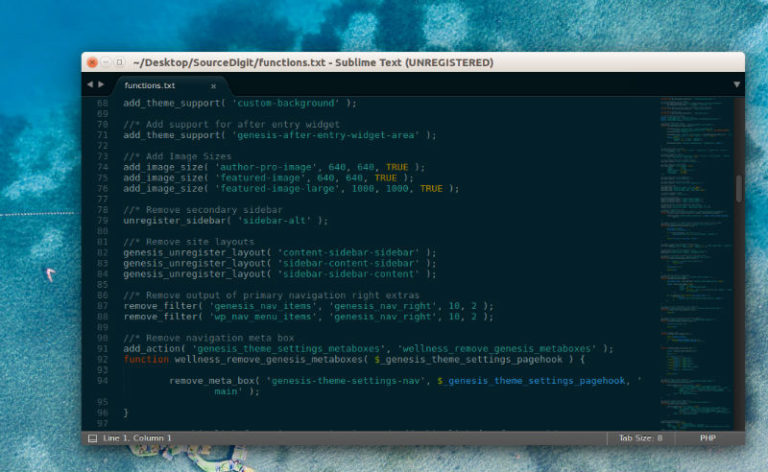
Install Sublime Text 3 Ubuntu using Terminal. Sublime Text Editor 3 brings a refreshed UI theme, new color schemes, and a new icon. Some of the other highlights are big syntax highlighting improvements, touch input support on Windows, Touch Bar support on macOS, and apt/yum/pacman repositories for Linux. Sublime Text 3 Features Refreshed UI theme, […]

Install Sublime Text 3 on Ubuntu Using Terminal
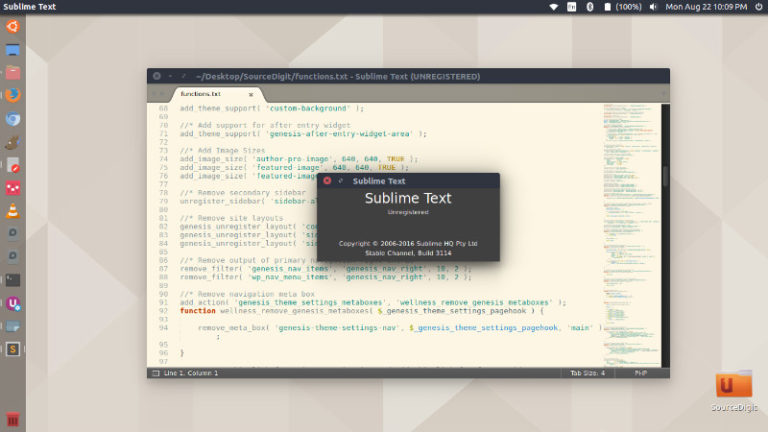
How to install sublime text 3 on Ubuntu using terminal commands. Sublime Text editor is known for its slick user interface, extraordinary features and amazing performance. It comes with split editing and distraction free mode. And above all it comes with multiple selections feature where users can make ten changes at the same time, not […]

Install Sublime Text Editor On Ubuntu 16.10 & Ubuntu 16.04

Install Sublime text editor on Ubuntu 16.10 and Ubuntu 16.04. Sublime Text 3 for Ubuntu is a sophisticated text editor for code, markup and prose. Sublime Text Editor allows for richer syntax highlighting and better performance. It also features a custom regex engine that significantly speeds up file loading and indexing. General Features Sublime Text […]

Primary Sidebar

Latest Posts

Delete Directory And Contents Recursively Without Prompt On Linux

Check User Login History In Ubuntu Linux Command Line

Use Locate Command To Find File In Linux Terminal By Name

How To Change Terminal Color In Ubuntu Command Line

How To Run Fsck Manually In Linux To Fix Unexpected Inconsistency

How To Fix Broken Packages On Ubuntu From Terminal

Re Execute The Previous Command In Linux Ubuntu Command Line

How Much RAM Is Needed For Ubuntu PC

How To Find Large Files And Directories In Linux Command Line

How To Use Clear Command History In Linux Terminal

© 2026 Source Digit • Linux, Ubuntu Tutorials & News, Technology, Gadgets & Gizmos

  • Home
  • About
  • Privacy Policy
  • Terms & Conditions
  • Contact Us
  • Sitemap