
• Skip to primary navigation
  • Skip to main content
  • Skip to primary sidebar
Source Digit

Source Digit

Linux, Ubuntu Tutorials & News, Technology, Gadgets & Gizmos

  • Home
  • How To
  • Ubuntu
  • Instagram
  • Blogging
  • Android
  • WordPress
  • +More
    • Cloud Computing
    • Gadgets
    • Social Media
    • Technology
  • Write for Us
Home / Archives for Xubuntu Change File Manager

Xubuntu Change File Manager

Set Nemo As The Default File Manager On Ubuntu Linux

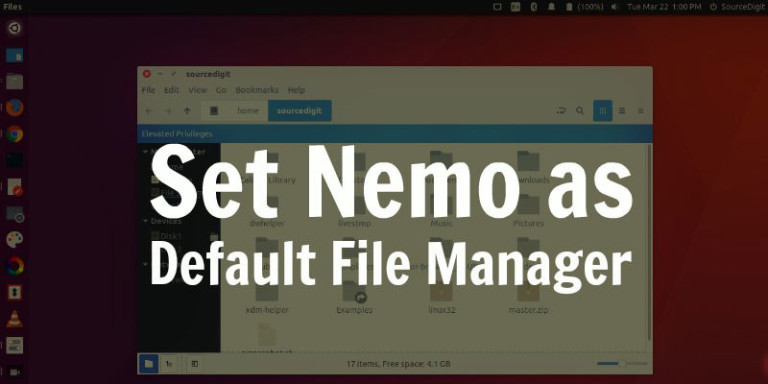
Set Nemo as the default file manager on Ubuntu Linux Systems. On Ubuntu 17.04, make Nemo default file manager. Install Nemo 3.4 without Cinnamon dependencies and with Unity patches in Ubuntu 17.04 and Ubuntu 16.04. Set Nemo As Default File Manager Now comes the important part, to set Nemo as the default file manager for […]

Install Nemo File Manager On Ubuntu via ppa:webupd8team/nemo
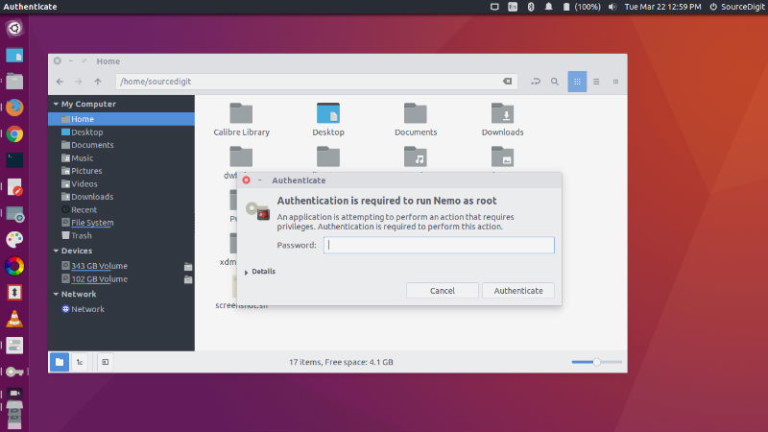
Install Nemo file manager on Ubuntu via ppa:webupd8team/nemo. Update or install the Nemo 3.4 without cinnamon dependencies on Ubuntu 17.04 and other Ubuntu Derivatives. Nemo is the default file browser for Cinnamon which can also be installed on Ubuntu Linux Systems. Nemo is a powerful file manager application for Linux Ubuntu Systems which allows users […]

Primary Sidebar

Latest Posts

How To Check User Permissions In Linux Using Command

Check Which Folder Is Taking More Space In Ubuntu Linux

How to Install Claude Desktop App in Ubuntu Linux

Job Scheduling Using At Command In Linux With Examples

How To Check Permissions Of A Directory In Linux Command

Delete Directory And Contents Recursively Without Prompt On Linux

Check User Login History In Ubuntu Linux Command Line

Use Locate Command To Find File In Linux Terminal By Name

How To Change Terminal Color In Ubuntu Command Line

How To Run Fsck Manually In Linux To Fix Unexpected Inconsistency

© 2026 Source Digit • Linux, Ubuntu Tutorials & News, Technology, Gadgets & Gizmos

  • Home
  • About
  • Privacy Policy
  • Terms & Conditions
  • Contact Us
  • Sitemap