
Calibre 2.65.1 (eBook Management Software). How to install the latest Calibre e book reader on Ubuntu via PPA. Learn how to update Calibre on Ubuntu System. Calibre is an e-book library management application. The application can be used to manage, view, convert, sync and remotely access e-books.
Calibre 2.65.1 has been released with Kobo Aura One and Aura Edition 2 support.
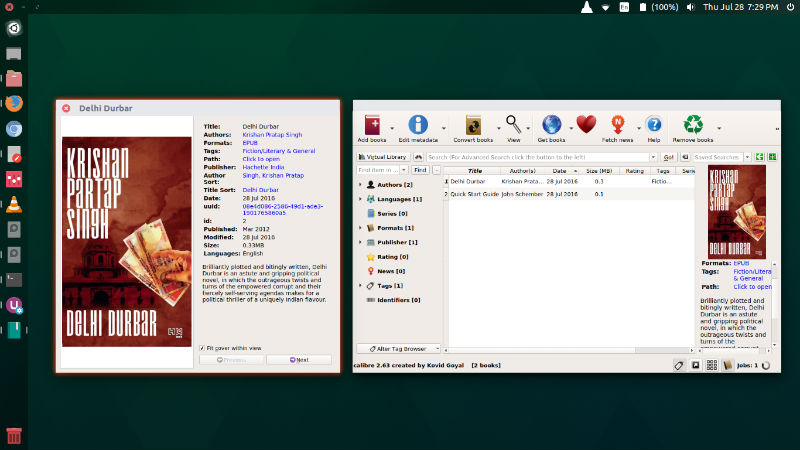
Calibre 2.65.1 changelog
- New Features:
- Driver for Kobo Aura One and Aura Edition 2
- Kobo driver: Add an option to ignore some collections on the device. The specified collections will not be touched by the driver.
- Add an option in Preferences->Searching to make searching case-sensitive
- DOCX Input: Add support for right-to-left text/tables
- Bug Fixes:
- Fix some icons/images in the user interface looking blurred in environments with High DPI scaling enabled, such as OS X retina screens
- DOCX Input: Fix images that have the # character in their filenames not being converted correctly.
- ToC wizard: Fix generating toc from headings/xpath yielding unexpected results when tags are present out of sequence
- Edit Book: Fix drag and drop of text replacing non-breaking spaces with normal spaces
- E-book viewer: Fix duplicate names in hyphenation dictionary chooser.
- Fix a regression in the previous release that caused the completion popups for some custom column types in the book list to stop working.
- Version 2.65.1 contains a quick-fix for a typo in 2.65.0 that caused calibre to crash when a device is connected and the cover grid is enabled
- Improved news sources:
- Le Scienze
- New Yorker
Install Calibre 2.65.1 on Ubuntu
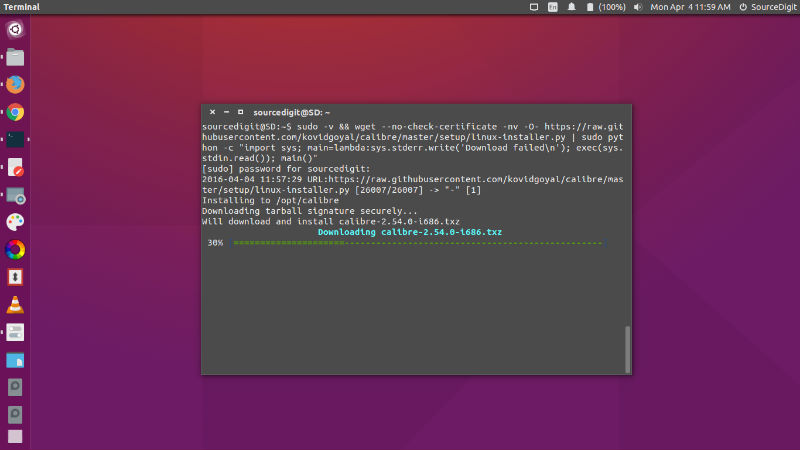
Open Terminal and run the following command to install Calibre 2.65.1 on Ubuntu 16.04, Ubuntu 15.10, Ubuntu 15.04, Ubuntu 14.04 and other Ubuntu Derivatives:
sudo -v && wget -nv -O- https://raw.githubusercontent.com/kovidgoyal/calibre/master/setup/linux-installer.py | sudo python -c "import sys; main=lambda:sys.stderr.write('Download failedn'); exec(sys.stdin.read()); main()"
Once installed, open the Calibre ebook reader from Ubuntu Dash or Terminal.