
KdenLive Video Editor for Ubuntu Linux. Install Kdenlive 16.12.3 Video Editor on Ubuntu 16.10, Ubuntu 16.04 and other Ubuntu Derivatives. Kdenlive, the KDE Non-Linear Video Editor is an open source video editor built on Qt and the KDE Frameworks libraries. Based on the powerful FFmpeg libraries, Kdenlive can use almost any audio and video formats directly without the need to convert or re-encode your clips.
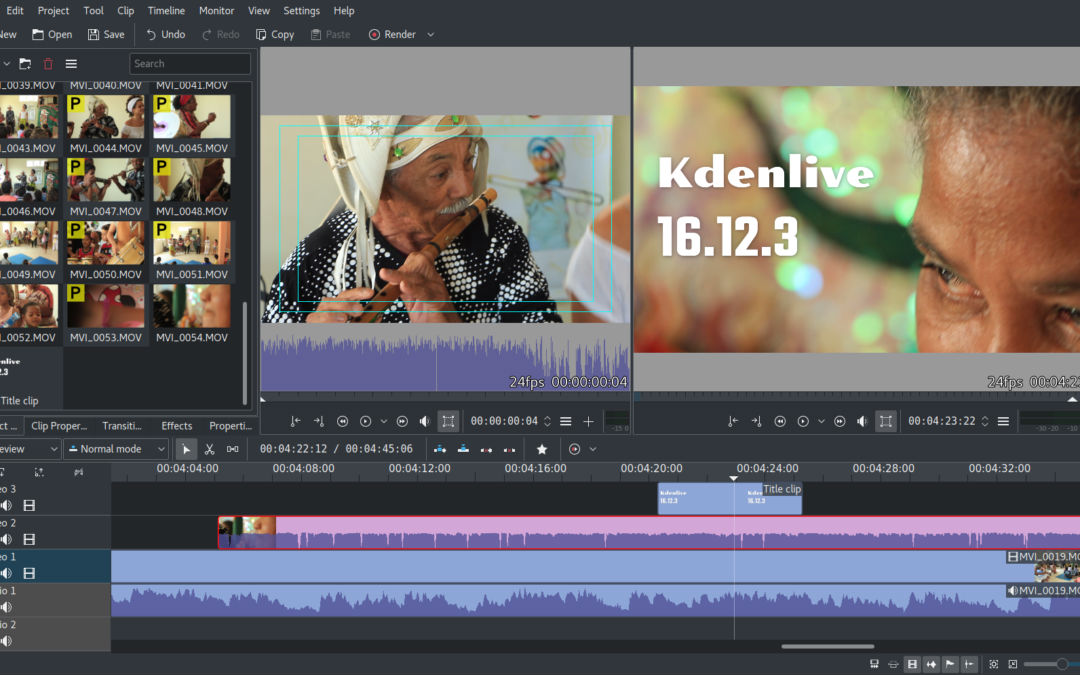
Kdenlive 16.12.3
Kdenlive 16.12.3 is the last release of the 16.12 branch. Kdenlive 16.12.3 brings a few, but important improvements, like fixing a couple of crashes and avoiding a possible corruption as well as a overnight render bug along with other minor stability improvements. All in all 16.12 was a great release and the best is still to come.
Bug fixes:
- Fix crash & corruption on dragging multiple clips in timeline, fix thread warning on monitor refresh. Commit.
- Avoid possible profile corruption with xml producer. Commit. See bug #371189
- Avoid relying on xml to clone a clip. Commit. See bug #377255
- Src/dvdwizard/dvdwizardmenu.cpp: do not show “grid” in output. Commit. Fixes bug #377256
- Src/dvdwizard/dvdwizard.cpp: fix file loading in slotLoad. Commit. Fixes bug #377254
- Fix Render Widget’s file dialog not working correctly. Commit. Fixes bug #371685
- Fix render job duration when past midnight. Commit. Fixes bug #372370
- Fix Bin Effect reset. Commit. Fixes bug #376494
- Fix unnecessary refresh of tools when selecting titler item. Commit.
- Fix fadeouts re-appearing on clip cut+resize. Commit.
Install Kdenlive on Ubuntu
Run the following commands in Terminal to install Kdenlive Video Editor on Ubuntu Linux Systems:
sudo apt update

sudo add-apt-repository ppa:kdenlive/kdenlive-stable

sudo apt update

sudo apt install kdenlive
Once installed, open the Kdenlive video editor from Ubuntu Dash or Terminal.