
Snapcraft 2.12 Snappy creator tool for the Ubuntu Linux. How to install Snapcraft 2.12 (Tool For Creating Snaps) on Ubuntu 16.04. Learn how to install and use Snapcraft for creating Snap packages on Linux Ubuntu Systems.
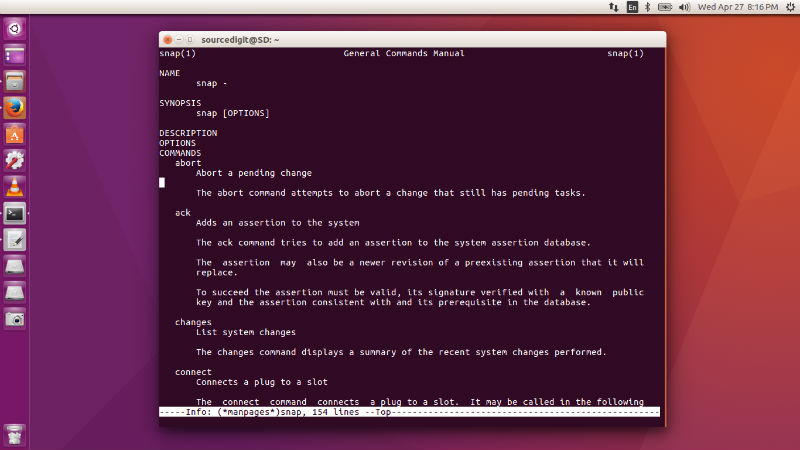
What are Snap packages?
Snap packages enable developers to bring much newer versions of apps to Ubuntu 16.04 LTS. Newer versions of KDE, GNOME, browser or other desktop environment apps will usually build easily on older LTS releases but the complexities of packaging and providing updates have prevented us from delivering them in the past.
A .snap package for the Ubuntu Core system contains all its dependencies. This has a couple of advantages over traditional deb or rpm based dependency handling, the most important being that a developer can always be assured that there are no regressions triggered by changes to the system underneath their app. Snapcraft makes bundling these dependencies easy by allowing you to specify them as “parts” in the snapcraft.yaml file.
- https://insights.ubuntu.com/2016/04/13/snaps-for-classic-ubuntu/
- https://developer.ubuntu.com/en/snappy/build-apps/
Snapcraft 2.12
Snapcraft 2.12 is an exciting release with many new features and improvements. Among the features to highlight:
– New parts ecosystem where remote parts are managed with some new snapcraft commands such as, update, search and define.
– Many improvements to the parts parser backend.
– More store interaction straight from snapcraft, `snapcraft register` is now available to register your snap name.
– Subversion support as a source.
– A gulp plugin
– A qmake plugin
– The possibility of loading from a .snapcraft.yaml (snapcraftyaml) for those wanting to hide this file from their trees.
Among improvements:
– rpath with $ORIGIN is properly taken care of now (no more /home/… paths added).
– Error message improvements across the board.
– cleanbuild now properly creates ephemeral containers.
Install Snapcraft 2.12 On Ubuntu
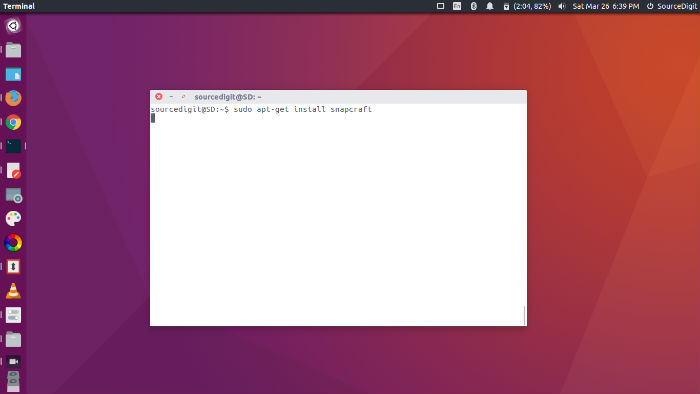
Snapcraft 2.12 can be installed on Ubuntu 16.04 Systems. Run the following commands in Terminal to install Snapcraft 2.12:
sudo apt update

sudo apt install snapcraft
New users must install Snapcraft examples. To install this, run the command given below in the Terminal:
sudo apt install snapcraft-examples

snapcraft --help
After installing this you can find them in /usr/share/doc/snapcraft-examples/examples.