
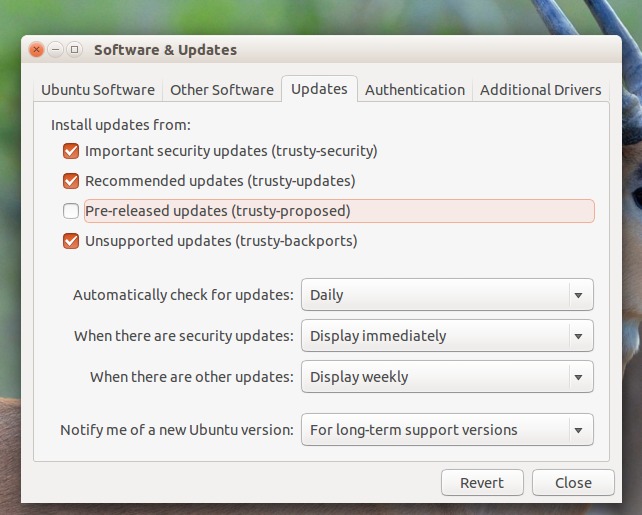
Upgrade to Ubuntu 15.04 beta from Ubuntu 14.10. The Ubuntu 15.04 (Vivid Vervet) Beta 1 is available to download along with Ubuntu MATE as an Official Flavor. Users can download Ubuntu 15.04 Beta alongwith other Ubuntu Flavors – Kubuntu, Lubuntu, Xubuntu, Ubuntu Kylin and Ubuntu GNOME and Ubuntu MATE. The Ubuntu GNOME 15.04 Beta 1 […]
How To
How-to tutorials for Ubuntu, Linux, Android, WordPress, websites and more. Learn about Ubuntu Linux how to solve problems, errors, manage updates, fix issues and add functions & features.
Ubuntu GNOME 15.04 (Vivid Vervet) Beta 1 Available to Download
Ubuntu GNOME 15.04 (Vivid Vervet) Beta 1 released with Ubuntu MATE as an Official Flavor. Users can download Ubuntu 15.04 Beta alongwith other Ubuntu Flavors. The first Ubuntu 15.04 Vivid Vervet beta is now available for download. Ubuntu 15.04 will be released on April 23, 2015. Alongside Ubuntu 15.04 Beta 1 download, users can also […]
How to Install Firefox 37.0 Beta 1 on Ubuntu 14.10/14.04 and Derivatives
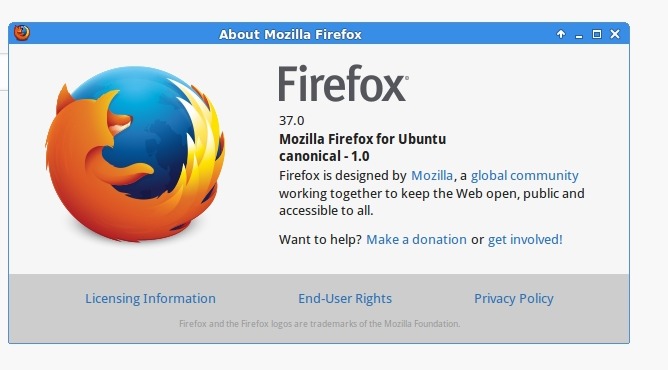
Install Firefox 37.0 Beta 1 in Linux Ubuntu Systems. How to Upgrade to Firefox 37.0 Beta 1 in Ubuntu 14.10, Ubuntu 14.04 and Ubuntu Derivatives. With the Firefox 36 onwards, the Firefox features HTTP/2 protocol support and various improvements and bug-fixes. HTTP/2 enables a faster, more scalable, and more responsive web browsing experience. It also comes […]
How To Install MintUpdate 4.8.1 On Ubuntu 14.10, Ubuntu 14.04 And Derivatives
The MintUpdate 4.8.1 allows the users to update their system. It displays the installed and upgraded package’s changelog and description being updated. Here’s how to install the latest version MintUpdate 4.8.1. Install MintUpdate 4.8.1 On Ubuntu Systems The MintUpdate 4.8.1 can be installed on Ubuntu 15.04, Ubuntu 14.10, Ubuntu 14.04 and Ubuntu Derivatives. Open Terminal […]
How To Install Calibre 2.20 On Linux Ubuntu Systems
How to install Calibre 2.20 on Ubuntu 14.10/14.04 and other Linux Ubuntu Derivatives. Calibre is an open-source book management software for Linux Ubuntu Systems. Calibre comes with many interesting features such as e-book viewer and conversion. It support eBook formats, including: epub, cbz, mobi and fb2. The software is multi-platform and it works on Linux, […]
How to Upgrade to Firefox 36 in Ubuntu 14.10/14.04
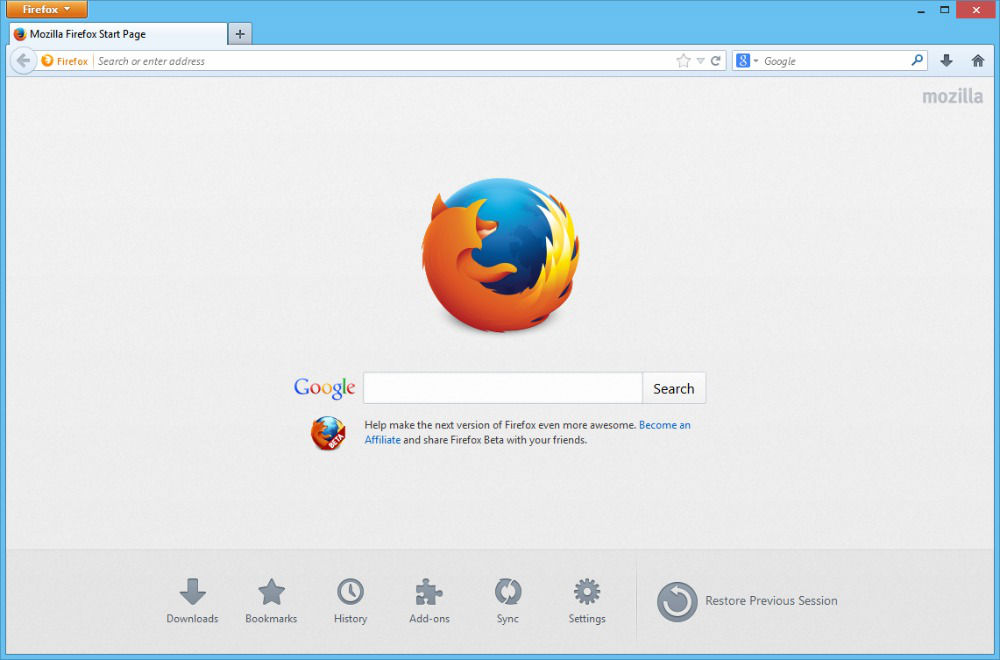
Install Firefox 36 in Linux Ubuntu Systems. How to Upgrade to Firefox 36 in Ubuntu 14.10, Ubuntu 14.04 and Ubuntu Derivatives. The newly released Firefox 36 features HTTP/2 protocol support and various improvements and bug-fixes. HTTP/2 enables a faster, more scalable, and more responsive web browsing experience. It also comes with Pinned tiles on the […]