
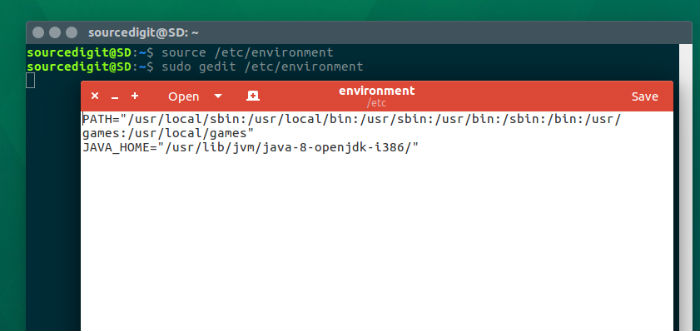
Install Oracle Java 11 on Linux Ubuntu Systems. Java SE Development Kit 11 is a development environment for building applications, and components using the Java programming language. The JDK includes tools useful for developing and testing programs written in the Java programming language and running on the Java platform. Install Oracle Java 11 Run the […]
How To Check Ram In Ubuntu Through Terminal
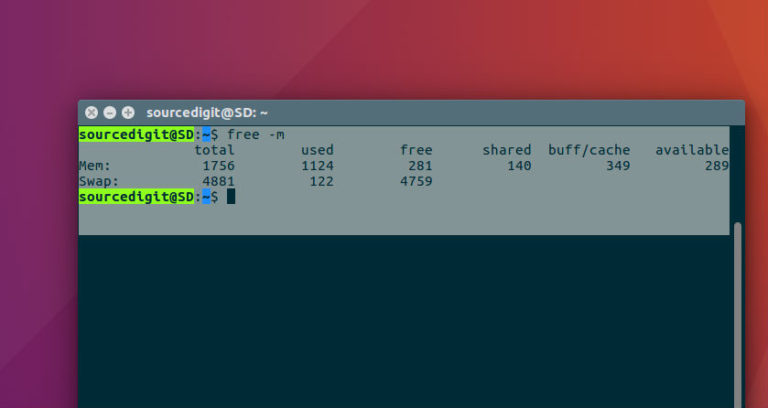
How to check RAM in Ubuntu through terminal. On Ubuntu, check RAM usage via command line. Ubuntu users can also check RAM type using Terminal commands. Random-access memory (RAM) is a form of computer data storage which stores frequently used program instructions to increase the general speed of a system. A random-access memory device allows […]
How To Ubuntu: Clean Apt-Get Cache & Old Kernel Images
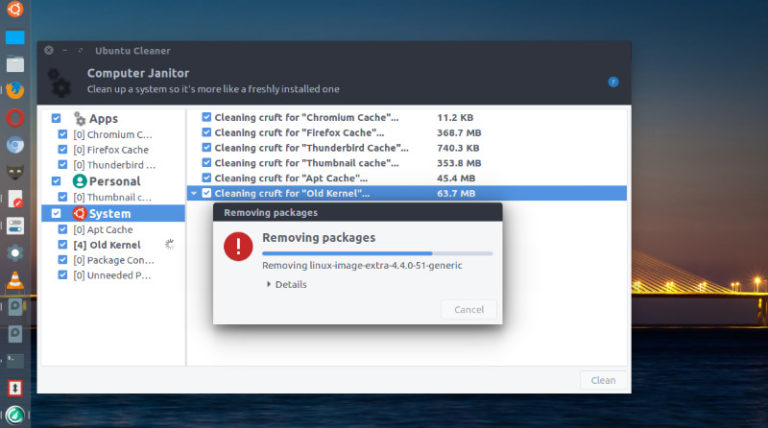
Install Ubuntu Cleaner. On Ubuntu, how to clean Apt-Get Cache or easily cleanup disk space on Ubuntu Systems. Users can also cleanup old Kernel images on Linux Ubuntu Systems using Ubuntu Cleaner application. Ubuntu Cleaner is a tool for Ubuntu that makes it easy to configure your system and desktop settings. It can be used […]
Darktable 2.6 Released – Install Darktable 2.6 In Linux Ubuntu
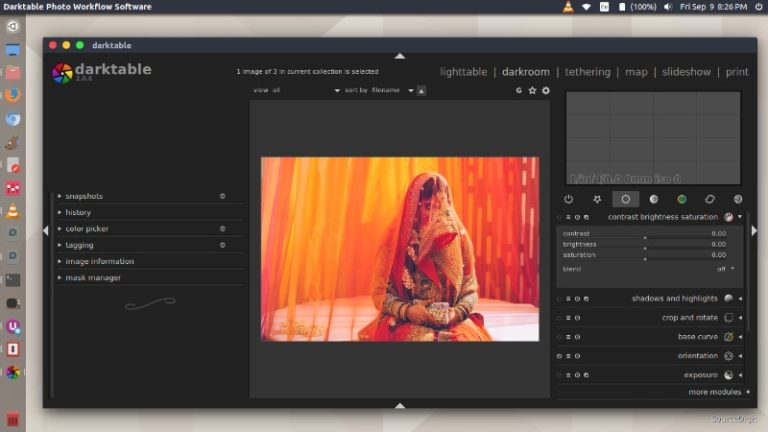
Darktable 2.6 released – Install Darktable 2.6 in Linux Ubuntu Systems. Darktable 2.6 brings over 1600 commits to darktable+rawspeed since 2.4, 260+ pull requests handled and 250+ issues closed. Very soon it will have an updated user manual too. Darktable is an open source photography workflow application and raw developer. A virtual lighttable and darkroom […]
Kernel 4.20 Released – Install Linux Kernel 4.20 In Ubuntu
Linux Kernel 4.20 released. How to install Linux Kernel 4.20 in Ubuntu and Linux Mint Systems. Linux Kernel 4.20 brings file systems improvements, drivers updates, and many other fixes. Announcing the release of Kernel 4.20, Linus Torvals write {https://lkml.org/lkml/2018/12/23/187}: “Let’s face it, last week wasn’t quite as quiet as I would have hoped for, but […]
How To List USB Devices On Ubuntu – Find USB Device Name On Linux Ubuntu
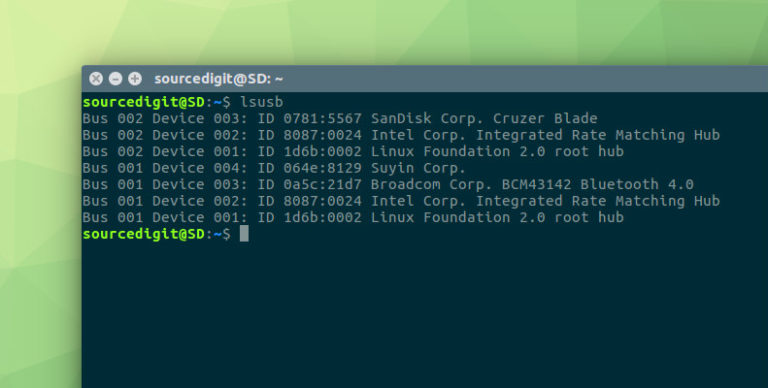
How to get device name of USB device on Ubuntu? Command to list USB devices in Ubuntu or on Linux, find USB Device name. This post describes how to find the /dev name of my USB device. By default, when a storage devices is plugged into the system, it mount automatically in the /media/ directory. […]